G ETTING STARTED
Sending Files to Your Computer
11
. . . . .
NEO 1 and NEO 2
User Manual
8. If you don’t want to keep the file on your NEO, press clear file, then press
Y for yes. (You don’t have to clear the file if you want to keep it.)
9. If you want to send another file to the computer, you can switch files on
the NEO. Press a and the file # key for that file at the same time. When
the file is open, press send to send it.
10. When you’ve finished sending files, disconnect the NEO from your
computer.
You can also use AlphaSmart Manager to send text to your computer when
connected by USB cable. See “Working with AlphaSmart Manager” on
page 81 for more information.
Sending Files Using Infrared (IR) Beaming
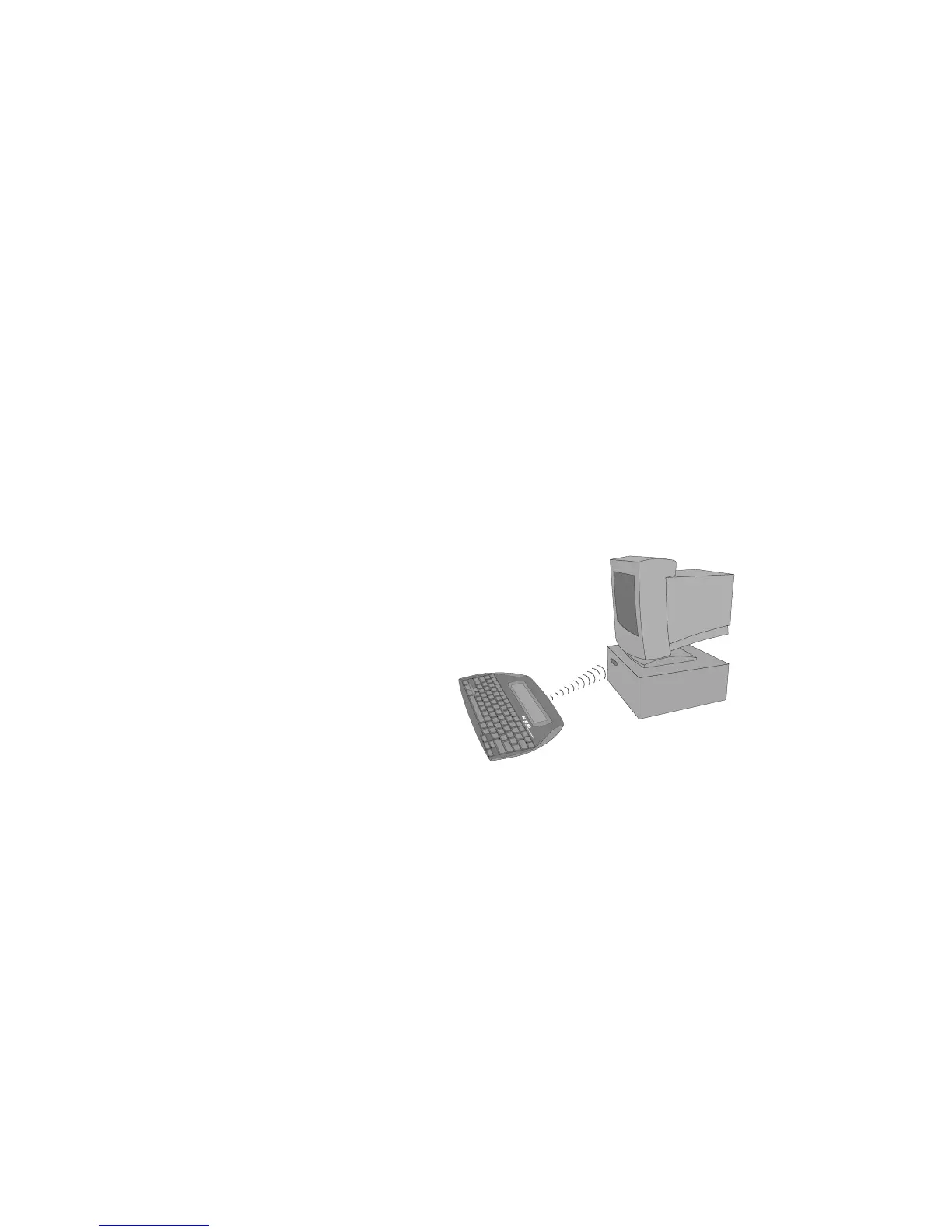
If your computer has a built-in IR transceiver, of if it has an IR pod attached,
you can send files from your NEO to the computer without using cables. NEO
can be up to three feet (one meter) away while transferring text to and from a
computer or printer.
To beam files from your NEO to the computer, you must have either the
AlphaBeam program or the Get Utility installed. For more information, see
page 18.
To beam text to a computer using AlphaBeam, follow these steps:
1. Turn on your NEO and open the file you want to send.
2. Start the AlphaBeam program on your computer:
• Windows: Click Start Programs AlphaSmart AlphaBeam.
• Macintosh: Open the AlphaBeam program folder and double-click
AlphaBeam 3.x.
3. Point the infrared lens of the NEO toward the IR transceiver as shown
above. Your computer’s transceiver may be elsewhere on the computer,
or it may be a separate IR pod.



 To Next Page