NEO SETTINGS
Changing Settings in the Control Panel
71
. . . . .
NEO 1 and NEO 2
User Manual
Turn sticky
keys ON/OFF
Use this setting if it is difficult for you to
perform keyboard commands because you
cannot hold multiple keys down at the
same time. When sticky keys is on, users
can press one key at a time to type
keyboard commands that use the shift,
ctrl, option, or a keys. For example, to
open a file in AlphaWord Plus, you could
press a, let it go, and then press O if
sticky keys is on. To change the setting
from on to off or off to on, simply move
the cursor next to it and press enter.
• Press option-a-K while working
on the NEO. Then, press 2 to
change the sticky keys setting from
on to off or off to on. Then, press
esc.
• In AlphaSmart Manager, click the
Settings tab and click System on
the left. Then, check the Sticky
Keys box and click On or Off.
Send your changes to NEOs on the
Send List tab.
Setting Name What It Does Other Ways to Change This
on/off file 1 file 2 file 3
file 4 file 5
file 6 file 7 file 8 print
spell
check
find
clear
file
home end applets send
tab
Q W E
R
T Y U I O P
{
[
}
]
|
\
entercaps lock
A S D F G H J K L
:
;
"
'
shift
Z X C V B N
M
<
,
>
.
?
/
shift
control
alt
option
deleteesc
!
1
@
2
#
3
$
4
%
5
^
6
&
7
*
8
(
9
)
0
_
-
+
=
back
space
~
`
cmd
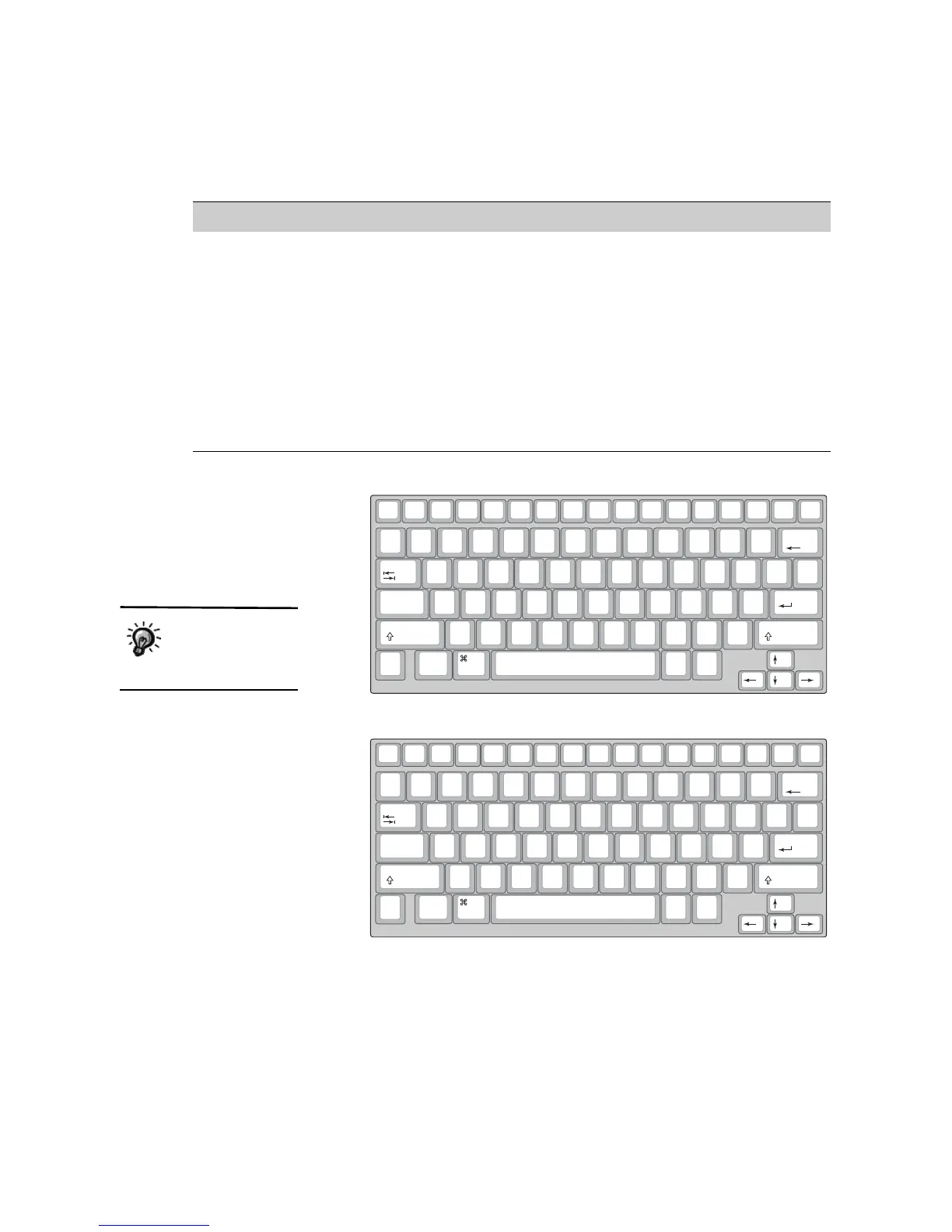
The standard QWERTY keyboard layout
on/off file 1 file 2 file 3
file 4 file 5
file 6 file 7 file 8 print
spell
check
find
clear
file
home end applets send
tab
"
'
<
,
>
.
P
Y F G C R L
?
/
+
=
|
\
entercaps lock
A O E U I D H T N S
_
-
shift
:
;
Q J K X B
M
W V Z
shift
control
alt
option
deleteesc
!
1
@
2
#
3
$
4
%
5
^
6
&
7
*
8
(
9
)
0
{
[
}
]
back
space
~
`
cmd
The Dvorak keyboard layout
Some language
versions of NEO do
not support
alternate keyboard layouts.



 To Next Page