84
NEO 1 and NEO 2
User Manual
W ORKING WITH ALPHAS MART MANAGER
Viewing, Printing, and Saving Files from Your NEO
. . . . .
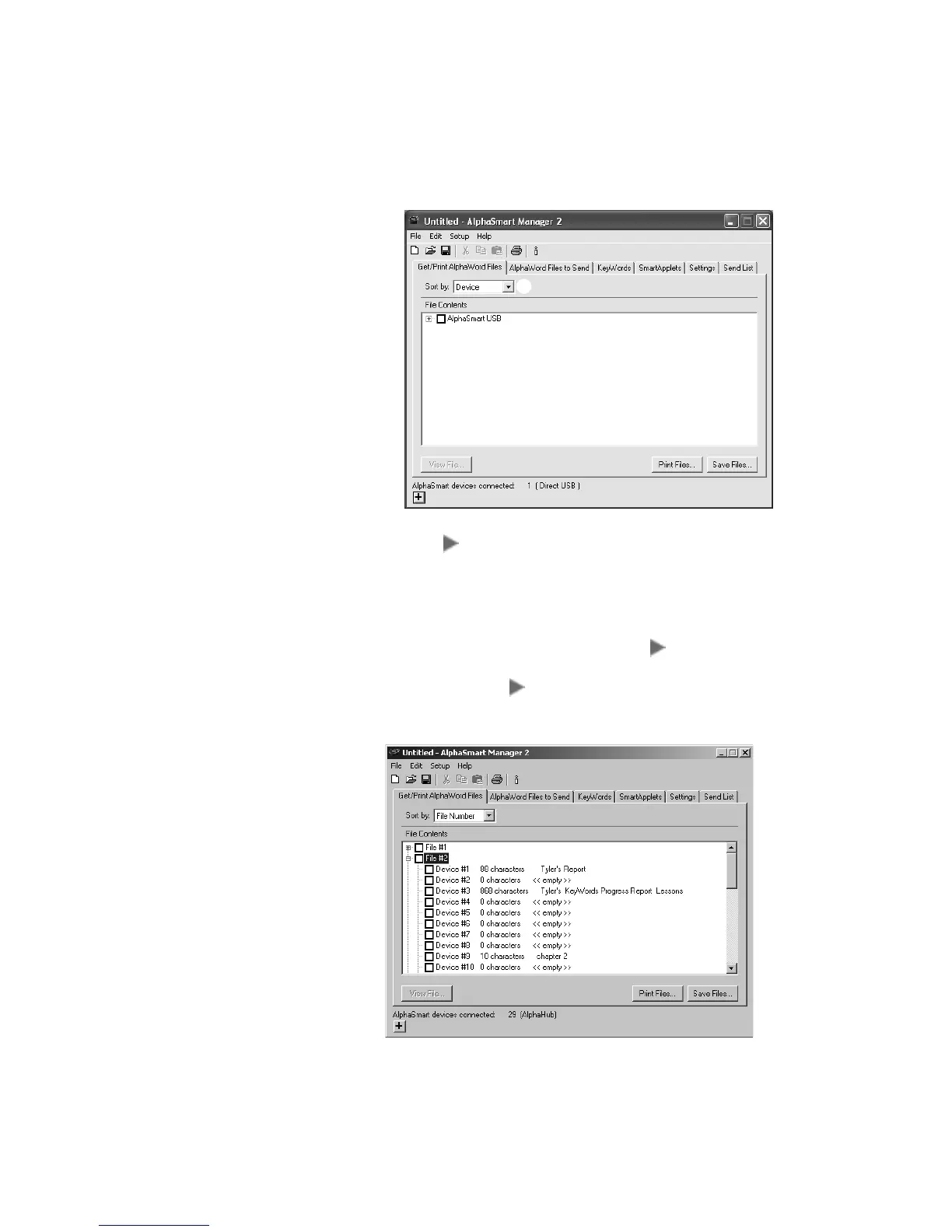
2. If you have one NEO connected, in the File Contents area, click the + A
(Windows) or (Macintosh) next to “AlphaSmart USB.” A message
appears briefly to tell you that AlphaSmart Manager is retrieving the
file(s).
If you have more than one NEO connected, use the Sort by drop-down
list
B to choose whether to sort by File # or Device (NEO). If you sort by
file number, you can click the + (Windows) or (Macintosh) next to the
file number you want to print for multiple NEOs
C. If you sort by Device
(by NEO), click the + or next to the NEO for which you want to view
files (
D on the next page). The NEO numbers match the cable numbers
in your SmartOption Mobile Lab.
A
B
C



 To Next Page