CHAPTER 3: SYSTEM CONFIGURATION
HF-2500A HIGH FREQUENCY WELD CONTROL
3-6 990-371
2. Baud Rate
The baud rate at which the data is sent must match the baud rate of the host computer. To enter the baud
rate, proceed as follows:
COMMUNICATION
the 2 key to get the BAUD RATE
selection screen.
2. Use the numeric keypad to select the
baud rate of the receiving device. The
display automatically returns to the
COMMUNICATION menu, which shows
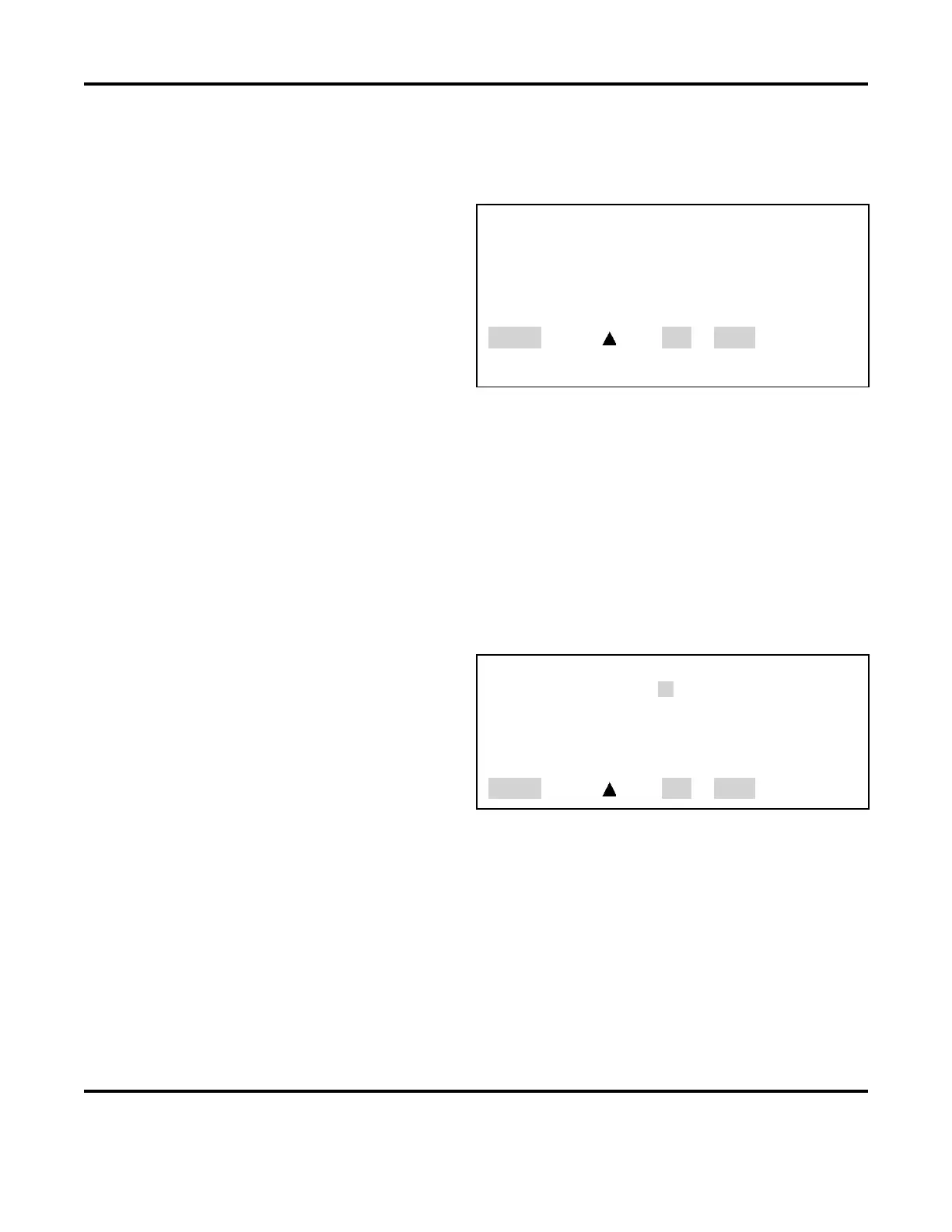
<BAUD RATE>
1. 1200 6. 19.2K
2. 2400 7. 28.8K
3. 4800 8. 38.4K
4. 9600
5. 14.4K
Number Select, Page, RUN or MENU
3. Press MENU to return to the MAIN MENU.
3. RS232/485 SELECT
Pressing the 3 key will alternately select either RS-232 or RS-485 communications. The default selection
is RS-232.
4. I.D. Number
The host computer may be used to talk with multiple Power Supplies using a single RS-485
communications line. Each Power Supply sharing that line must have a unique identification number. To
enter an identification number for the Power Supply, proceed as follows:
1. From the MAIN MENU, press the 6 key to
go to the COMMUNICATIONS MENU.
2. From the COMMUNICATIONS MENU
screen, press the
3 key to get the I.D.
NUMBER
entry screen.
<I.D. NUMBER>
I.D. NUMBER : 01
Number Select, Page, RUN or MENU
3. Enter a two-digit number, from 01 to 30, in the I.D. NUMBER field.
4. Press the MENU key to get the COMMUNICATION menu screen. This time the I.D. NUMBER line
will display your I.D. number entry.
5. Press MENU to return to the MAIN MENU.



 To Next Page