CHAPTER 1: DESCRIPTION
UB25 LINEAR DC RESISTANCE WELDING CONTROL
1-12 990-665
KEY FUNCTION
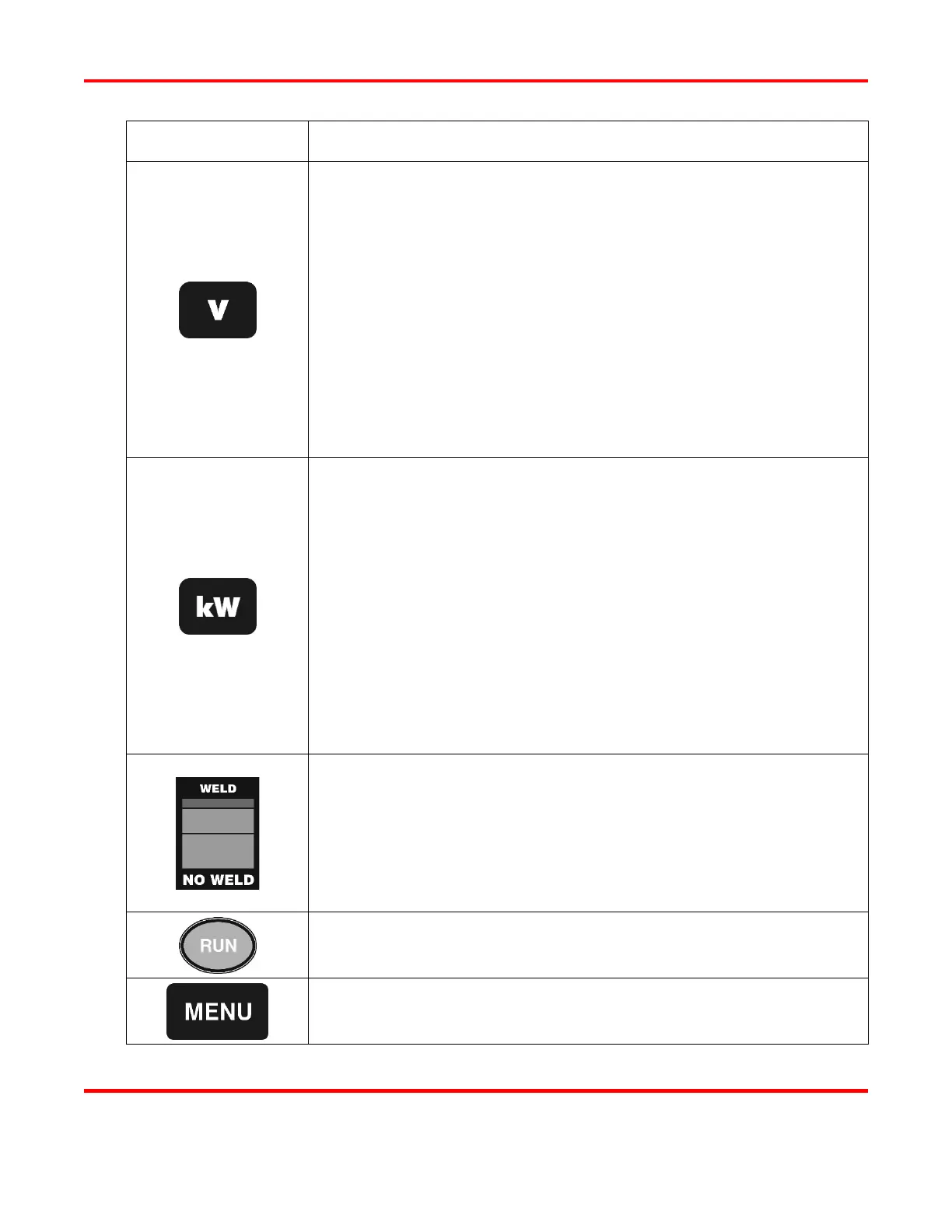
When PROGRAM is displayed, this key is used to set voltage as the
feedback mode for Pulse 1 or Pulse 2. First, use the WELD key to
highlight the energy field, then enter the desired output level with the
numeric keypad, and then press the V key to change the feedback mode
to voltage.
When MONITOR or RUN is displayed in the MONITOR state, this key
is used to set voltage as the limit parameter for Pulse 1 or Pulse 2. First,
use the WELD key to highlight the energy field, then enter the desired
limit level with the numeric keypad, and then press the V key to change
the limit parameter to voltage.
When MONITOR or RUN is displayed in the MONITOR state, press
the V key to view the voltage graph on the LCD display.
When PROGRAM is displayed, this key is used to set power as the
feedback mode for Pulse 1 or Pulse 2. First, use the WELD key to
highlight the energy field, then enter the desired output level with the
numeric keypad, and then press the kW key to change the feedback mode
to power.
When MONITOR or RUN is displayed in the MONITOR state, this key
is used to set power as the limit parameter for Pulse 1 or Pulse 2. First,
use the WELD key to highlight the energy field, then enter the desired
limit level with the numeric keypad, and then press the kW key to change
the limit parameter to power.
When MONITOR or RUN is displayed in the MONITOR state, press
the kW key to view the power graph on the LCD display.
WELD position -- when a weld is initiated, the Power Supply delivers
energy to the weld head.
NO WELD -- allows the Power Supply to execute a complete weld
sequence but does not deliver energy to the weld head. This function
is useful for testing and adjusting the weld head before operation, and
when cleaning electrodes.
Press to return to the RUN state or to clear alarms. When using any
MENU screen, press this key to exit the menu.
Press to display the MENU screen. Chapter 4, Operating Instructions
describes how to use the different MENU options.



 To Next Page