Chapter 4 — Advanced Operations 99
Interrupting Background Archiving
Since background archiving operates during normal operation,
you can only interrupt it using the following steps.
To interrupt background archiving:
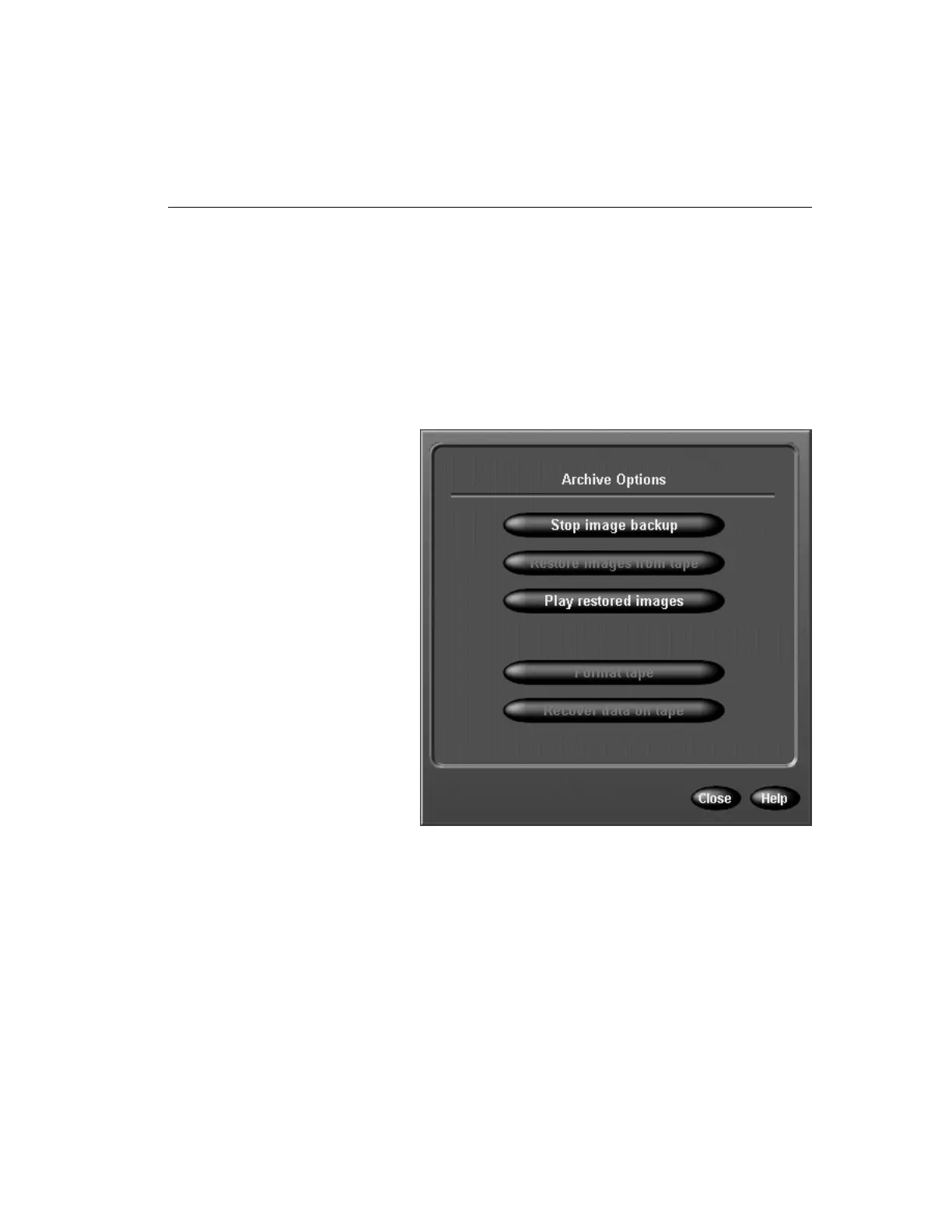
1. From the main screen, click the Archive button. A special
Archive Options screen appears.
2. Select one of the following options:
Stop image backup — Click to interrupt background
archiving.
Restore images from tape — This option is disabled dur-
ing background archiving.
Play restored images — Click to review images that were
copied from a backup tape to the system (see Play Restored
Images).
c. After the tape drive lights stop blinking, click Next.
The unit checks the new tape and continues the
backup.



 To Next Page