118 Intellex
®
Operating Instructions
Generate Alarms
Use this option to manually generate an alarm event for one
or more cameras. These alarm events are treated like true
alarms (see Alarm Operation in this chapter).
NOTE: This feature is only available for active cameras and
will not affect any cameras already in an alarm state.
NOTE: You can also access this feature using the Image Area
Popup menu (see
Chapter 2 — Basic Live Operation
).
Use this feature to document any scene or activity of interest.
The unit records images from the selected cameras at the Rate
setting in the Alarms portion of the Setup Options screen.
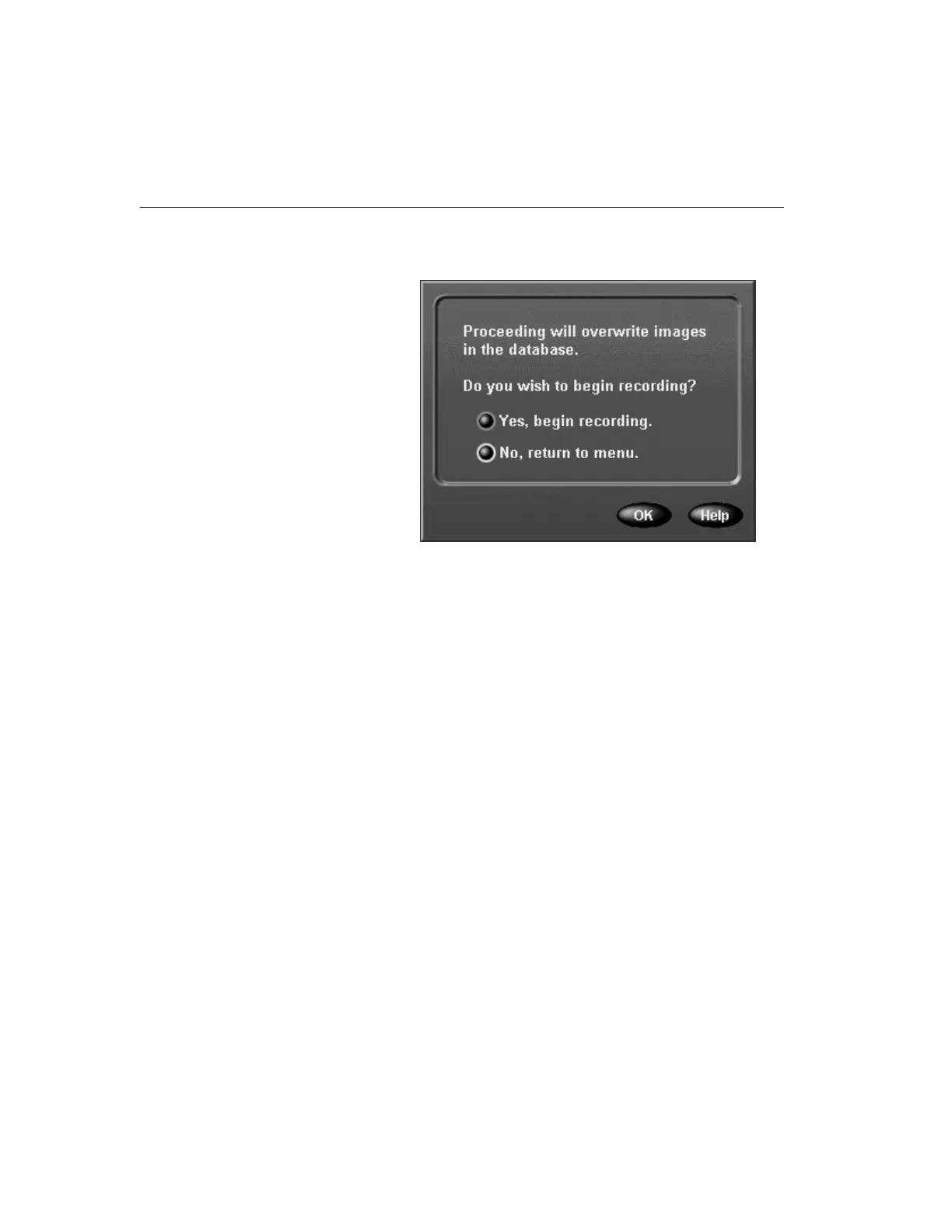
4. If the image database has been archived, the following
screen appears:
Select one of the following options:
Yes — Select this option and click OK to start recording
again and return to the Utility Options screen.
No — Select this option and click OK to cancel the opera-
tion and return to the Utility Options screen.



 To Next Page