4-9
4.2 Screen Description
Table 4-6 Setting Menu
Item
Two choices menu
([On/Off] for example)
Multiple choices menu
([Freq/Width/Period] for
example)
Numeric input menu
Switches between two choices each time you press the [Enter] key, starting measurements
under the set conditions.
Pressing the Enter key when On is set will switch to Off.
Pressing the [Enter] key pops up a parameter menu. Select a parameter using [<] and [>]
keys and determine it by pressing the [Enter] key. Measurements will start according to
the determined parameter.
Pressing the [Enter] key highlights the setting value, allowing you to enter a numeric
value using the numeric keypad. When you enter a numeric value, this area becomes a
response data display area. Pressing the unit key determines the entered value and starts
measurement. The setting value is still highlighted at this time, allowing you to enter
another numeric value. To exit from the numeric input mode, press the [Enter], [Return to
Meas], [<], or [>] key.
How to Set
Pop-up menu
20 000 000 0
00
Hz Title
Mode [Mode1 / Mode2 / Mode3]
Mode
[Mode2]
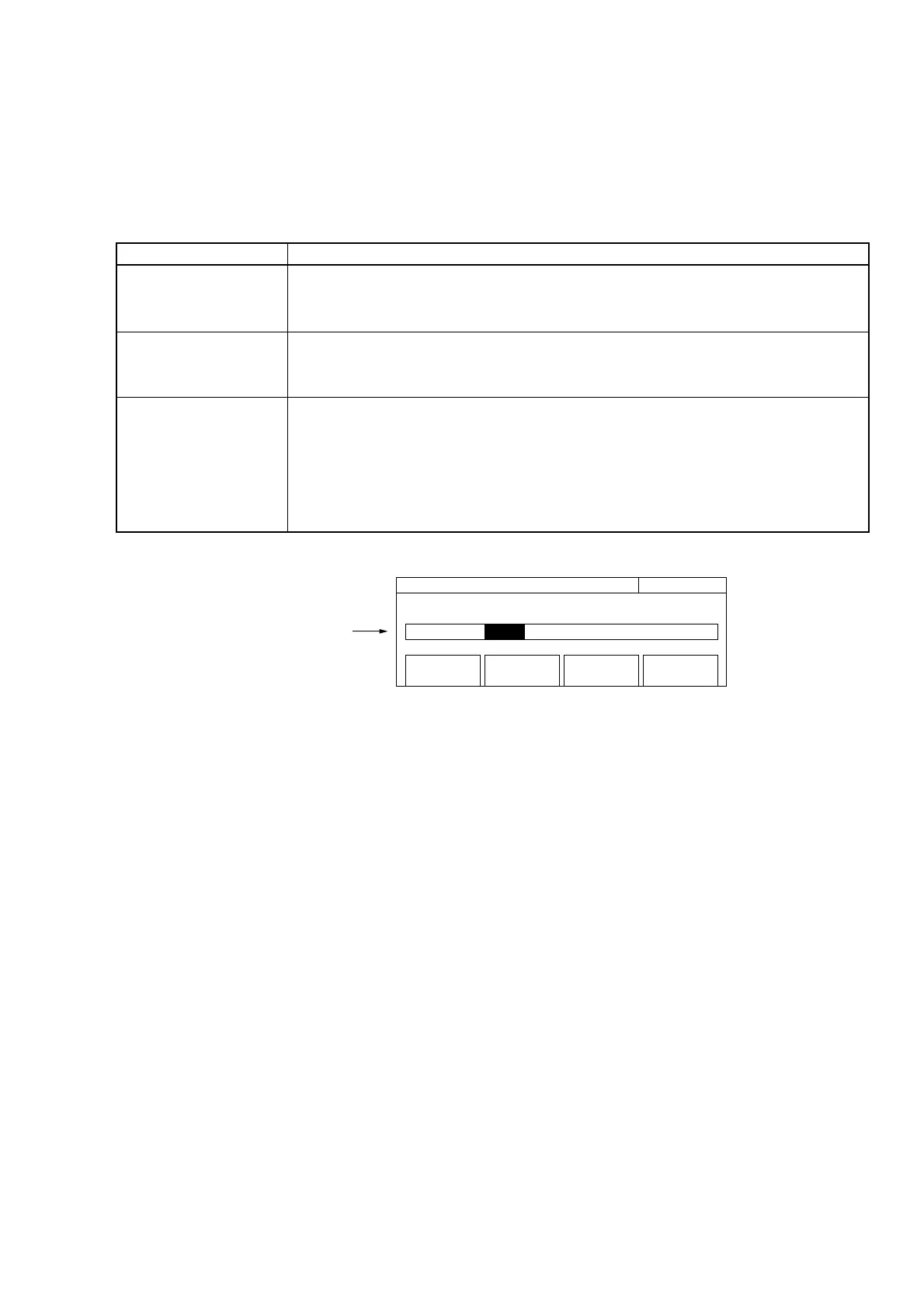
Fig. 4-6 Menu Screen with Pop-up Menu
(4) Title
Displays the title given to each setup screen.



 To Next Page