Section 4 Unit Operation
4-28
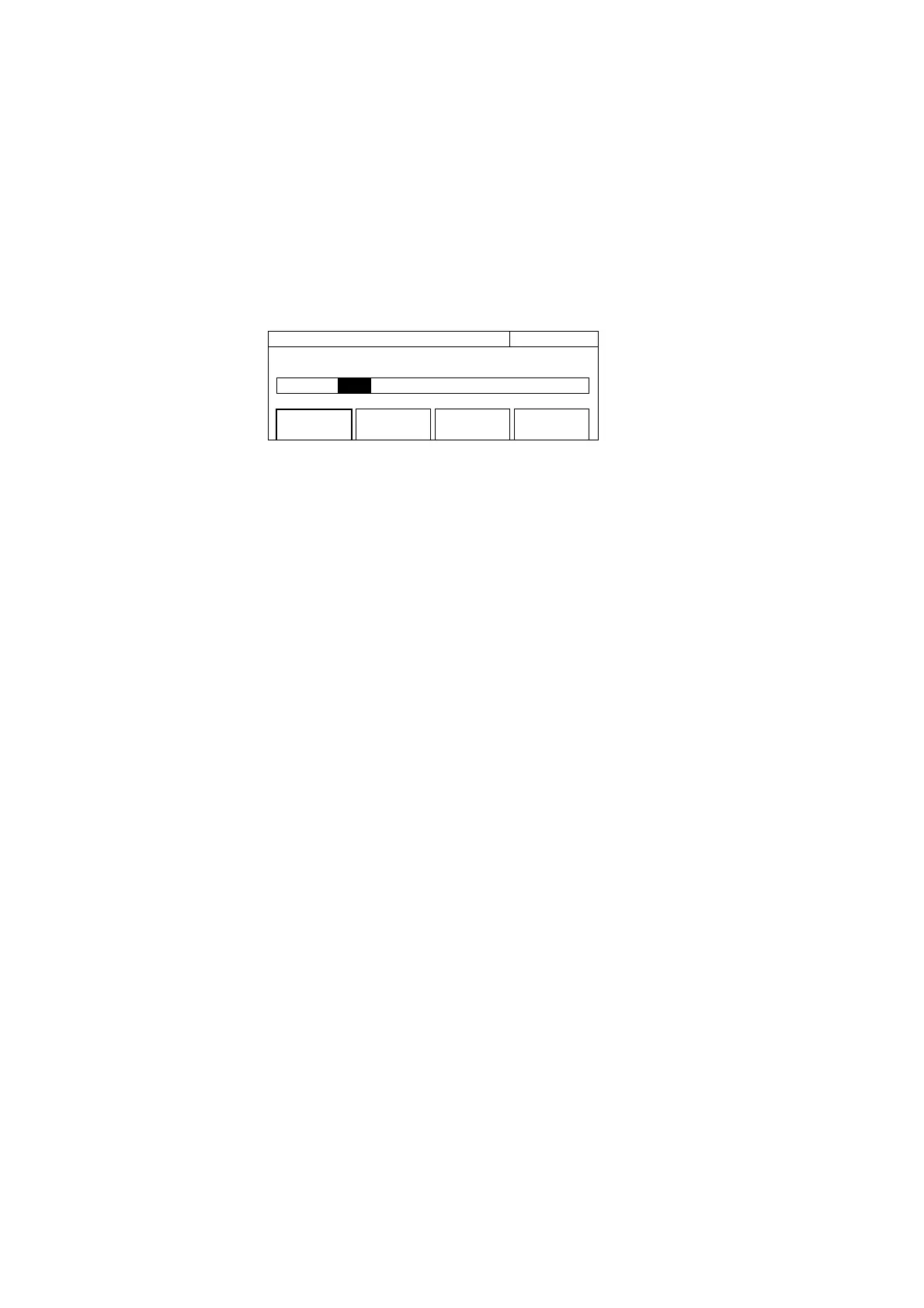
(1) Menu F1 : Sets the statistics processing mode. Selecting menu F1 displays the statistics processing mode selection
screen shown in Fig. 4-28. Use the cursor keys to select either Off, Mean, Max, Min, or p-p, and then press the [Enter]
key to return to the screen shown in Fig. 4-30. The parameter that you set will be displayed within the square brackets
[] of the F1 menu.
20 000 000 0
00
Hz Statistic
Mode [Off / Mean / Max / Min / p–p]
Mode
[Mean]
Extract
[Disc]
Sample
[6]
Fig. 4-28 Selecting Offset Mode
Statistics processing does the following according to its combination with the statistics processing extraction mode. Dn is
the nth measurement value, and N is the number of samples set.
•Mean (extraction mode : Discrete)
Finds the arithmetic mean value of the N number of measurement values in the sample.
Mean= (1/N) • {∑ (D i) }
N
i=1
• Mean (extraction mode : Overlap)
Finds the running average of the N number of measurement values in the sample.
Mean= (1/N) • {∑ (D i) }
N
i=n–N+1
Note that n≥N
• Max · Min (extraction mode : Discrete)
Max=maximum (Di i=1,2,…,N)
Max=maximum (Di i=1,2,…,N)
• Max · Min (extraction mode : Overlap)
Max=maximum (Di i=n-N+1, …,n-1,n)
Max=maximum (Di i=n-N+1, …,n-1,n)
Note that n≥N
• P–P
P–P=Max–Min



 To Next Page