Section 4 Unit Operation
4-46
5) Select the pulse width or pulse repetition period.
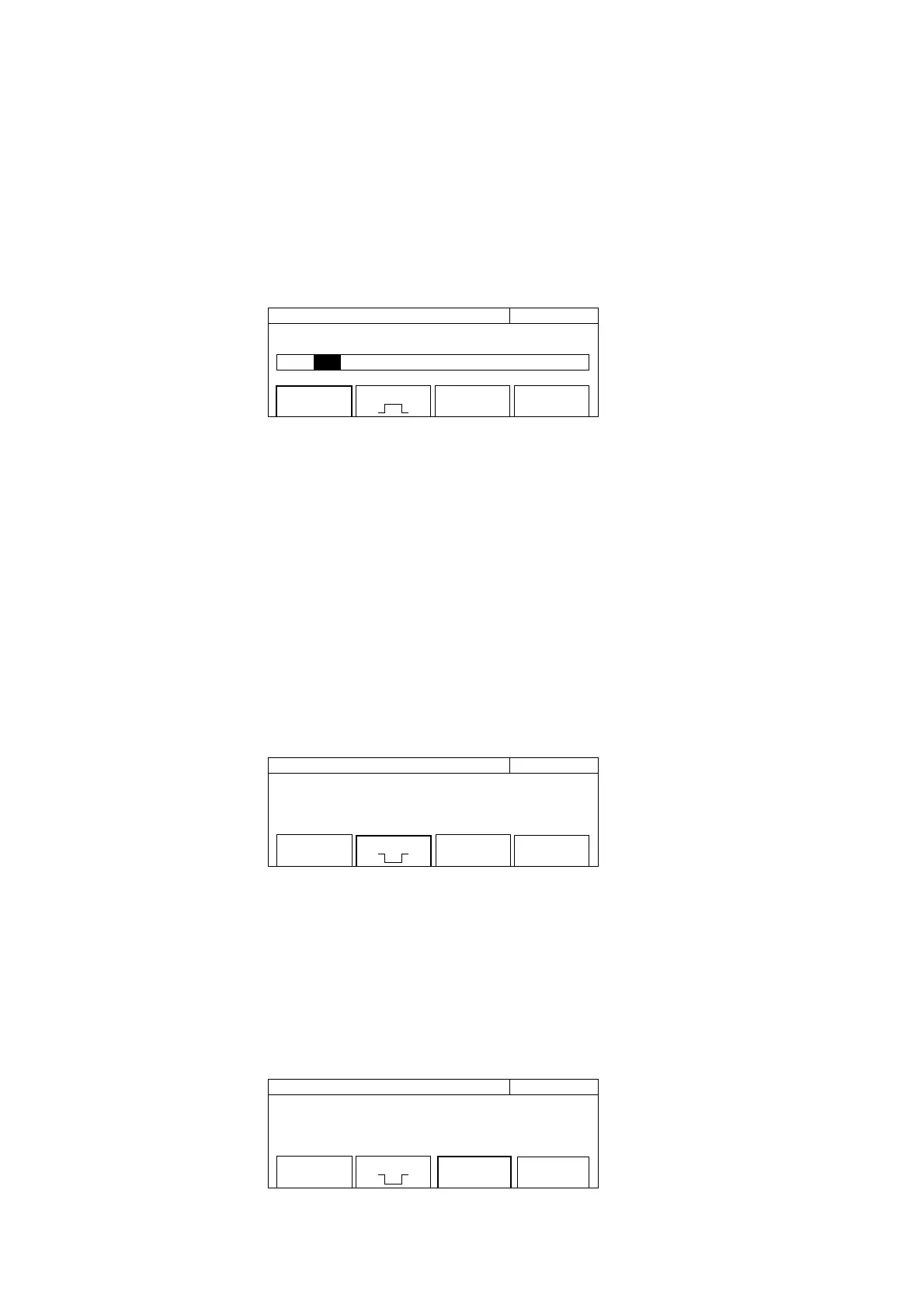
Press the [Burst] key to bring up the Burst Setup Screen. Enclosing the menu F1 in a thick frame with the [<] and
[>] keys and then pressing the [Enter] key pop up a measurement mode list.
20 000 000 0
00
Hz Burst
Mode [ Freq / Width / Period]
Mode
[Freq]
Polarity
[ ]
Width
[Wide]
Fig. 4-49 Burst Mode Setup Screen
Highlight the desired measurement mode using the [<] and [>] keys and then press the [Enter] key.
To measure the pulse width, select Width. To measure the pulse repetition period, select Period.
6) Select a measurement polarity.
To measure the negative polarity, enclose the menu F2 in a thick frame with the [<] and [>] keys and then press the
[Enter] key.
When the negative polarity is selected for pulse width measurement, the pulse width in the burst-off interval is
measured. When the negative polarity is selected for pulse repetition period measurement, the period between
the falling edge and rising edge is measured.
Width
[Wide]
Mode
[Width]
20 000 000 0
00
Hz Burst
Polarity
[ ]
Fig. 4-50 Burst Mode Setup Screen
7) Select a Wide or Narrow mode.
When the burst pulse width is 1 us or less, measurements cannot be performed if Width is not set to Narrow.
Enclosing menu F3 in a thick frame with the [<] and [>] keys and then pressing the [Enter] key sets the Narrow
mode.
Polarity
[ ]
Mode
[Width]
20 000 000 0
00
Hz Burst
Width
[Narrow]
Fig. 4-51 Burst Mode Setup Screen



 To Next Page