4-47
8) Press the [Return to Meas] key to display the measurement screen.
9) Using the [<] and [>] keys, set a desired frequency measurement resolution.
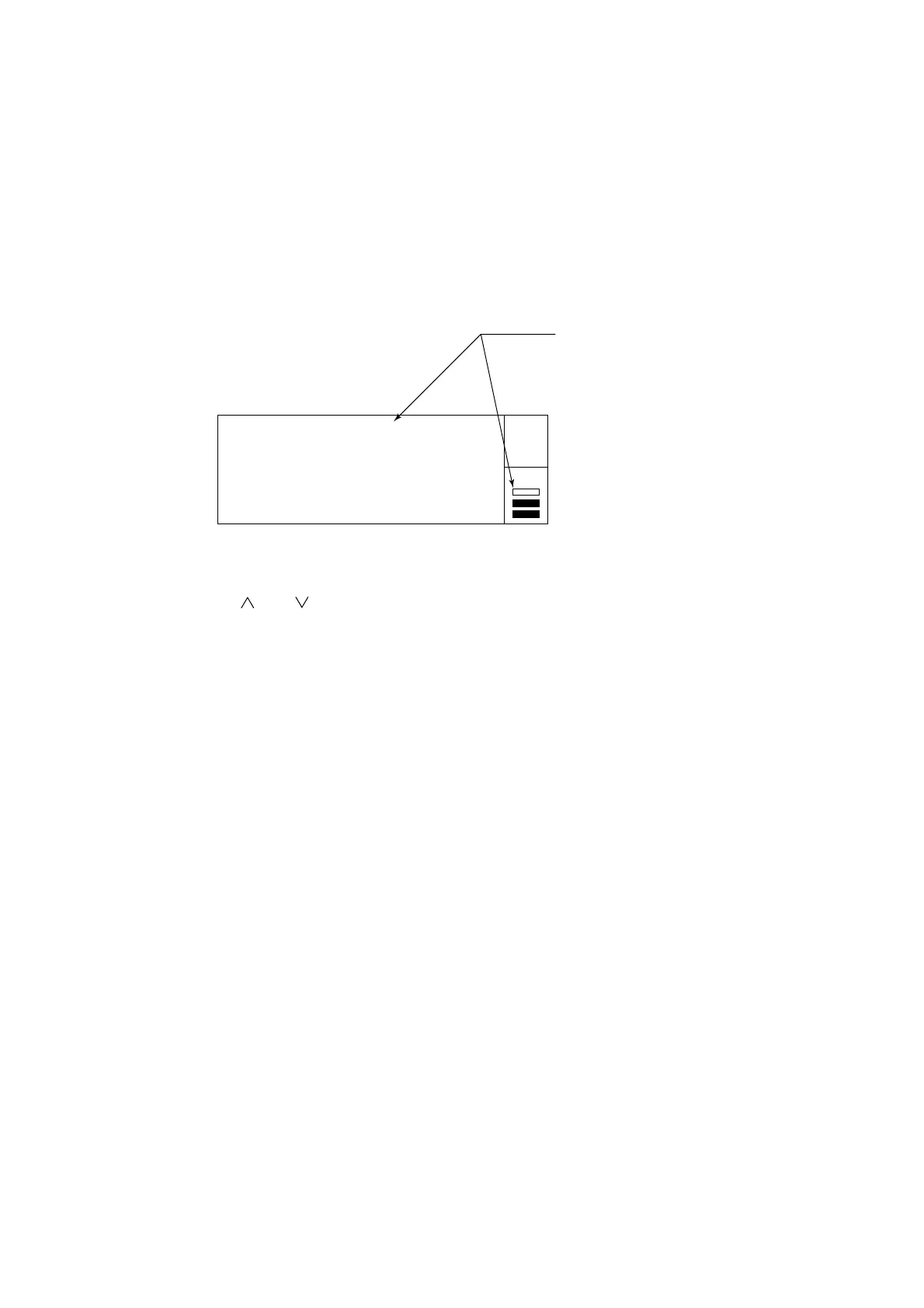
20 000 000
GHz MHz kHz Hz
Width: 100 us
Auto
Gate •
The maximum resolution depends
on the pulse width of the signal to
measure.
If you set a resolution higher than
the maximum resolution, "UNCAL"
appears and the digits that cannot
be displayed are represented by
asterisks.
Fig. 4-52 Burst Carrier Frequency Measurement
10) Using the [ ] and [ ] keys, set the desired sample rate.
Note:
If the frequency is not displayed at all or just not displayed properly, set both Frequency Acquisition and Level
Acquisition to Manual and then perform measurements.
4.4 Measuring



 To Next Page