User Manual
27
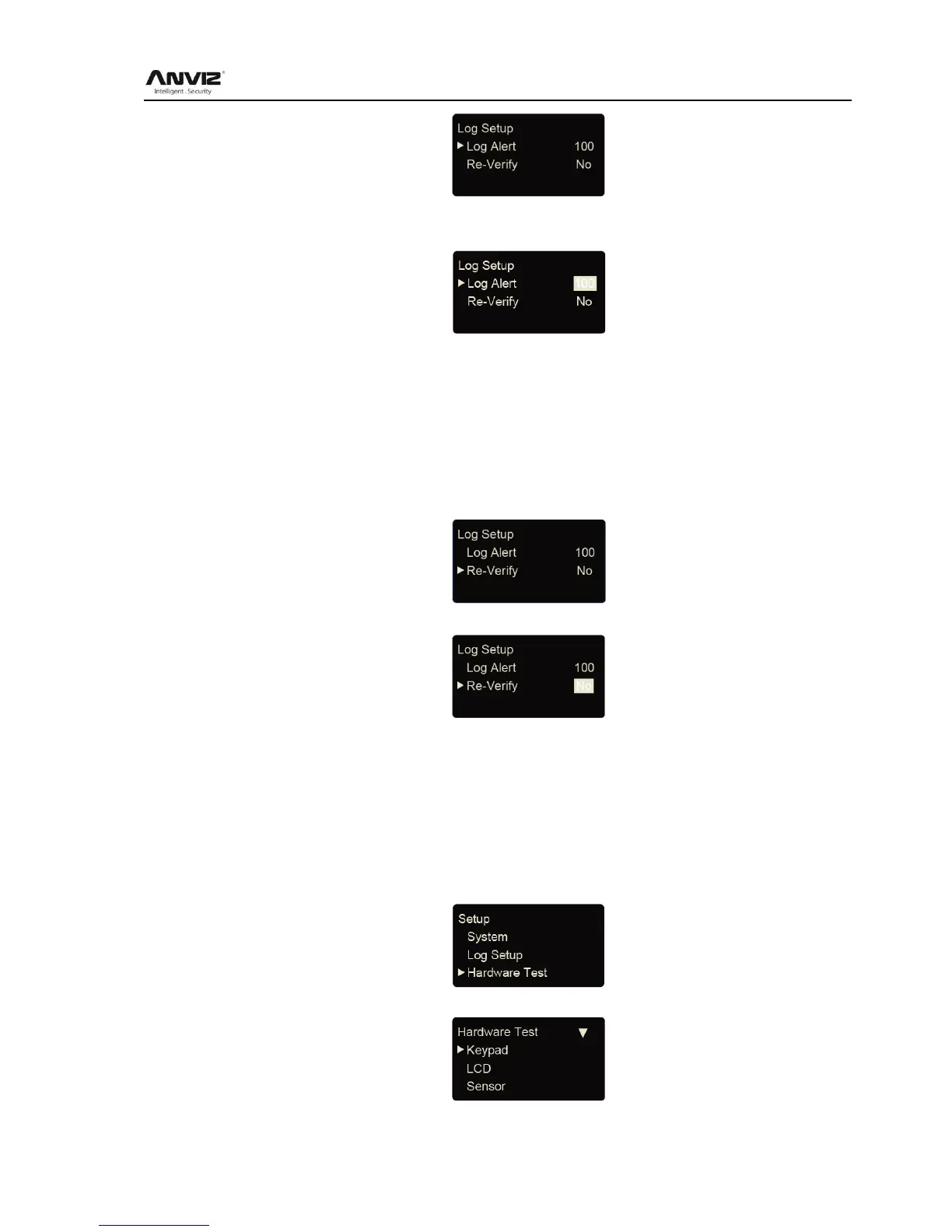
Press [<] or [>] key to select [Log Alert] option. Press [OK] key to enter log alert setting
interface.
Press [<] or [>] key or number key to input log warning number. Press [OK] key to confirm.
Then press [C] to save the setting.
3.4.3 Re-Verify Time
The Re-verify time is the time interval in which you make continuous records with the same
finger (1-250 minutes), and then the device will only save the first record. If the re-verify value
is NO, it means that you every record saved in the device.
In [Log Setup] menu, press [<] or [>] key to select [Re-Verify] option.
Press [OK] key to enter re-verify setting interface.
Press [<] or [>] key or number keypad to input time. Press [OK] key to confirm. Then press [C]
to save the setting.
Prompt: If the same finger is identified continuously in re-verify time period, only the first record
will be saved in device memory.
3.4.4 Hardware Test
Test the functions of machine keys, LCD, voice, scanner and Flash.
Select [Hardware test] option in [Setup] menu:
Press [OK] to enter setting interface as following:
Press [<] or [>] key to choose testing option and press [OK] key to start. Keypad: press [<] or [>]



 To Next Page