User Manual
81
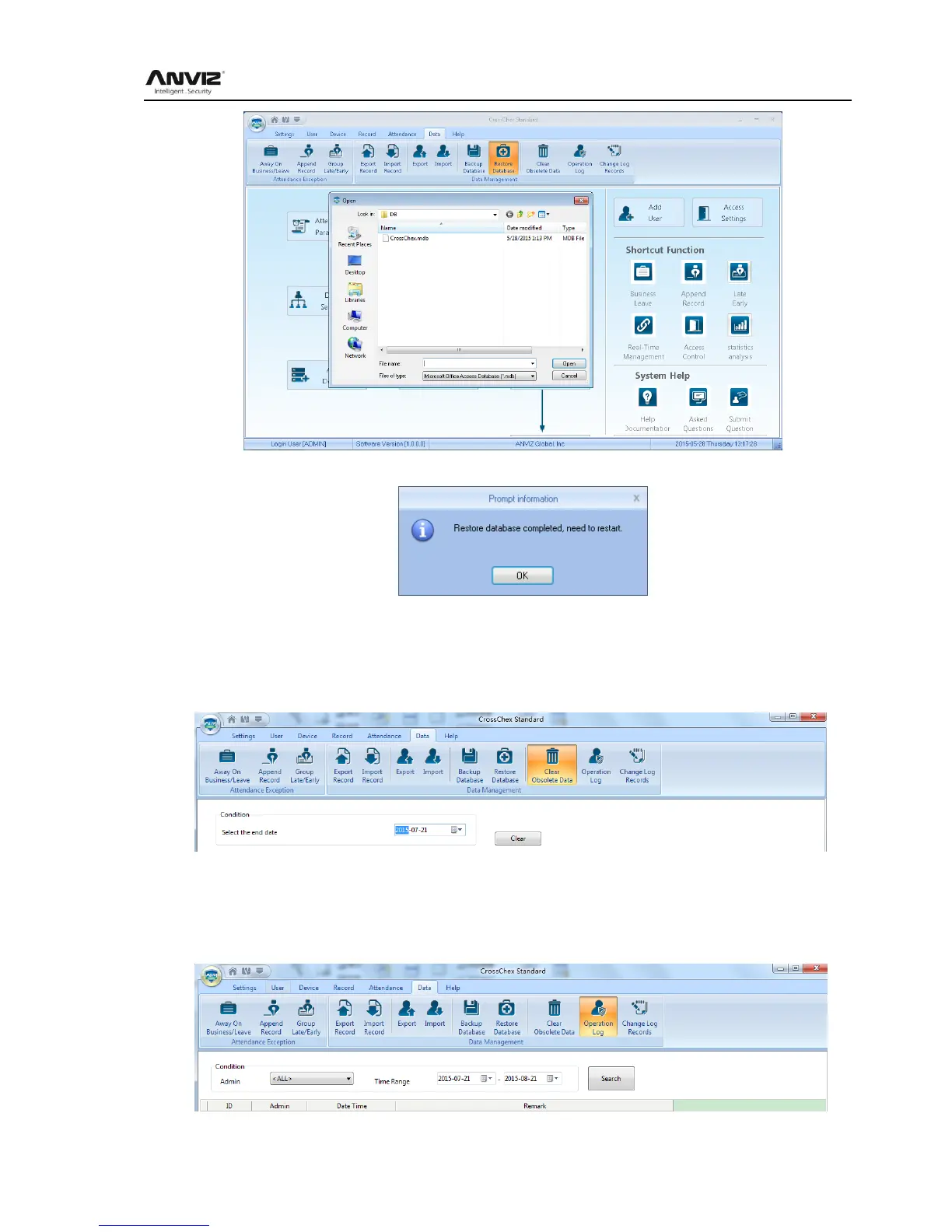
Select the path to the database you want to restore, click [Open], the following window pops up:
Click 【Confirm】 to restart the software.
6.4.10 Clear Obsolete Date
Click [Clear Obsolete Date] in [Data] menu, the following window pops up:
Select the deadline of relative Obsolete Date, click 【Clear】 to complete the operation.
6.4.11 Operation Log
Click [Operation Log] in [Data] menu, the following window pops up:



 To Next Page