User Manual
59
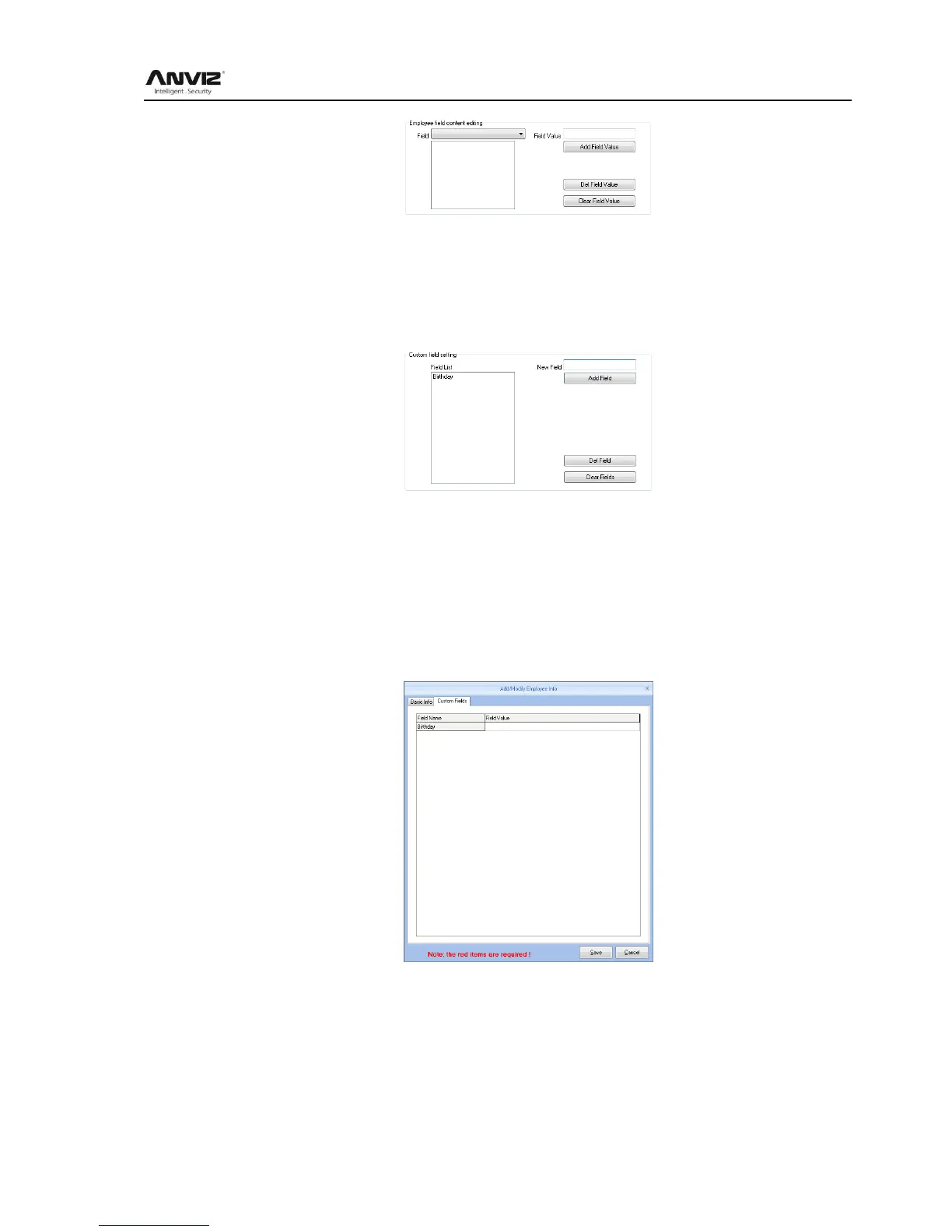
Del Field Value: Select the field in the list, and press Del Field Value. Then the selected field
will be deleted.
Clear Field Value: Click Clear Field Value, all fields in the list will be cleared.
Custom field setting:
Convenient admin to add in fields with more user information. The field can be effected in User
Add.
New Field: Add in new field name.
Press Add field to add the field into the page User- Add
For example, entering the field Marital status into the list. Then it will be shown in the User-
Add.
Communication parameters:
Set up communication between ANVIZ biometric management software and device
parameters.



 To Next Page