12
6 PROGRAMMING
6.1 Switchingon
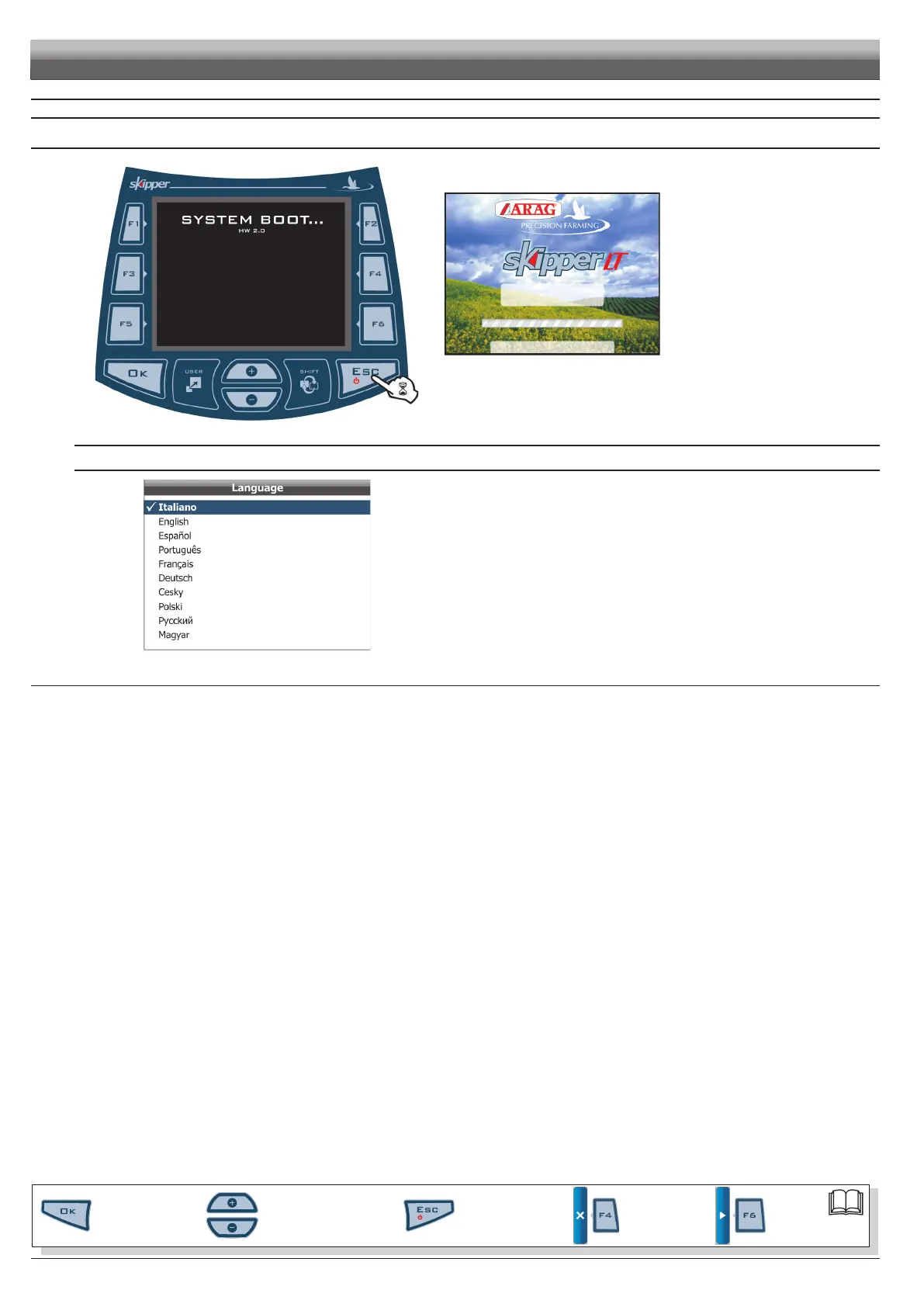
Fi g. 11
2.0.000
Fi g. 12
Hold the push-button depressed until
Skipper LT displays the page shown in
F i g . 11.
After that, Skipper LT shows the software
version (Fig. 12).
FIRST START-UP OF THE DEVICE
Fi g. 13
Upon its rst start-up, after showing the software version, Skipper LT directly opens the
page for setting the language (Fig. 13).
Enter value and proceed to the normal switch-on procedure (Fig. 14).
CONT'D
PROGRAMMING
Par.
6.3
Scrolling menu items.
Increase / decrease data
Quit the function or
data changes
Conrm access or
data changes.
Shift the
cursor
Reset / disable
data



 To Next Page