39
8.2.2
F2Mode
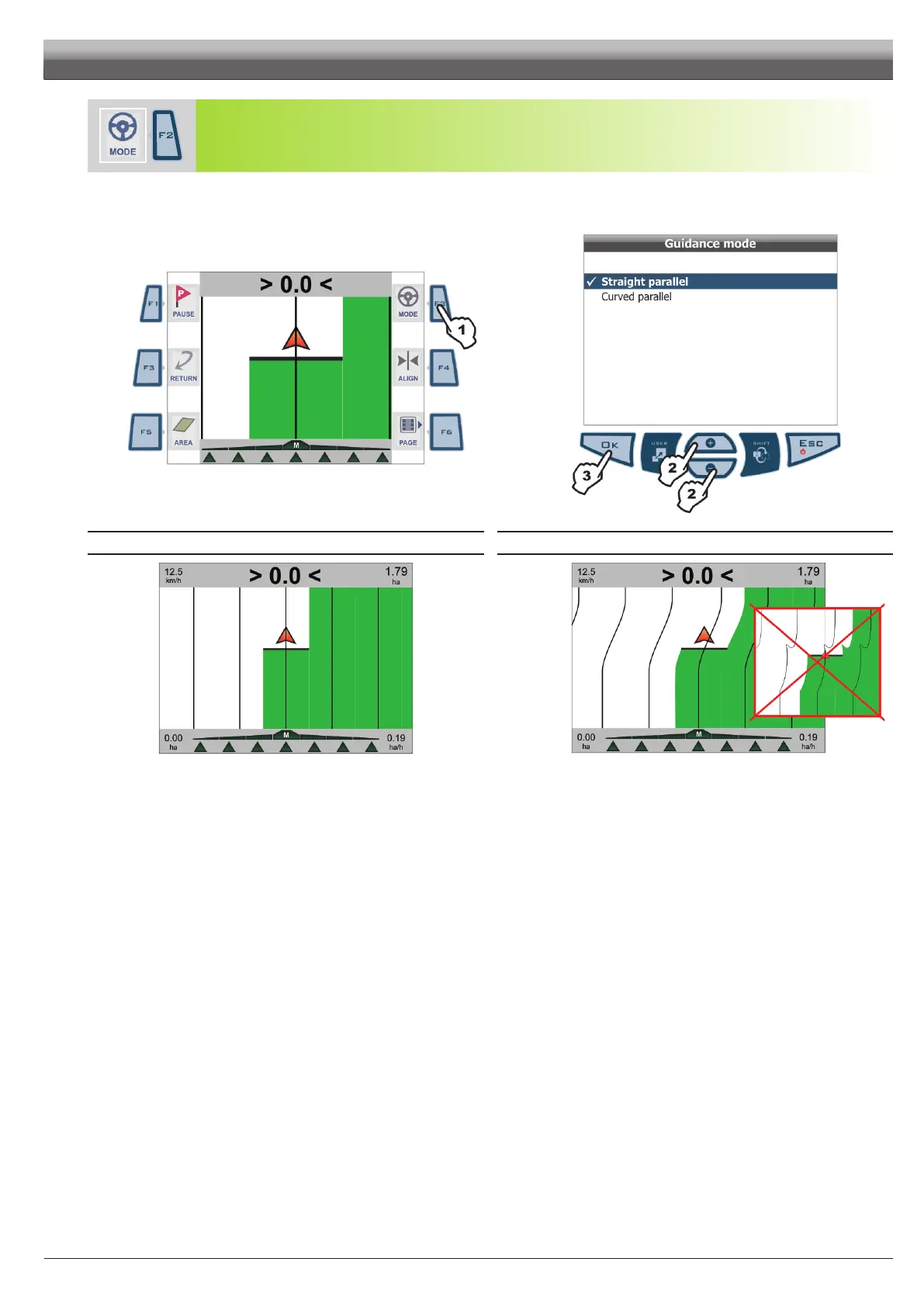
Select guidance mode between
Straight parallel and Curved parallel.
1 Press
F2.
2 Selection page is displayed: press + or - to scroll across items.
3 Conrm selection.
Fi g. 113
Fig. 114
STRAIGHT PARALLEL CURVED PARALLEL
Fig. 115
Track on display will be used as driving reference and are perfectly straight and
parallel with each other.
Fig. 116
Displayed tracks will be used as driving reference and are parallel with each other,
they feature no straight but ONLY with trajectories with not too sharp curves.
WORK FUNCTIONS - PAGE 2



 To Next Page