HARDWARE INSTALLATION
20
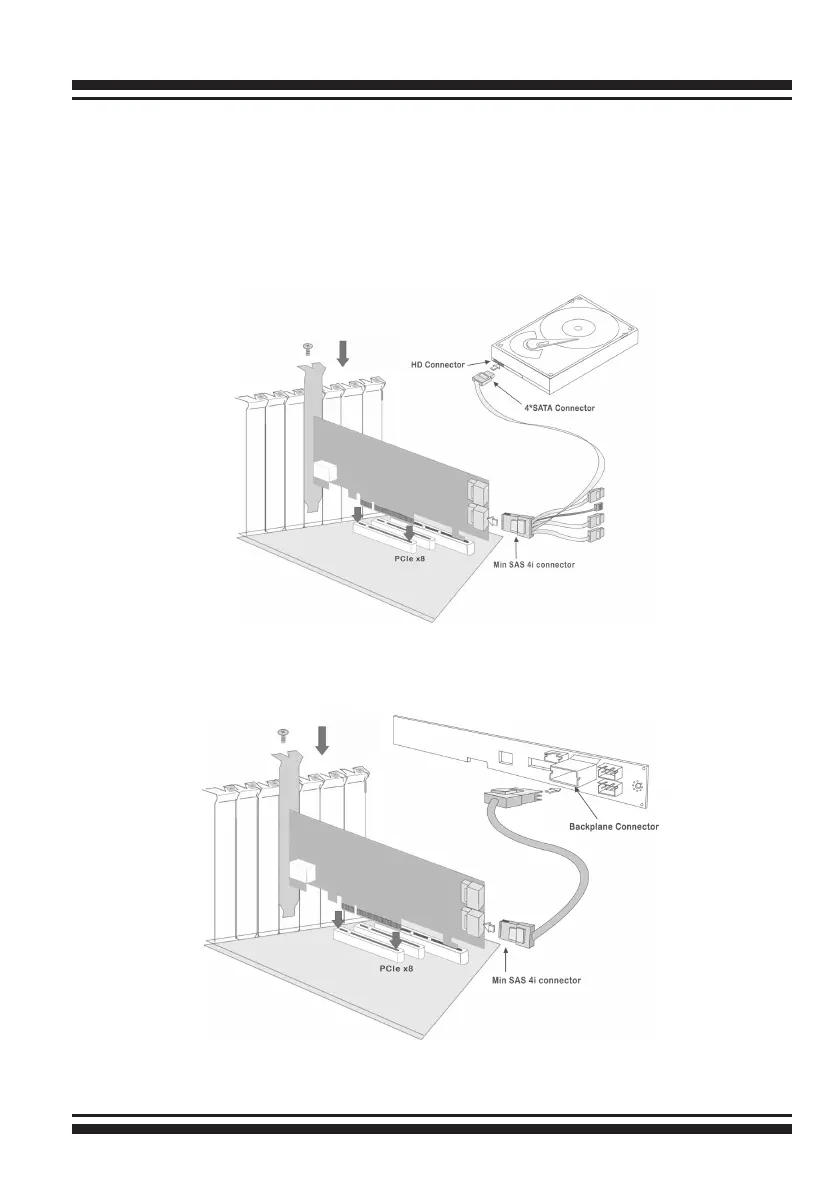
Figure 2-4, SAS Cable Connect to Backplane
Figure 2-3, SAS Cable Connect to HD
In the backplane solution, SAS/SATA drives are directly connected
to SAS/SATA system backplane. The number of SAS/SATA drives is
limited to the number of slots available on the backplane.
Step 5. Install SAS Cable
This section describes SAS cable how to connect on controller.



 To Next Page