SH-300
User’s Manual Manipulation
Page 61 of 103
3.6 State Monitoring
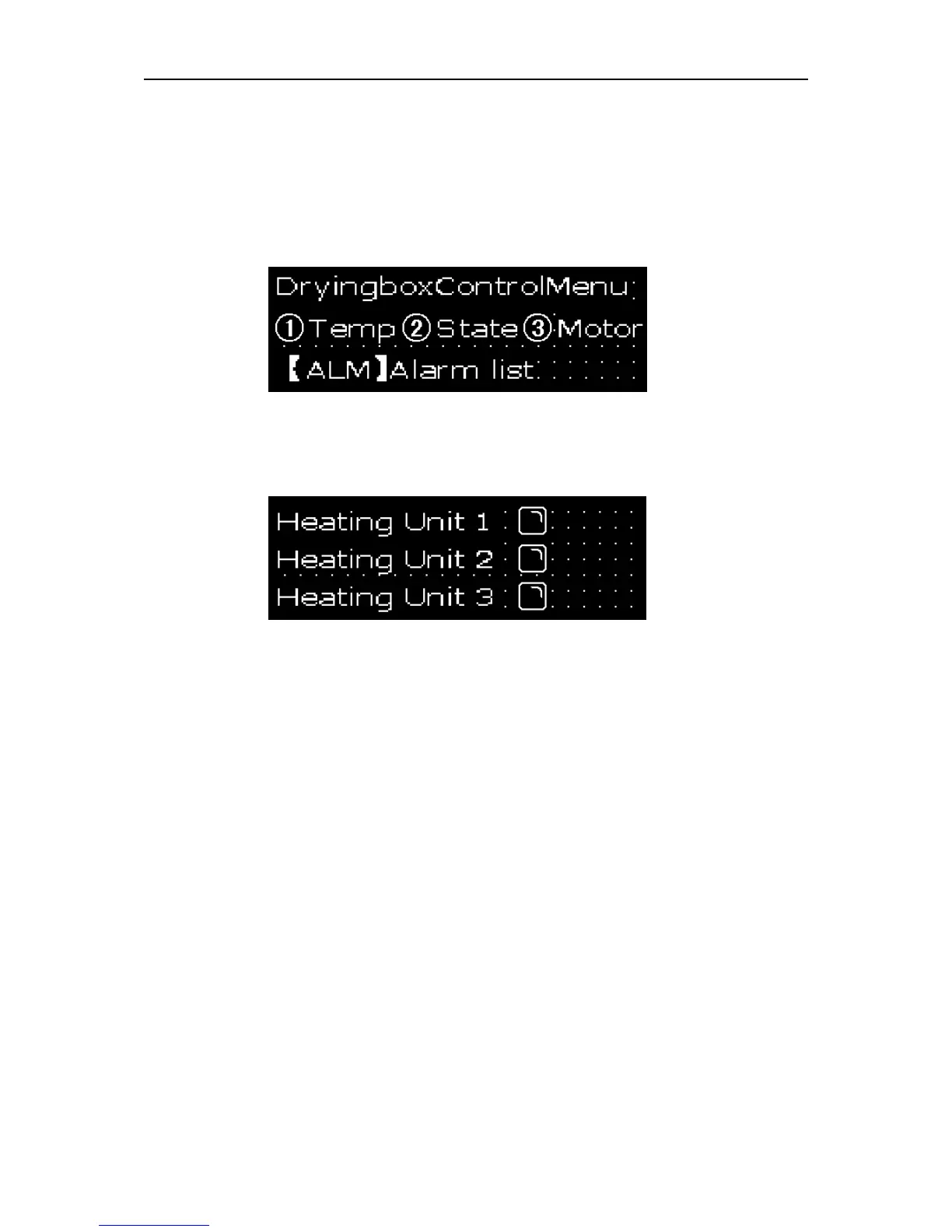
After finished the setting of register, press “∧” and return to the main menu ,SH-300 is shown as
follows:
Press ② enter the window of state monitoring (No.3), which is shown as follows:
SH-300 will display the state monitoring window for three group heating units. When a heating unit
is running the indicator will be show as full state and operator can monitor the running state of the
heating units by the window.



 To Next Page