Plus Camera Controls 127
degrees around 0.
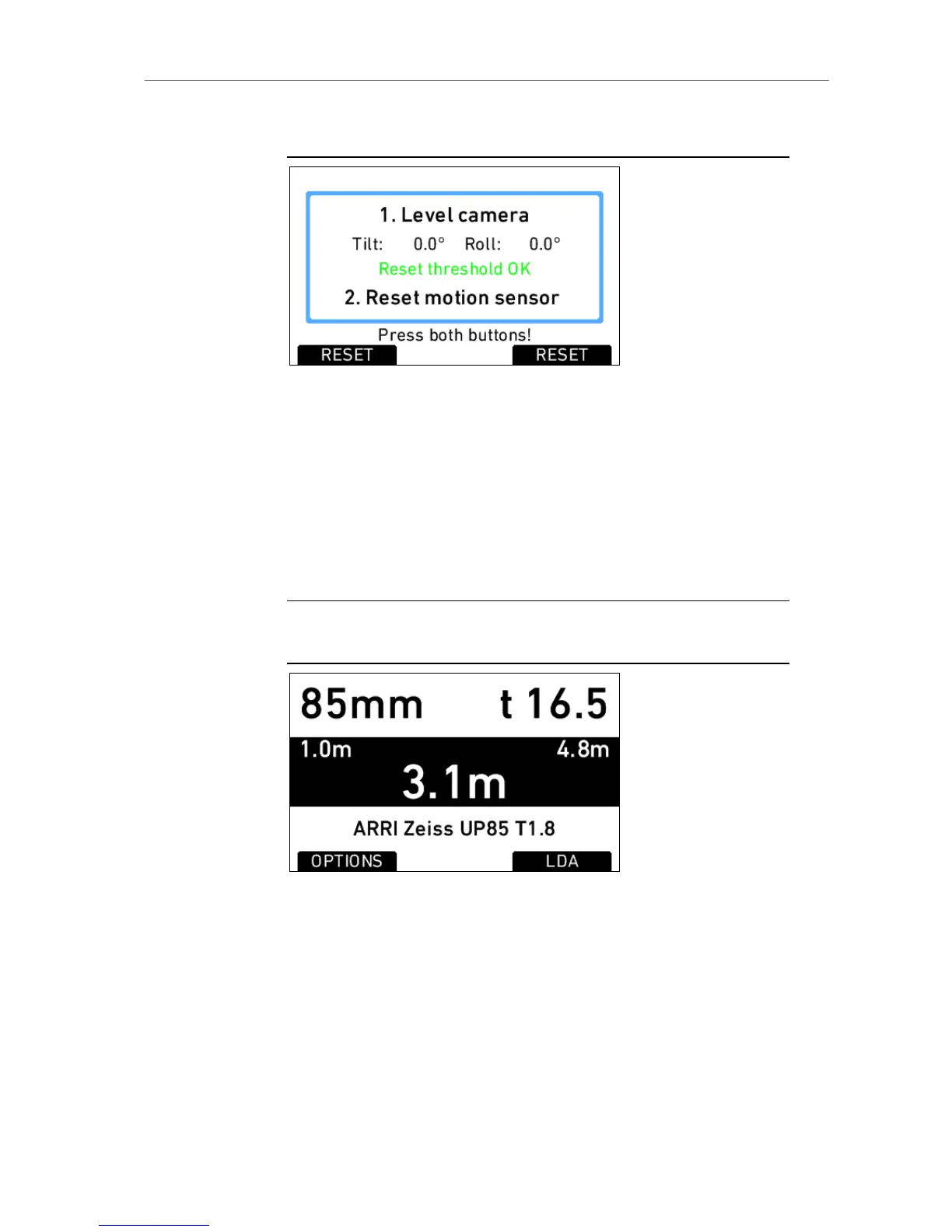
Figure 86: Motion sensor reset screen
LENS DATA
Shows the type of LDS lens connected and the LDS status. The LENS
DATA screen button leads to the LDS screen, where lens info like lens type,
current focal length, iris, focus distance and close and far point of depth of
field are shown.
The OPTIONS screen button opens the LDS options screen, where the LDS
unit can be switched between imperial and metric, and the circle of confusion
for correct calculation of depth of field can be set.
Note: After connecting a new LDS lens, turn all lens rings slowly until all lens axes
have transmitted their current positions.
Figure 87: LDS info screen
LDA
When a non-LDS lens is connected, the user can achieve LDS functionality
by using the Lens Data Archive. In the LDS screen, a button labelled LDA
appears except when a LDS lens is connected.











 To Next Page