Main Controls 63
The looks are stored in the camera. Additional looks can be loaded from the
SD card. Press the ADD button to see look files stored on the SD card.
These look files must be stored on the SD card in a folder named LookFiles.
The required folder structure on the SD card can be created under
MENU>System>SD card>Prepare SD card.
Look files on the camera that are not needed any more can be deleted by
pressing the DELETE button. Select the look and press the two lower screen
buttons labeled DELETE simultaneously to remove the look file from the
camera.
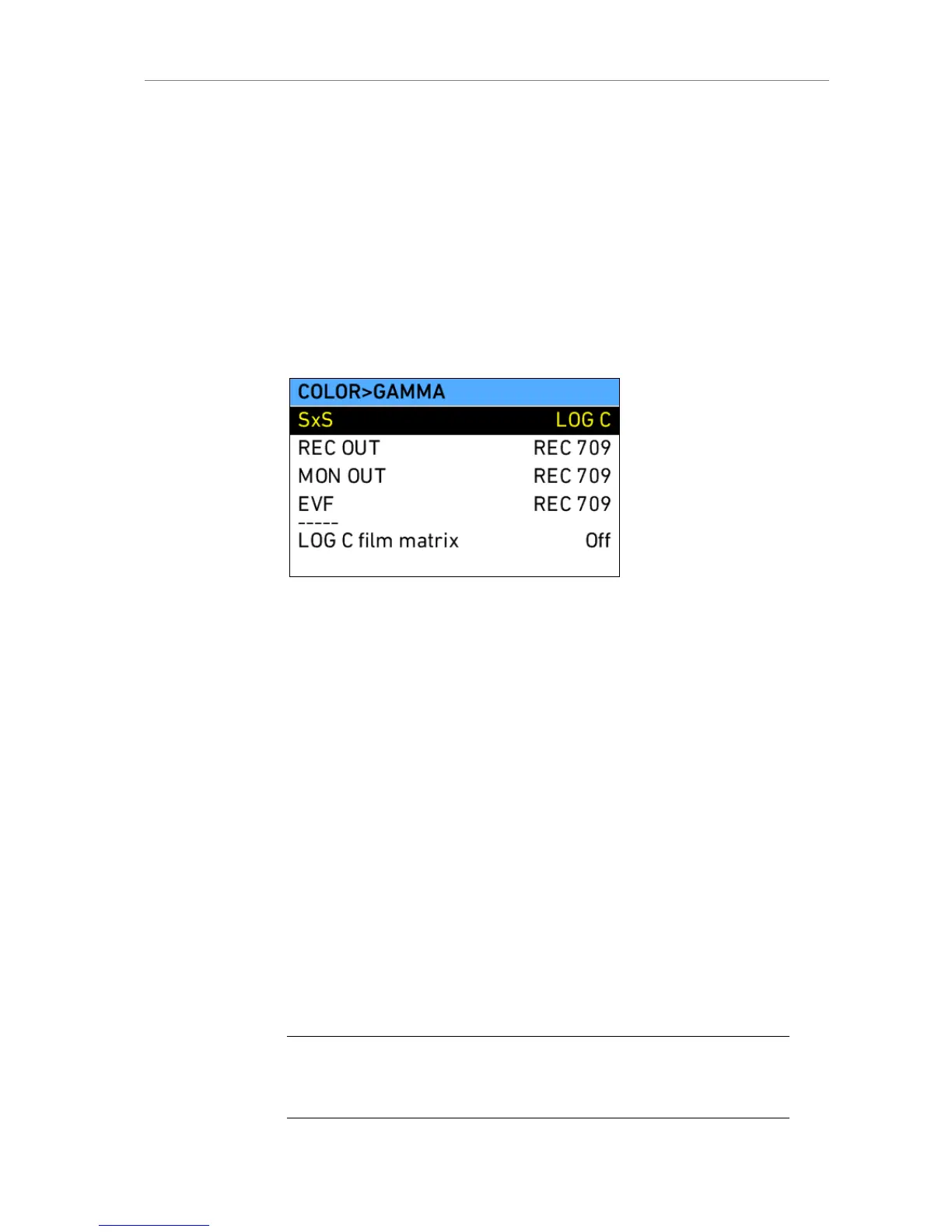
In the COLOR screen, pressing the GAMMA button opens a screen where
the Gamma of all 4 image paths (SxS, REC OUT, MON OUT, EVF) can be
adjusted centrally.
Gamma defines the contrast curve that is applied to the images. Three
different gamma settings are possible:
LOG C Gamma according to Cineon specification. Images
are prepared for output to film material or DI-like
treatment. Images will appear flat on a standard
broadcast monitors, the use of external devices to
apply a LUT is a must to get visually pleasing images
on a monitor.
REC 709 Gamma according to ITU.R-BT709 standard. Images
are prepared for playback on standard broadcast
monitors.
DCI P3 The new option is suited for DCI P3 (also known as
SMPTE 431-2) compliant displays. This color space
is used for digital cinema purposes.
LOG C film
matrix
When set to "On", a matrix is applied to the image
paths set to LOG C, which makes the image appear
like an image coming from a film negative that has
been scanned with an ARRISCAN. This is meant for
a DI workflow that utilizes preview LUTs that were
generated for film scans.
Note: Due to technical limitations, it is not possible to set REC OUT to REC 709 and
SxS to DCI P3, and vice versa. When one of them is changed, the value of the other
image path is matched automatically by the camera.











 To Next Page