64 Camera Controls
Note: During High Speed mode, REC OUT gamma cannot be set, because the REC
OUT shows the same image as the MON OUT.
LOG C is an intermediate color format and not designed as a display
standard. Thus color grading becomes an obligatory post production step
and for proper previewing, creation of dailies or editing proxies it is
necessary to use Look Up Tables. Matching preview LUTs can be generated
with the ARRI ALEXA LUT generator on www.arridigital.com.
Playback and Look Files
Look settings of the camera outputs also apply to any clip during playback, if
this clip was recorded in LOG C. A clip recorded in REC 709 or ITU P3 with
or without look will be played back "as is", even if the output is set to LOG C.
Please note that the currently active look is applied to the clip, not the one
that was active at the time of recording. It is the courtesy of the user to make
sure the right look is applied during playback.
11.1.3.7 WB
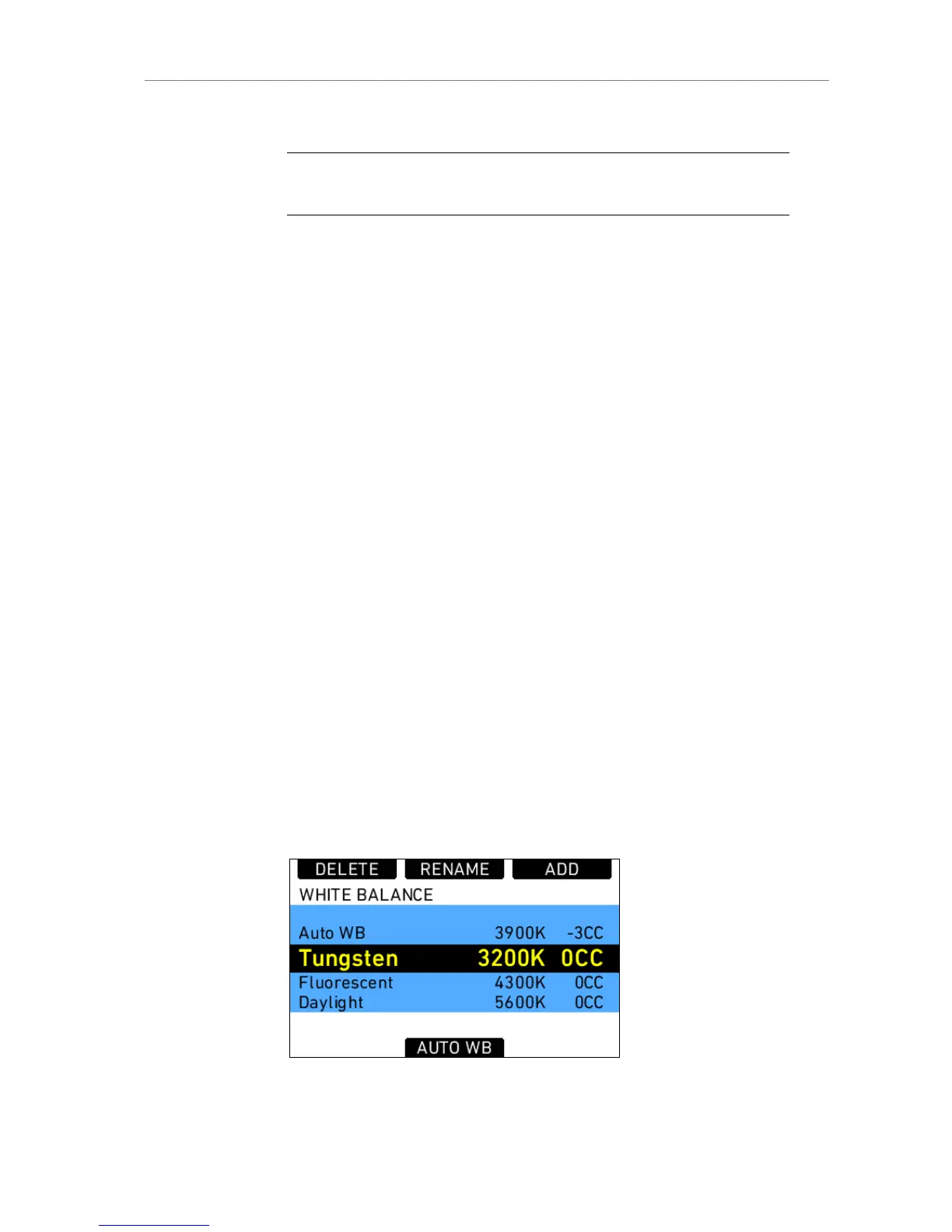
Pressing the WB screen button in the HOMESCREEN opens the WB list
screen. The list presets are 3200K for Tungsten, 4300K for Fluorescent,
5600K for Daylight and 7000K for Daylight cool.
White Balance adjusts the color balance of the camera according to the
lighting in use. It can be adjusted in steps of 100K from 2000 to 11000K.
In addition to the white balance, which influences only the red-blue balance
of the image, the CC (color compensating) shift can also adjust the green-
magenta balance.
Any light source that does not have a continuous spectrum, like fluorescent
tubes, will have peaks in its spectrum that can not be corrected with the
traditional white balance. The CC shift can correct these peaks up to the
same amount of a full green or a full magenta gel. 1 step of CC SHIFT
translates to 035 Kodak CC values or 1/8 Rosco values.
Figure 45: White balance list











 To Next Page