Main Controls 65
White balance and color compensation should be adjusted only with the help
of appropriate equipment. This can either be a color meter or a vectorscope
together with a calibrated grey card.
AUTO WB
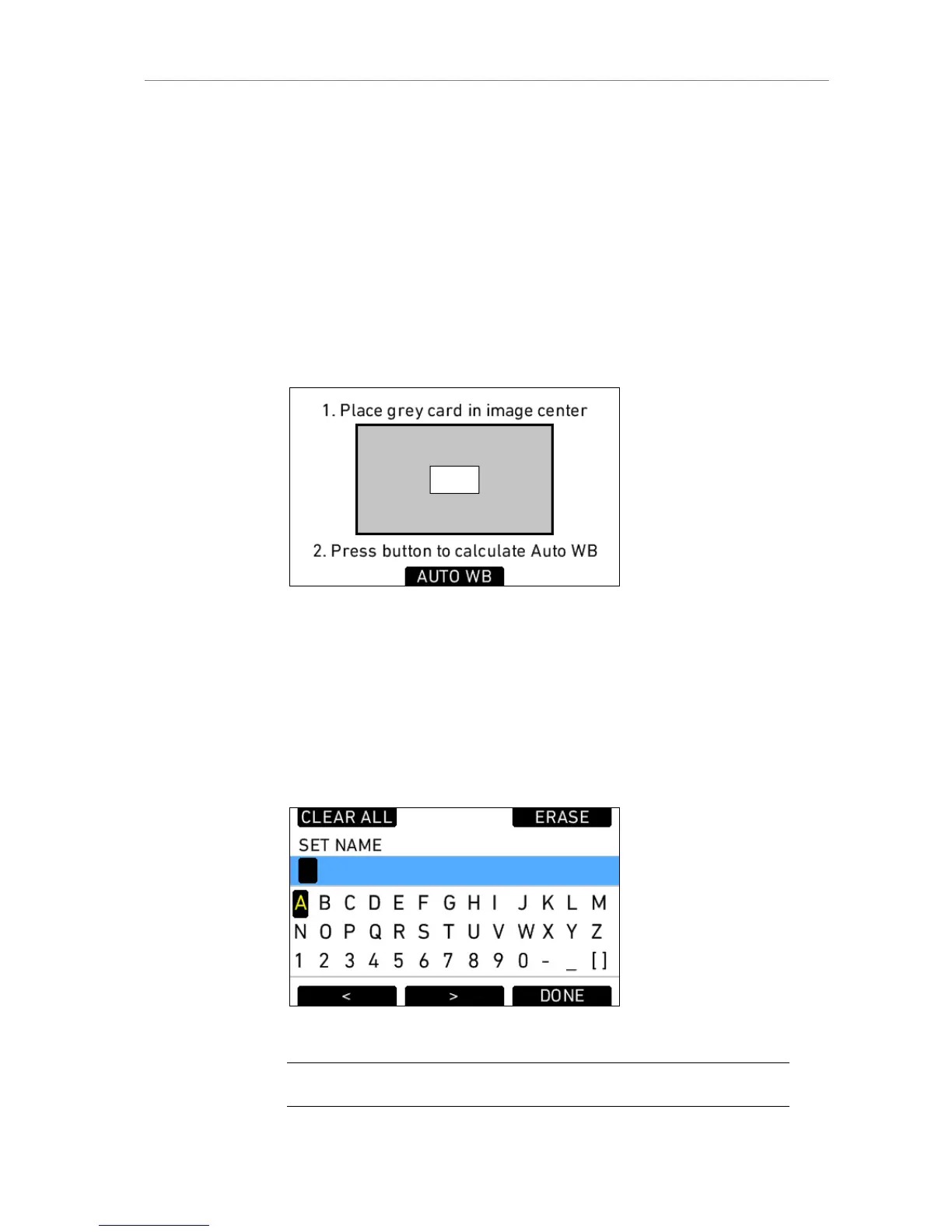
The camera can also perform an automatic white balance. To do this, press
the AUTO WB screen button once. The EVF and MON OUT image show a
mask with a center cut-out. Place a well-lit grey card in the are of the mask
cut-out, and press the AUTO WB screen button again. The camera will
calculate a WB and CC value based on the color values in the image center.
If these values are out of range, or the image center is strongly under- or
over-exposed, the camera cannot calculate a WB value and will show an
error message.
The AUTO WB value is always stored as the first entry of the WB list. This
entry is overwritten every time an automatic white balance is performed. To
save an AUTO WB value, press ADD after the successfull calulation, and
press the wheel twice. The AUTO WB result will be saved as a user value in
the WB list.
User entries of the WB list can be assigned a new name to match either the
type of lighting used, or to match to a certain type of setup (e.g. INDOOR
DAY).
In the WB screen, press RENAME, then adjust the string as desired, and
confirm the changes by pressing DONE. The action can be aborted by
pressing BACK.
Figure 46: WB rename screen
Note: Default values cannot be renamed.











 To Next Page