92 Camera Controls
of -30 to +30 HD clocks (1 HD clock = 13.4 ns). This
can be necessary for 3D applications with external
recorders that require the slave signal to arrive after
the master signal. Shift the phase backwards (+) on a
slave camera or frontwards (-) on a master camera to
achieve this behavior.
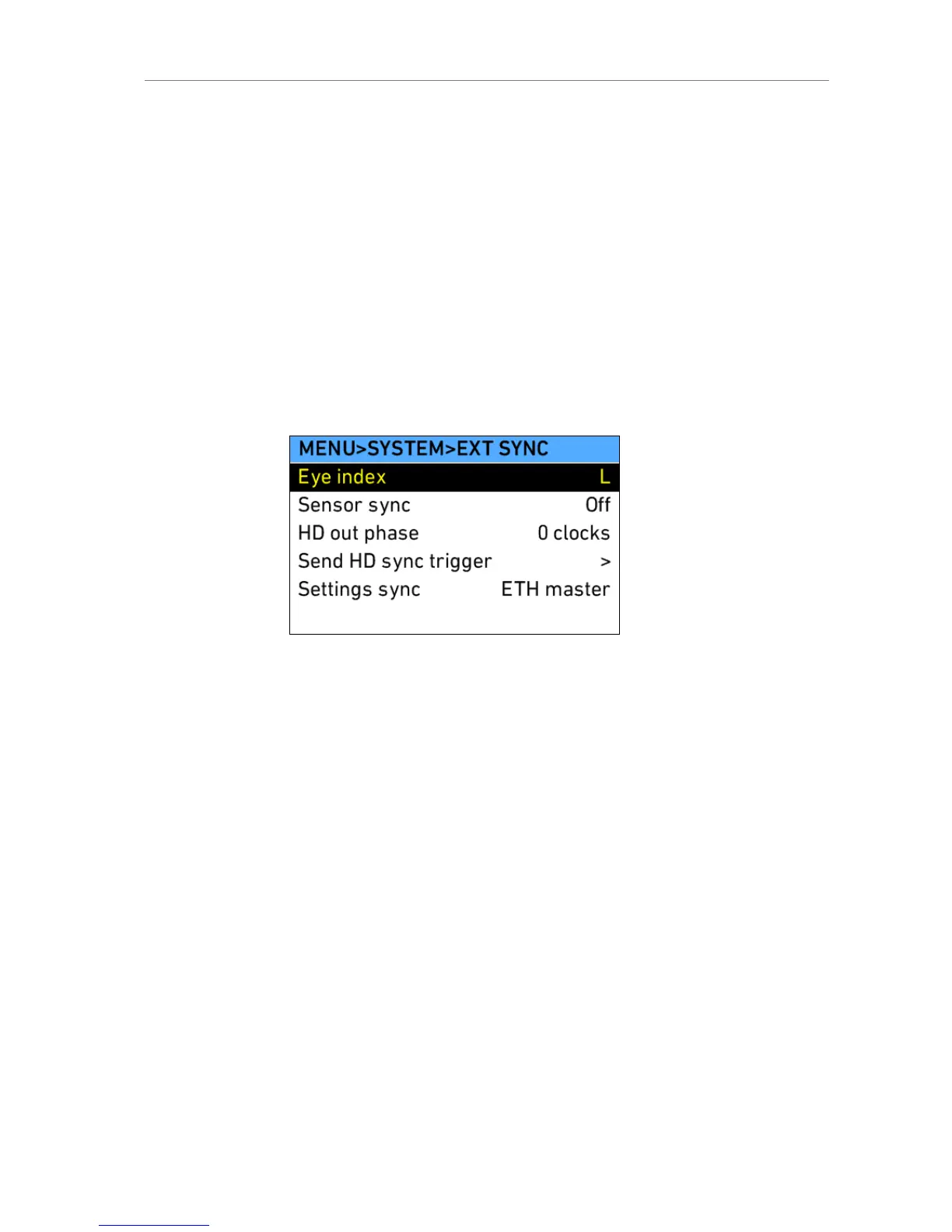
Send HD sync
trigger
When using two cameras in sensor sync mode
without settings sync, the EXT MASTER camera
must send a trigger to the EXT SLAVE camera to
ensure the HD outputs of the cameras are synced.
Press the jogwheel to send the trigger.
Settings sync ALEXA cameras can be operated in synced settings
mode, where two cameras sync their settings via
Ethernet. See Settings sync (on page 115) for more
info.
Figure 71: MENU>SYSTEM>EXT SYNC
Display + Beeper
Display
brightness
Set the brightness of the camera right side LCD
display. The brightness can also be adjusted when
the Homescreen is active by turning the jogwheel
while pressing the BACK button.
Button
brightness
Set the brightness of the button illumination.
Run beeper
mode
Set whether the run beeper shall beep at start or stop
of recording, at both or not at all.











 To Next Page