94 Camera Controls
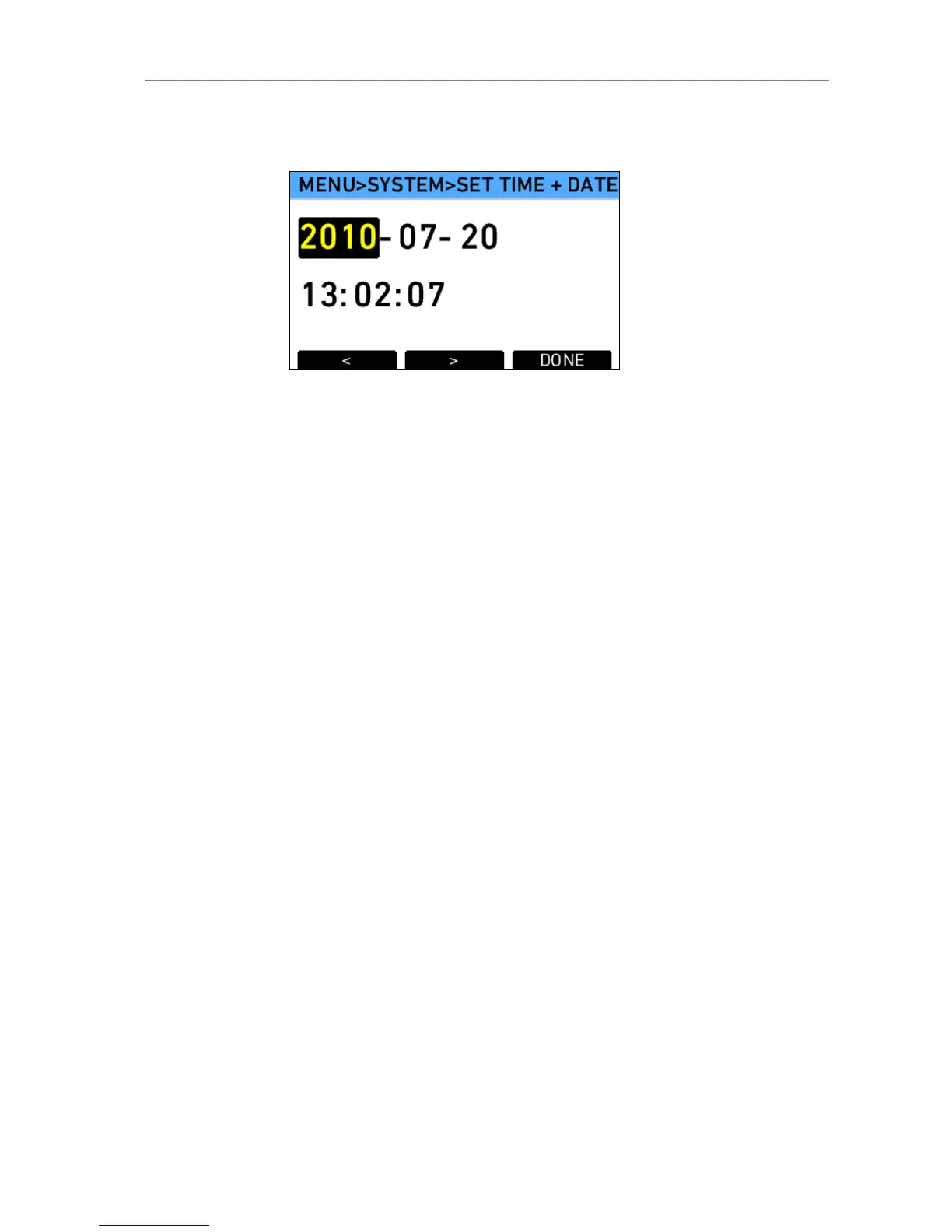
Use the lower screen buttons to navigate between the elements in the
screen and to finish your setting.
Figure 74: Set time + date screen
Fan
Fan mode Set the fan mode to Regular for locations with ambient
temperatures up to 30°C (86°F). If the ambient temperature
gets higher, set it to Rec low.
SD card
Format +
prepare SD
card
Formats the SD card and creates the required folder
structure after confirmation.
Note: This removes all data present on the SD card.
Prepare SD
card
Creates or completes the required folder structure on
the SD card without touching any data present on the
SD card.
WNA-1
The Wireless Network Adapter WNA-1 is a new accessory from ARRI that
will soon be released and allows to connect a camera to a WLAN network.
Firmware
The camera firmware can be updated to enable new camera features. To
update the camera firmware, store a SUP (Software Update Packet) file on
the SD card and follow the instructions given with the SUP.
Select update file If an SD card containing update files is inserted in the
camera, you can select an update file from the list and
perform an update. Start the update procedure by
pressing the two lower outer screen buttons
simultaneously.
Current version Release code of currently installed firmware











 To Next Page