Main Controls 95
Licensed features Opens a screen where licenses for licensed features
can be managed.
Note: DO NOT INTERRUPT THE UPDATE ONCE IT HAS STARTED. MAKE SURE
THE CAMERA POWER SUPPLY WILL REMAIN SUFFICIENT FOR THE
DURATION OF THE UPDATE (APP. 15 MINUTES).
Note: On rare occasions, the update process can fail. If the update procedure fails,
try it again until you succeed.
Note: If SxS recording is switched off, switch it back on again before performing a
firmware update.
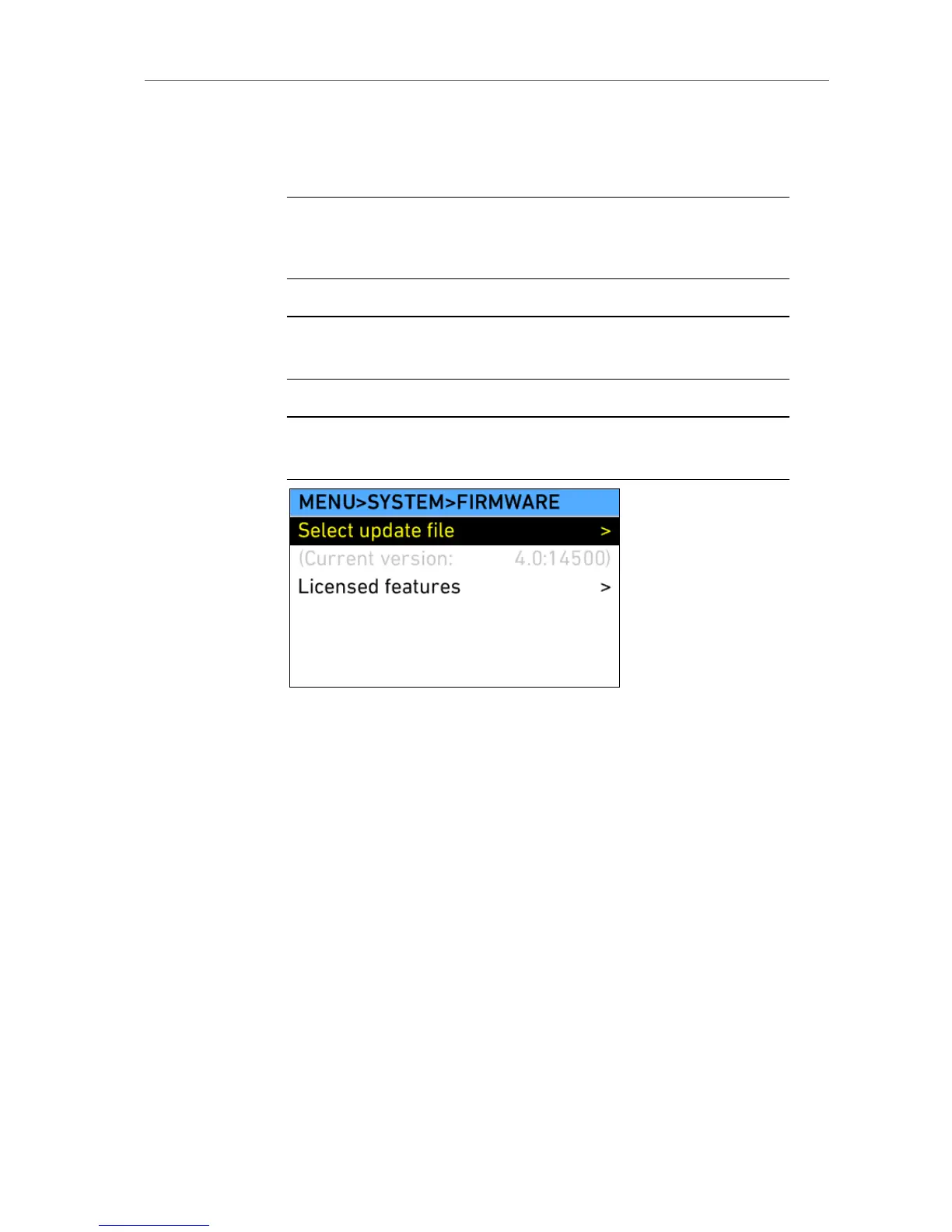
Figure 75: MENU>SYSTEM>FIRMWARE
11.1.5.4.1.1 LicensedFeatures
Licensed features are camera functionalities that require a license key to be
enabled. Licenses can be purchased through the ARRI ALEXA License
webshop, which can be found at http://alshop.arri.de. A detailed instruction
on how to purchase a license key can be found on the website.
License keys are linked to the camera serial number and cannot be
transferred from one camera to another.
To order a license key, you must have the hardware info file of the camera
for which you want to order the license key.











 To Next Page