TD 92483GB
2008-06-05/ Ver. B
Installation and Operation Manual
UPAC- Unite Packet for Messaging and Alarm
76
13 Operation
Creating and sending messages requires no password and can be done by any user in the
system.
13.1 Create and send Messages
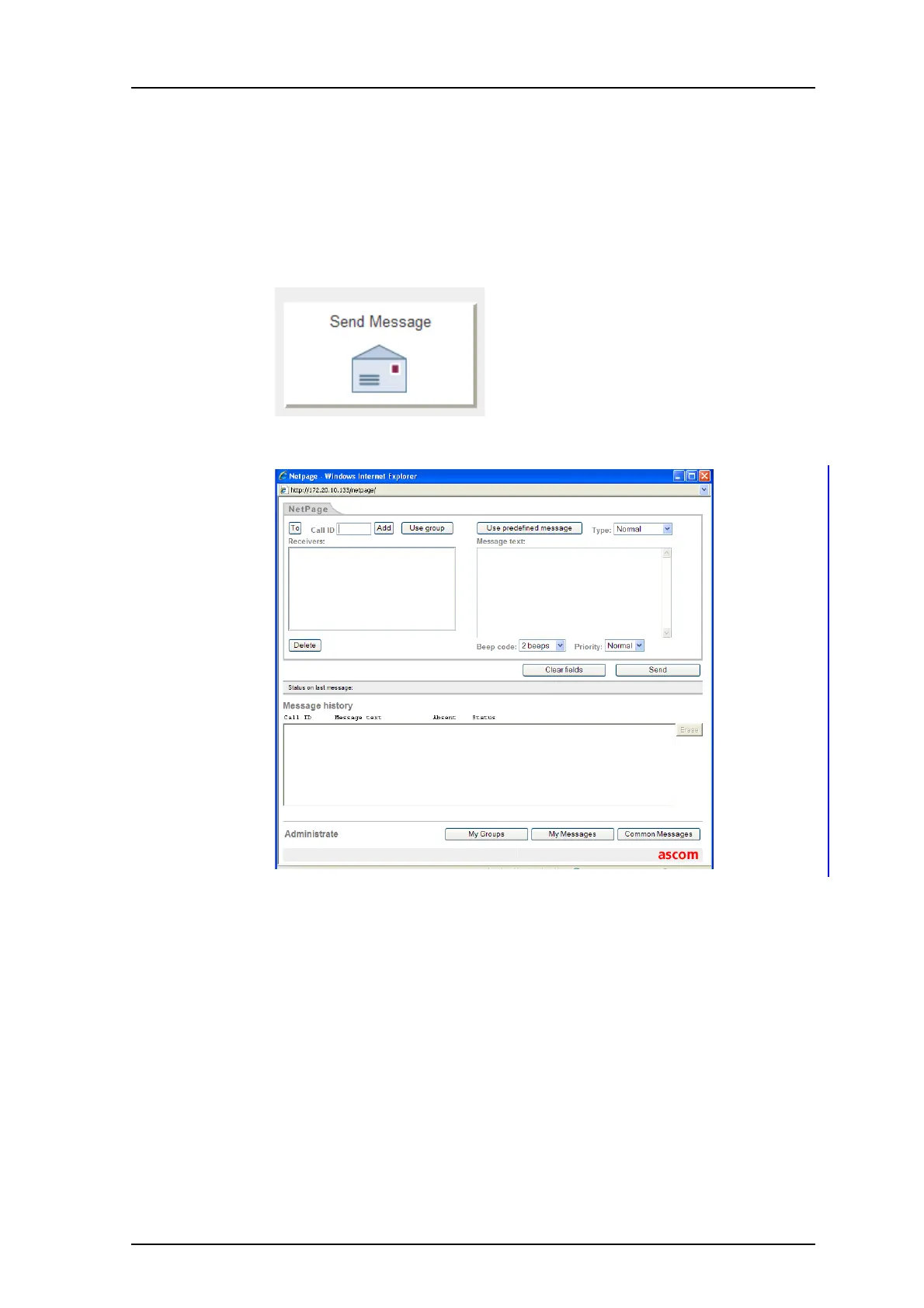
1 Click “Send Message” on the start page. The NetPage opens.
2 Click either on the “To” button to fetch number from the Users list, or enter
number in the Call ID field and click “Add”. Several Call IDs can be added.
If the message shall be sent to a group click the "Use group" button, select group
and click “OK”.
3 Enter message text in the Message text field or click “Use predefined message”,
select a message in the list and click “OK”.
4 Click “Send”.
13.2 Predefined Messages
The predefined messages include message text, beep characteristics, priority and message
type. There are two types of messages: “Common Messages” and “My Messages”.
Note: The maximum message length differs depending on which system or handset the
message is sent to and the amount of special characters included in the message.
Figure 102.
Figure 103.
Figure 104.



 To Next Page