EFD1000 Installation Manual
DOCUMENT # A-01-126-00 PAGE 189-225 Revision H
© Copyright 2009 Aspen Avionics Inc.
When GPSS is not selected, the autopilot will follow the heading bug value manually set
by the pilot.
If the connected GPS system does not provide the required roll steering command, the
GPSS legend adjacent to the GPSS Hot Key will be rendered in grey and it will not be
possible to enable GPSS operation via the Hot Key.
NOTE: Refer the Aircraft Flight Manual Supplement for your GPS system for information
about GPSS steering commands that may be output by that system. The autopilot
must be in Heading Mode to receive GPSS signals from the EFD1000.
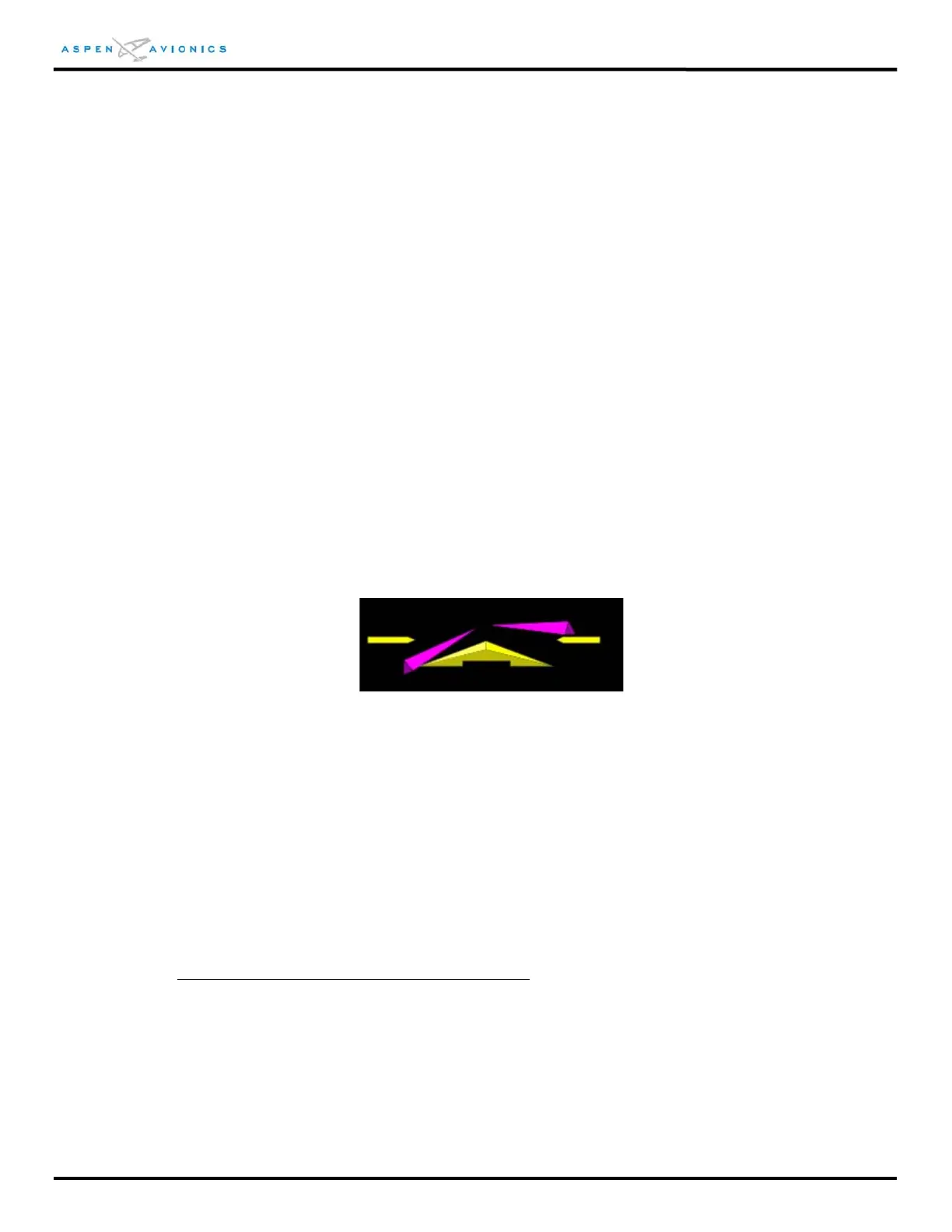
Flight Director
When connected to a compatible autopilot system the EFD1000 will display a single-cue
flight director. The flight director command bars visually represent the lateral and
vertical steering cues transmitted to the PFD by the autopilot. When the FD output from
the autopilot is unavailable or flagged invalid, the FD command bars are removed from
the display.
Figure 12.34 – Flight Director
Typical Autopilot Operations
Whenever the EFD1000 installed configuration includes connections to GPS, VLOC and
autopilot systems, the EFD1000 acts as a conduit of data between the navigation radios and
the autopilot system. This configuration enables any navigation sensor available for display
on the EFD system to be coupled to the autopilot.
“HDG” Mode Operation – Heading Bug Steering
1. Set the heading bug on the EFD1000 to the desired heading
2. Verify that GPSS is not selected (GPSS Legend on Hot Keys shown in GREY)
3. Select the autopilot’s heading mode.
4. Engage the autopilot
5. Verify that the autopilot turns the aircraft to the desired heading.



 To Next Page