40
PC Operations - Live Display
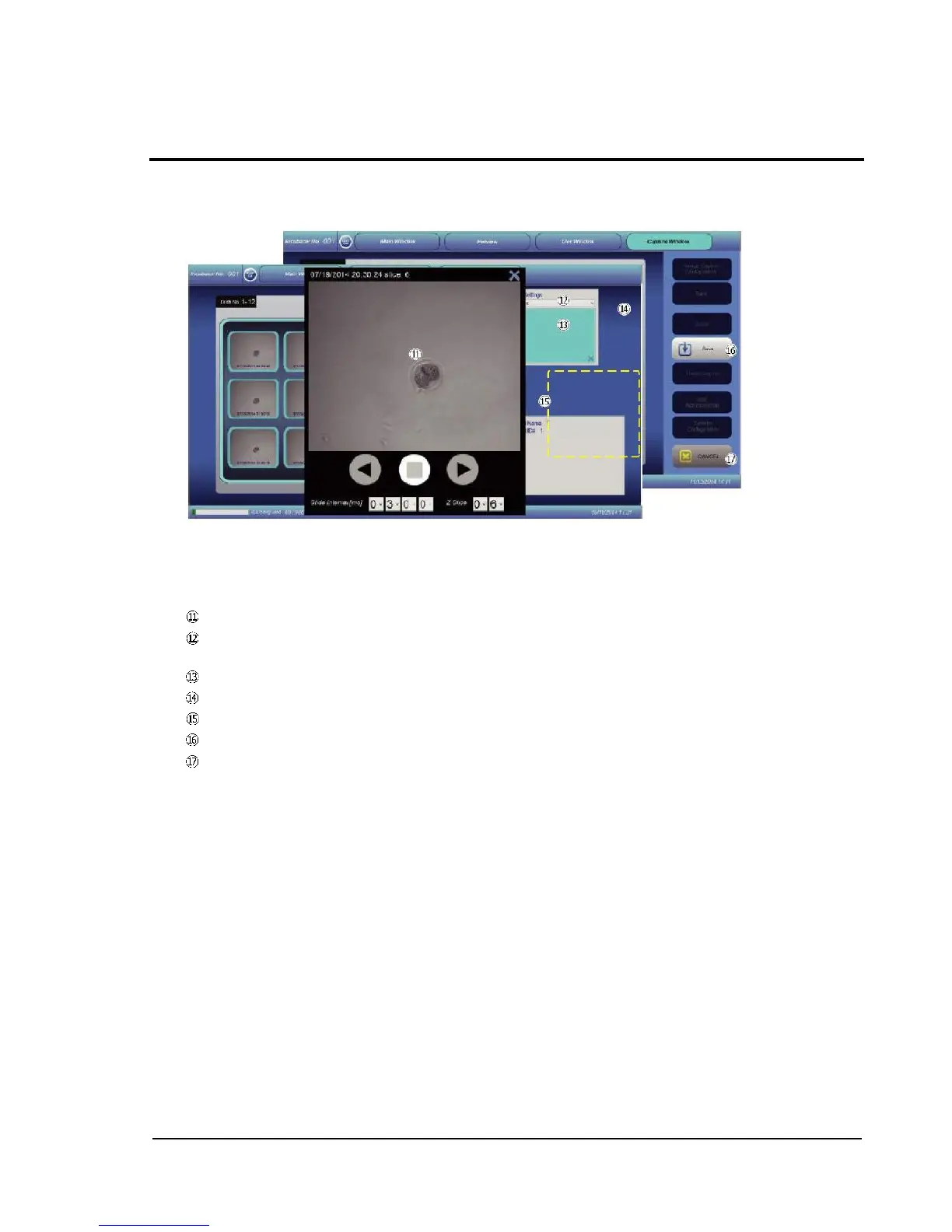
Executing image capture on the Live screen displays the captured image. As for the cursor buttons,
the arrow buttons become non-functional and are grayed out when they do not need to be used,
depending on selected items.
Captured-image display: An image captured on the Live screen is shown.
X-Y shift tab: An image enlarged (ZOOM IN) can be scrolled vertically and horizontally with the
cursor buttons.
Z shift tab: Images z-axis-sliced and captured can be switched.
Zoom-in/zoom-out buttons: Allow enlargement and reduction of shown images.
Cursor button: The arrow buttons serve functions assigned for tabs selected.
Save button: Saves captured images.
CANCEL button: Restores the Live screen.



 To Next Page