PC Operations - Log Information
53
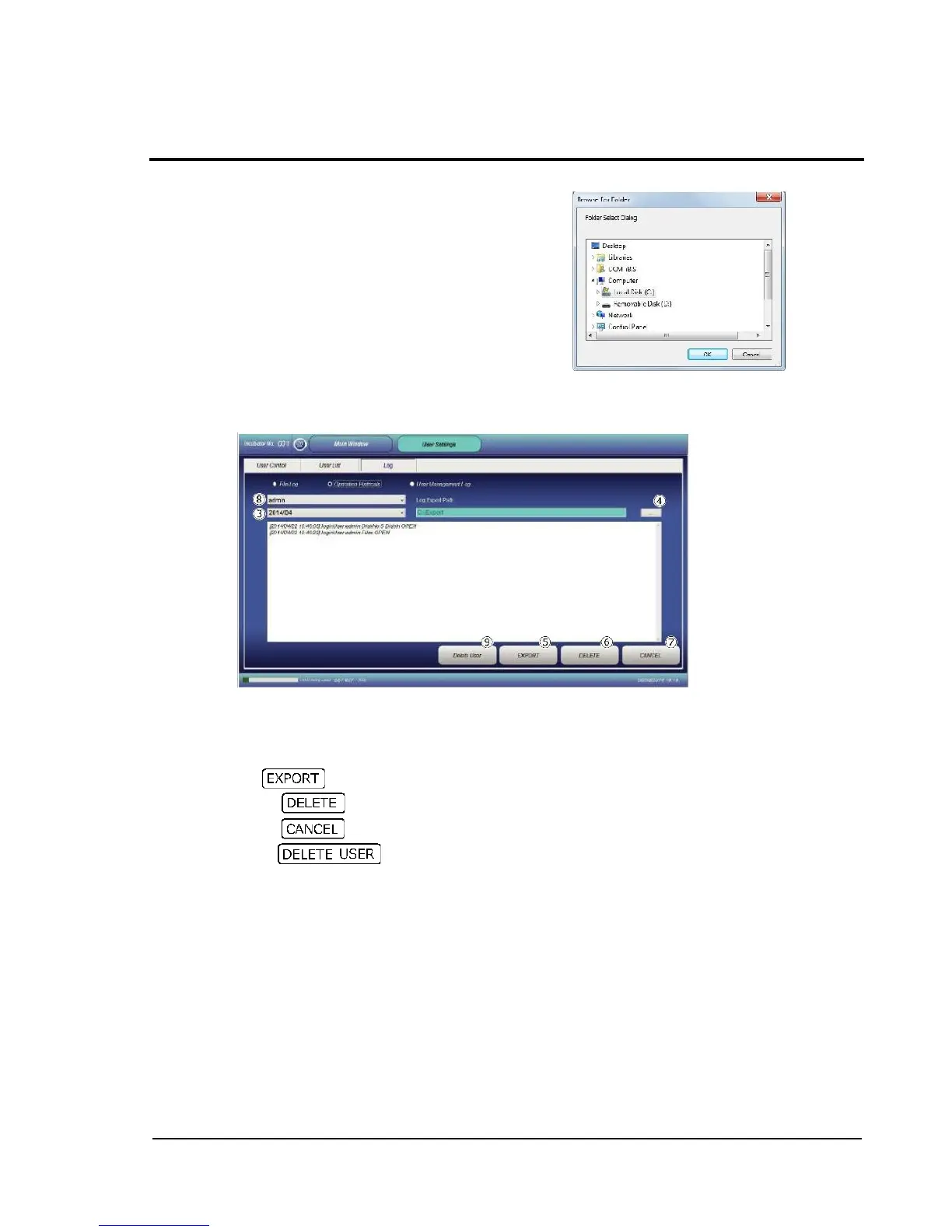
When specifying a file save location in , the dialog
shown to the right is displayed.
Select the desired folder.
2-13-3-2 Operation log for each user
With a user name selected, record of operation details by the user is shown for each month.
Select the target user from the pull-down menu .
Select the target year/month from the pull-down menu .
Specify a save location to save as a text file.
Press to save in text file.
Pressing deletes the currently displayed log.
Pressing restores the Main window.
Deleting deletes all logs of the displayed user.



 To Next Page