42
PC Operations - Dish Info (Dish Information)
2-9 Dish Info
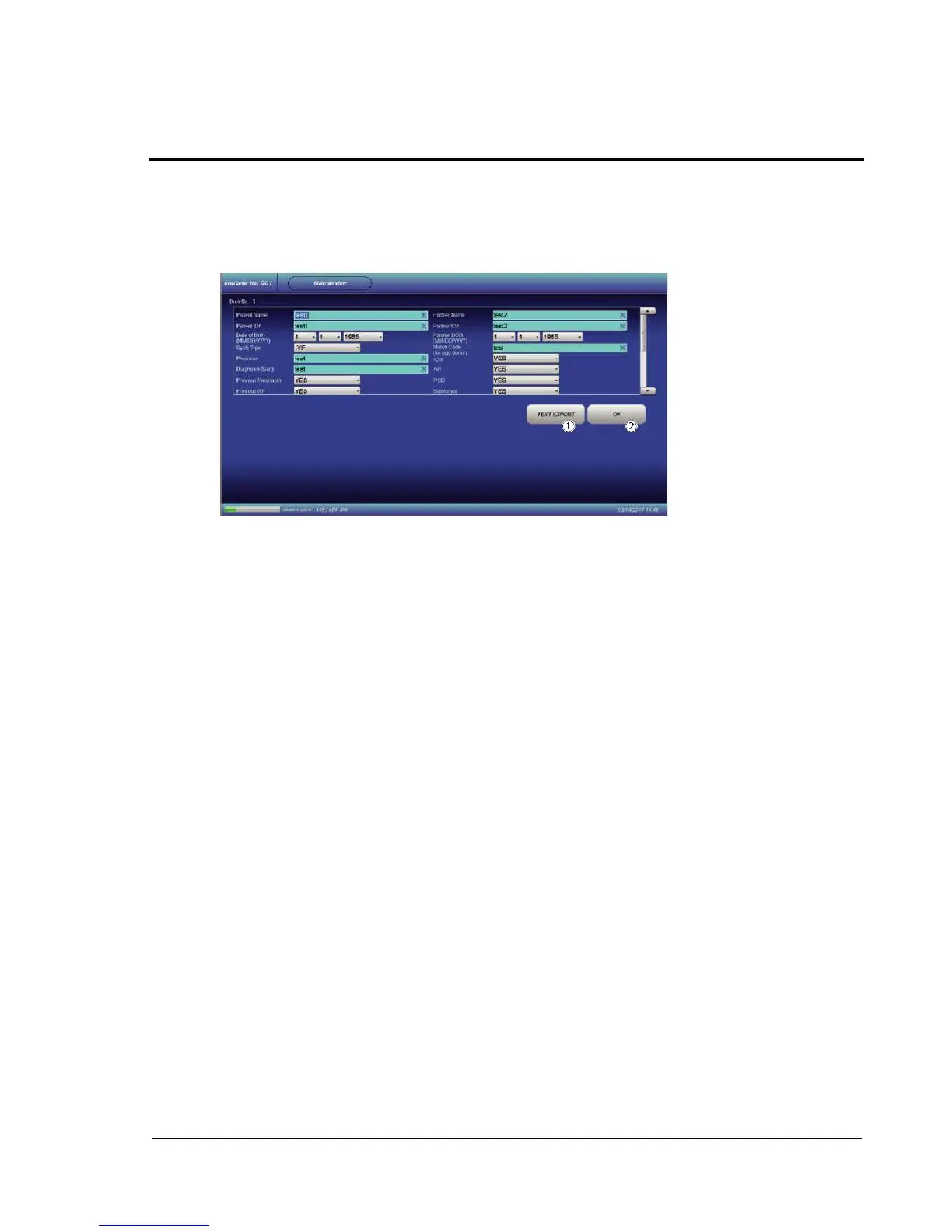
Use to correct information entered in the Dish-In procedure.
Touching the Dish Info button on the Main window switches the screen.
The displayed screen allows to change preset items and add items (sample name, ID number, birth
date, etc.).
TEXT EXPORT: Allows to save shown information in a text file.
Folder for saving can be set with "System Configuration".
OK: Confirms the change and addition, followed by shift to the Main window.



 To Next Page