PC Operations - User Management
51
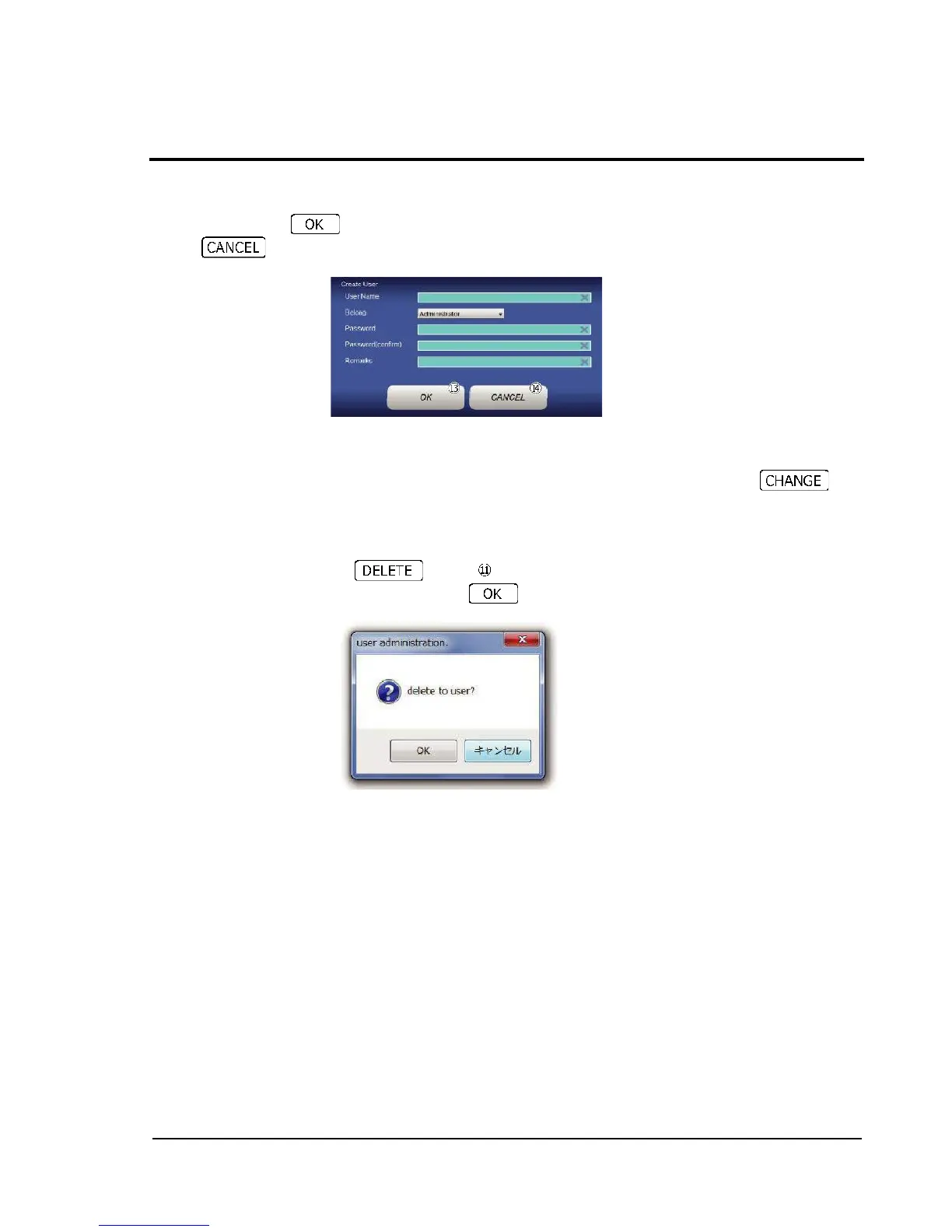
Create User dialog is displayed. Enter a user name, user level, password, and (as needed) remark,
and then press button to complete the registration.
If button is pressed, the dialog is closed without registration being executed.
2-13-2-2 Changing user levels and remarks.
The user levels and remarks regarding individual users can be changed by double-touching the
Enable and Remarks fields, at any time. After making changes, be sure to touch
button to confirm the changes.
2-13-2-3 User deletion
To delete a registered user, check the checkbox shown to the left of the target user name by
touching, and then touch button .
Confirmation dialog is displayed. Touching deletes the checked user.



 To Next Page