43
PC Operations - Capture
2-10 Capture
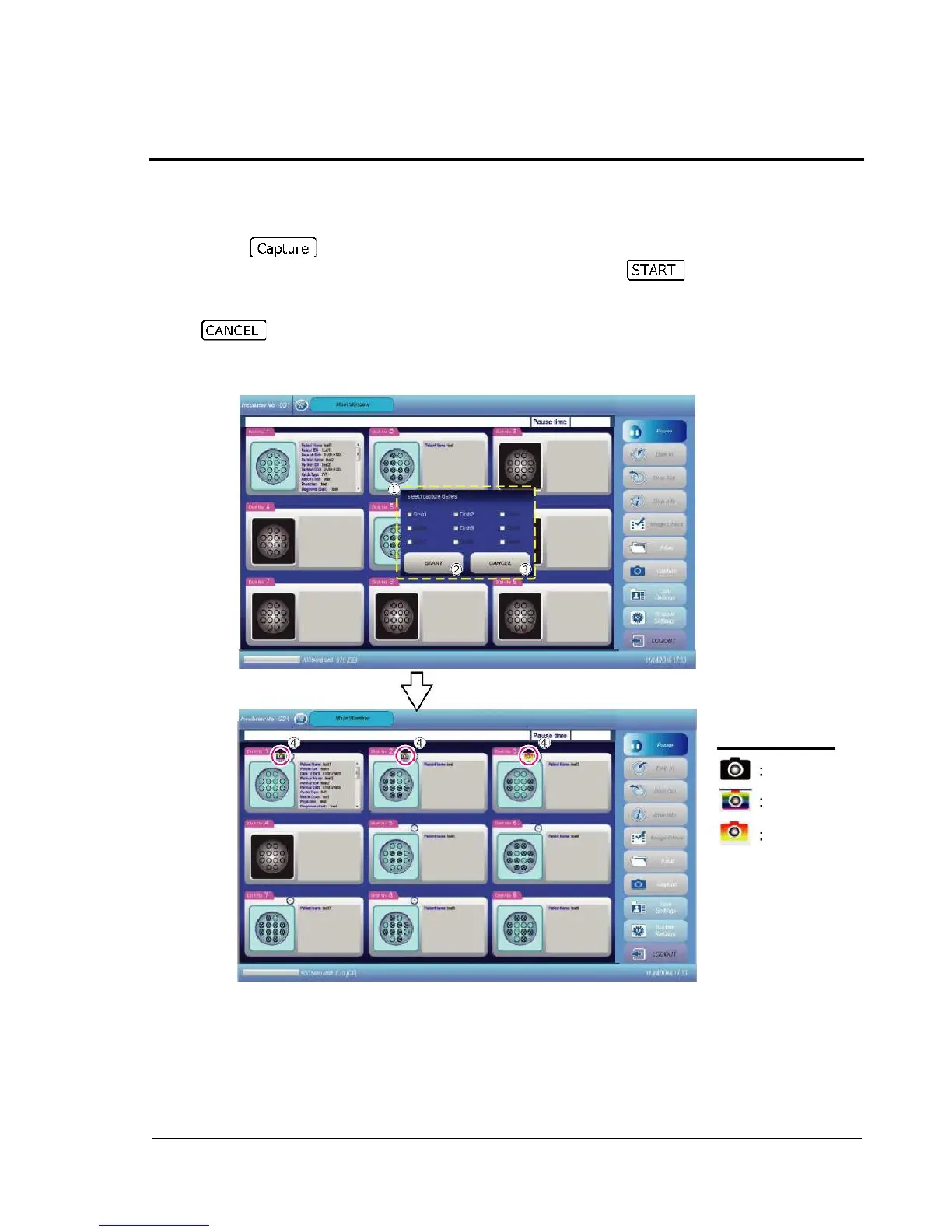
This allows image capture of a specified dish. Check the checkbox of the dish to be captured and
start the procedure.
Pressing button displays the dialog "Select capture dishes" .
Check the checkbox of the dish to be captured, and then press . Image capture is
started.
During image capture, the current capture status is indicated and can be recognized.
If is pressed, start of image capture is quit.
Captured images are saved in a specified folder.



 To Next Page