36
PC Operations
- Termination/ Main Screen/ Dish-In Processing
2-3 How to Terminate
Before turning Off the main body, be sure to shut down the PC.
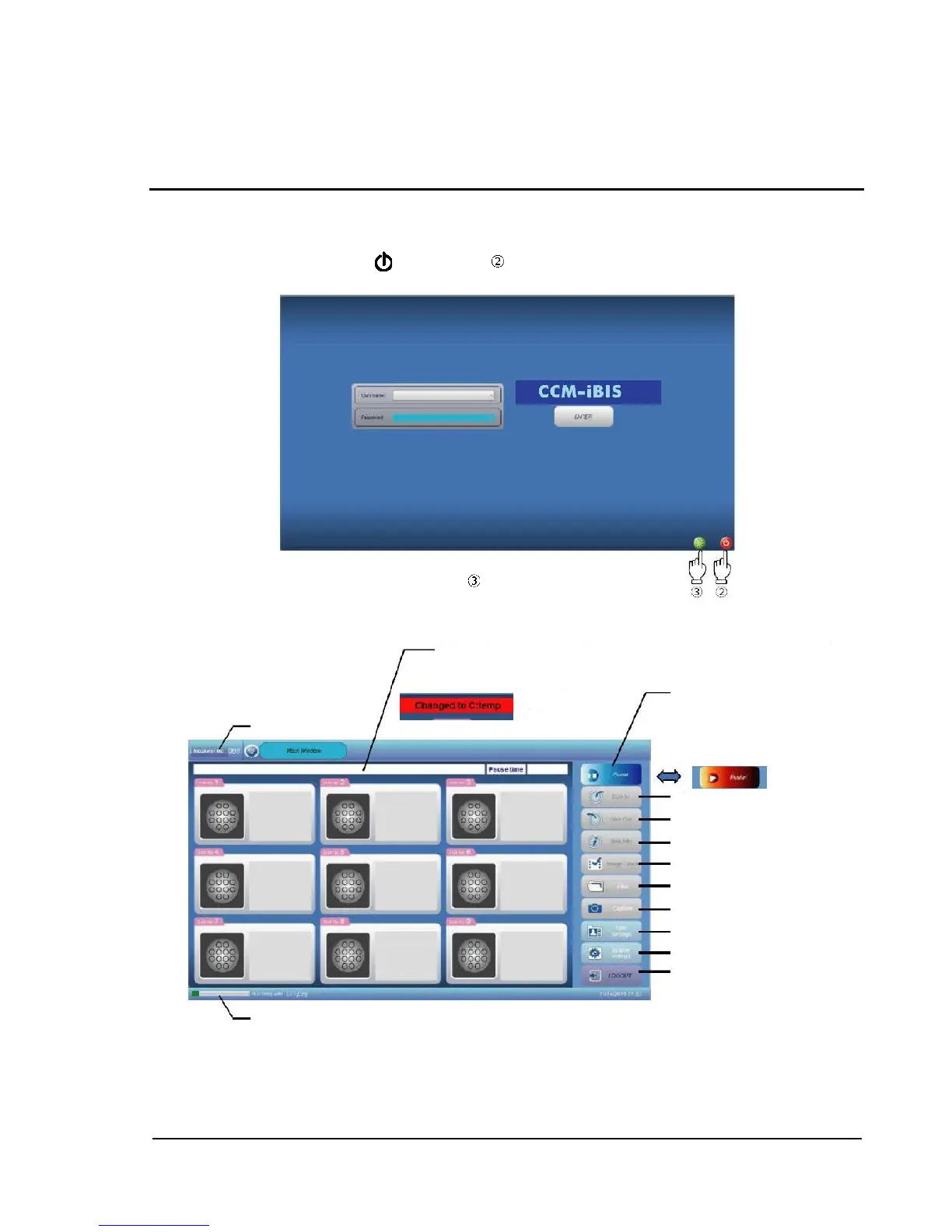
To shut down the PC, touch power button at the bottom right of the login screen.
To shut down when in login status, log out first, and then shut down as described above.
2-4 Main Window (Main Screen)
2-5 Dish-In
On the touch panel of the main body, touch and select the dish (1 to 9) to start cultivation, and then
touch [Dish In]. "Information window" is displayed.
Storage location change message box
When switching to "C:Temp" is made,
an output message flashes.



 To Next Page