52
PC Operations - Log Information
2-13-3 Log information
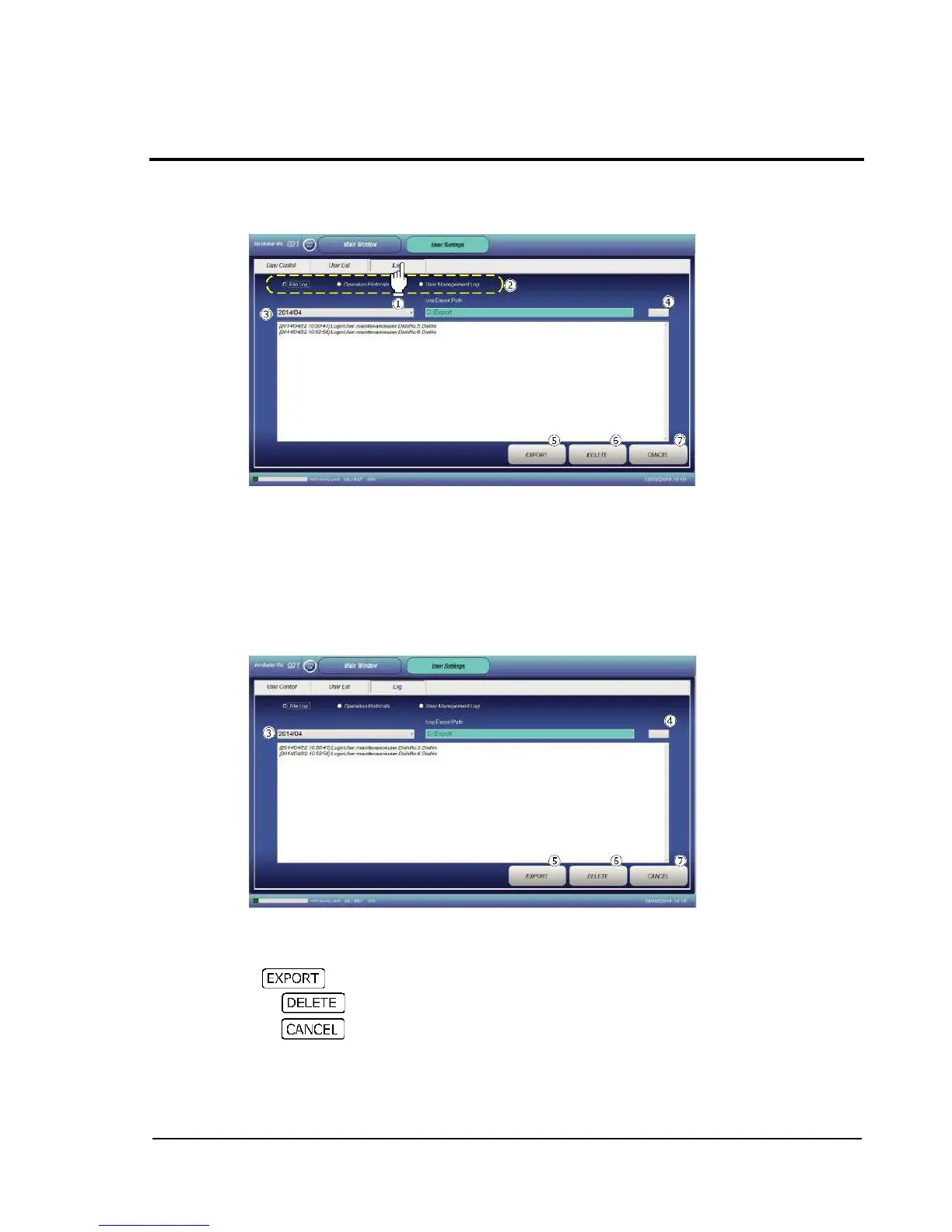
Touching the Log tab displays the log information screen. The screen allows display of the following
log information.
a. File log (File Log)
b. Operation log for each user (Operation Management Log)
c. User addition/deletion log (User Management Log)
Checking radio button allows switching among the log information items, for display.
2-13-3-1 File log
The record of file operations is shown for each month.
Select the desired year/month from the pull-down menu to display the target file log.
Specify a save location to save as a text file.
Press to save in text file.
Pressing deletes the currently displayed log.
Pressing restores the Main window.



 To Next Page