PC Operations - Image Check
45
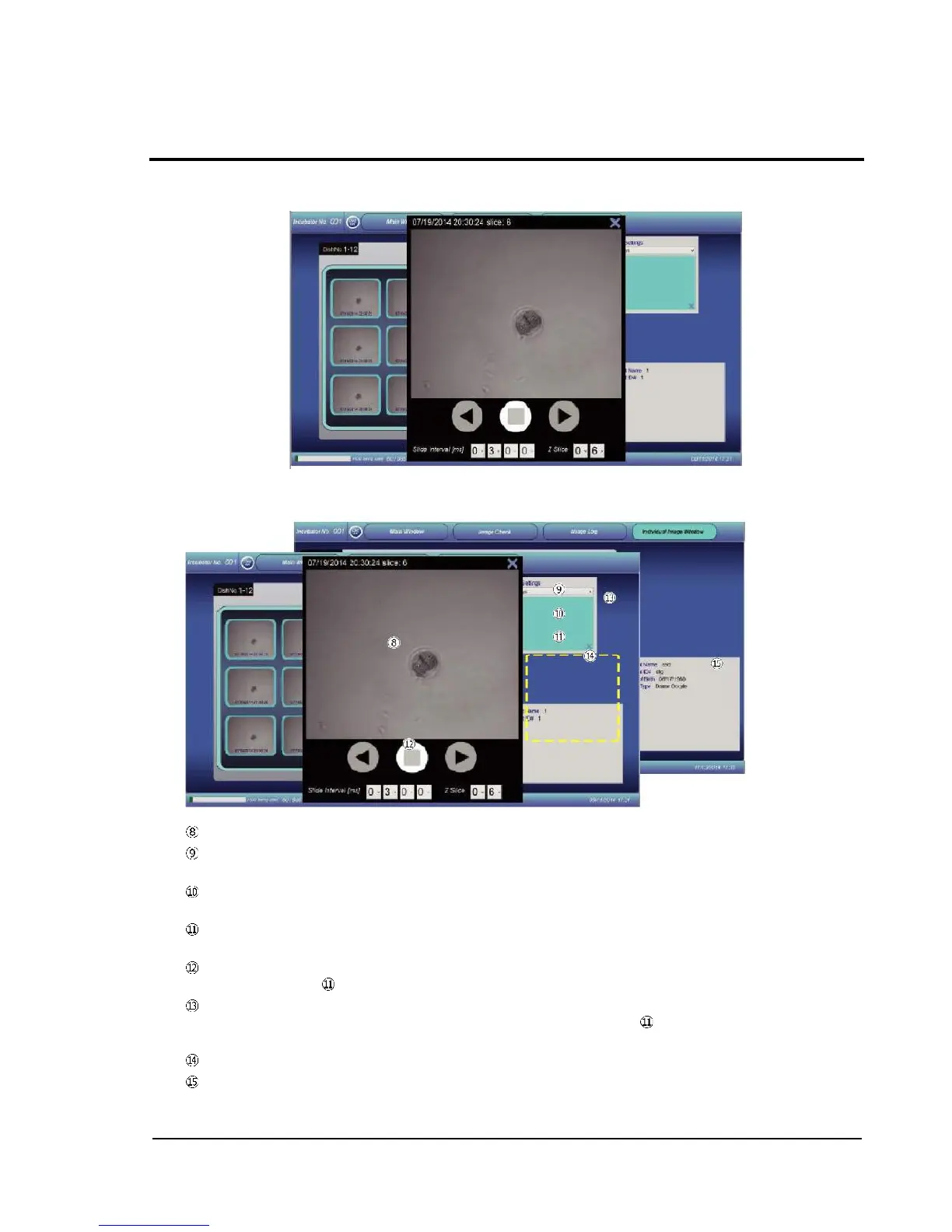
Slide show
Enlarged display
Display area of captured images
X-Y shift tab: An image enlarged (ZOOM IN) can be scrolled vertically and horizontally with the
cursor buttons.
Z axis shift tab: When shown images include z slices, the cursor buttons can be used to change
the z direction (pint axis).
Note tab: Allows entry of information to be put on a report at the time of report output.
(See 2-11-3 Report Output.)
Time-series shift tab: When images captured in the temporal sequence are present, the
time-axis slider allows display of the images in the temporal sequence of capture.
Zoom tab: After touching and selecting the tab, the display can be enlarged in the range of 1 to
5 times with the cursor buttons. After enlargement, the slider bar is shown, so that it can be
used to scroll the shown image.
Cursor button: The arrow buttons allow performing of various kinds of adjustment.
Sample information: Shows sample-related information registered in the Dish-In procedure.



 To Next Page