PC Operations - Report Output
49
To create a new folder, touch button , use the directory selection dialog to specify a directory,
enter a new folder name into field , and then touch New Folder .
From the pull-down menu of Patient Name or Patient ID, select the name or ID of the target
sample.
Check the checkboxes for the items to be put on the report.
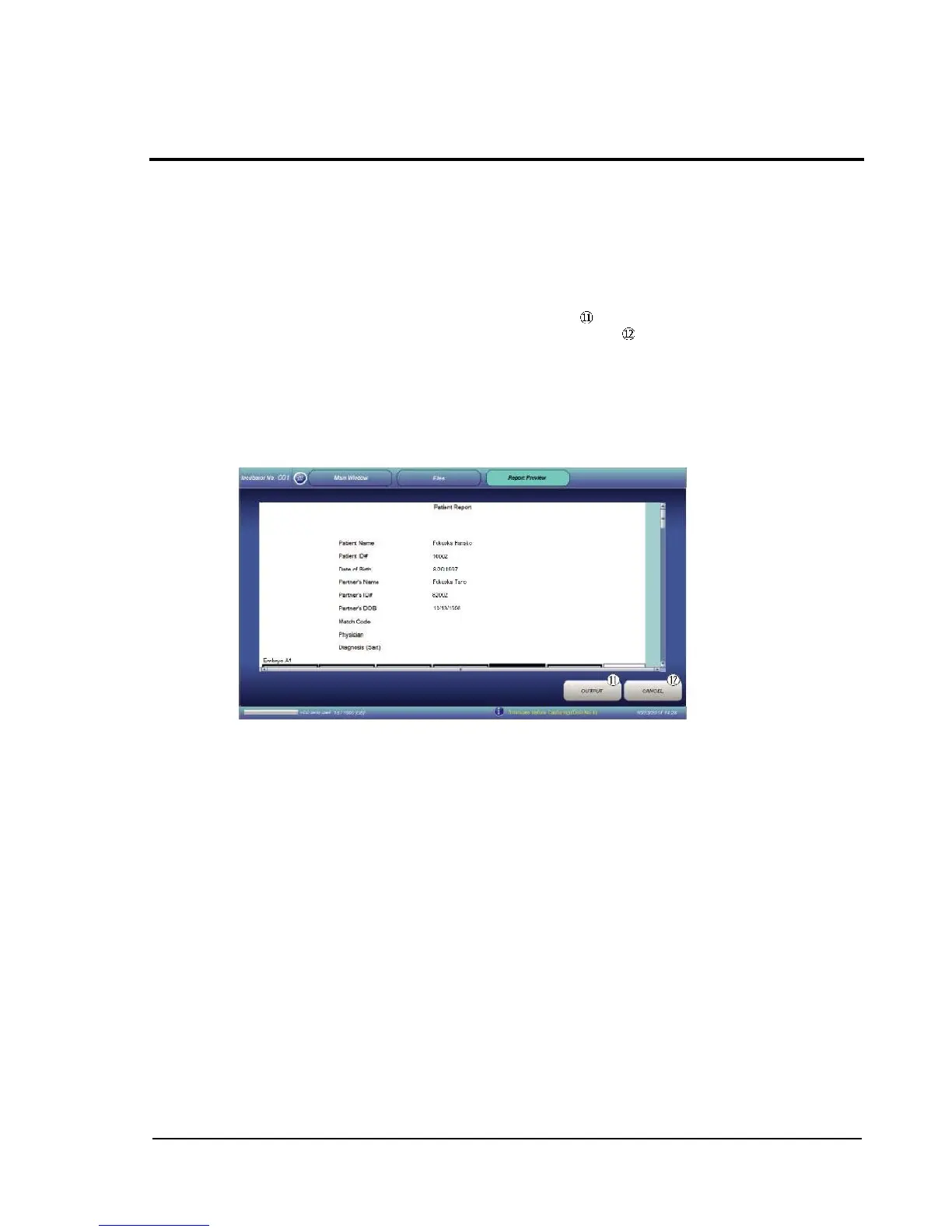
Touching Report Preview leads to preview display of the report format.
When in preview display (figure below), touching OUTPUT creates a PDF file of the report be
generated and saved under the specified directory. If CANCEL is selected, report output is
canceled.
Removable HDD: Removes a USB-connected external storage device.
CANCEL: Restores the Main window without executing transfer.
Report preview display



 To Next Page