Ch. 1. System Overview Sec. 1.3. The Igor Pro Software Environment
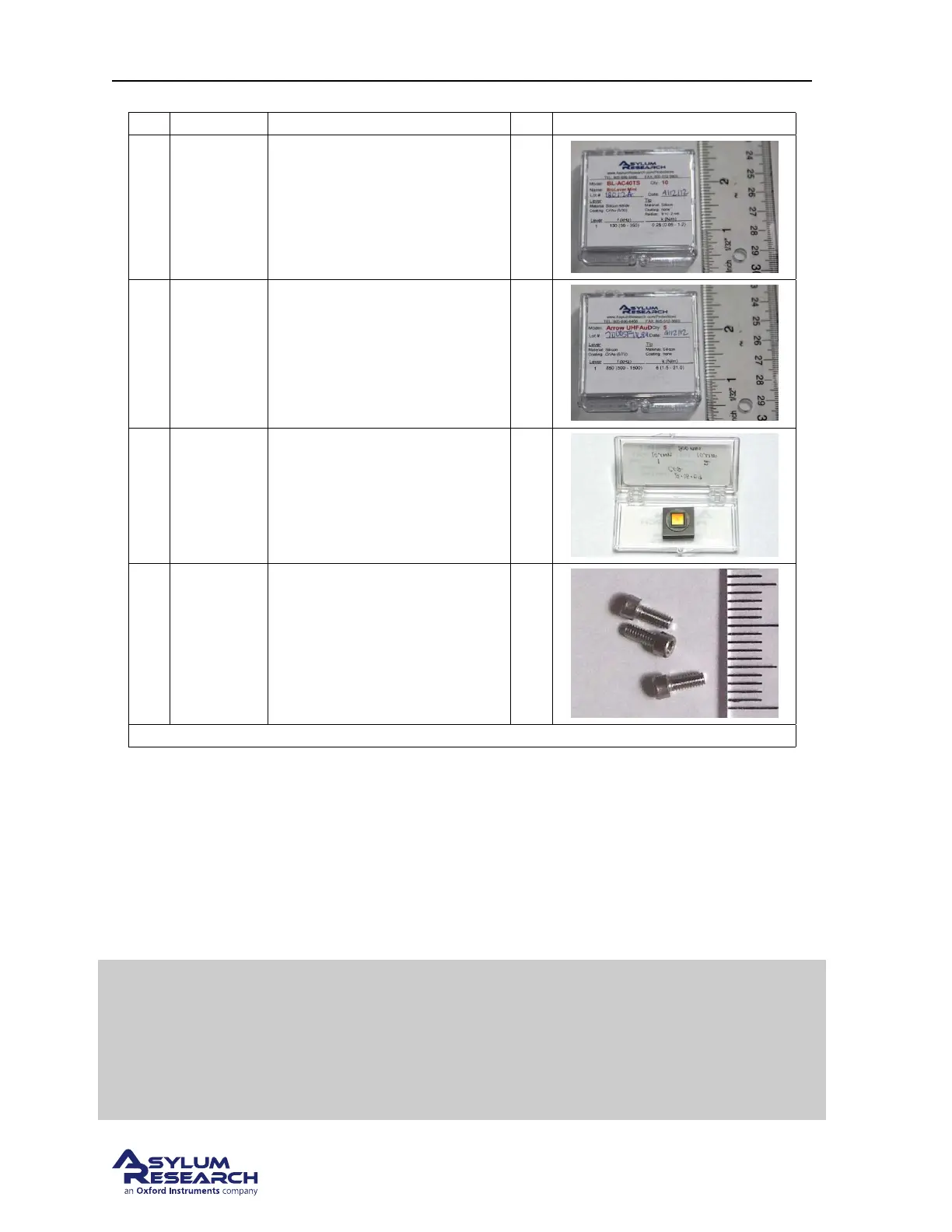
Itm Part # Item Description Qty Picture
8
803. OLY.
BL- AC 40
TS
Olympus Biolevers (Mini):
Model BL - AC40TS.
10
9
804. NW.
ARROW -
UHF AUD
Nanoworld Cantilevers, Model:
ARROW UHFAuD
5
10 900.237
AR calibration Grating - Steel
Puck Mounted.
1
11
1-72 x
3/16”
SHCS SS
1-72 x 3/16” screw, spares.
Fastens the cantilever holder
onto the standard scanner
(
Step 6 on page 20) and also fits
the cantilever holder changing
stations.
5
The scale in the photos is in cm and mm.
1.3. The Igor Pro Software Environment
The Asylum Research software is primarily written within the programming environment of the com-
mercially available software package Igor Pro, which is developed by WaveMetrics. Igor Pro itself has
nothing to do with scanning probe microscopes. Rather it is a stand alone program that has extensive
scientific graphing, data analysis, image processing and macro programming capabilities.
Tip
The “Volume I - Getting Started” manual found on the WaveMetrics website
(
www.wavemetrics.com) takes two to three hours to complete and is an excellent
way to learn about the basic graphing and analysis functionality of Igor Pro.
Although it is not necessary to complete the Igor Pro portion of the “Getting
Started” manual at this time, it is a highly recommended part of all new user
training.
support.asylumresearch.com Page 7



 To Next Page