Ch. 16. Tutorial: Scanner Exchange Sec. 16.1. Removing the scanner
2.
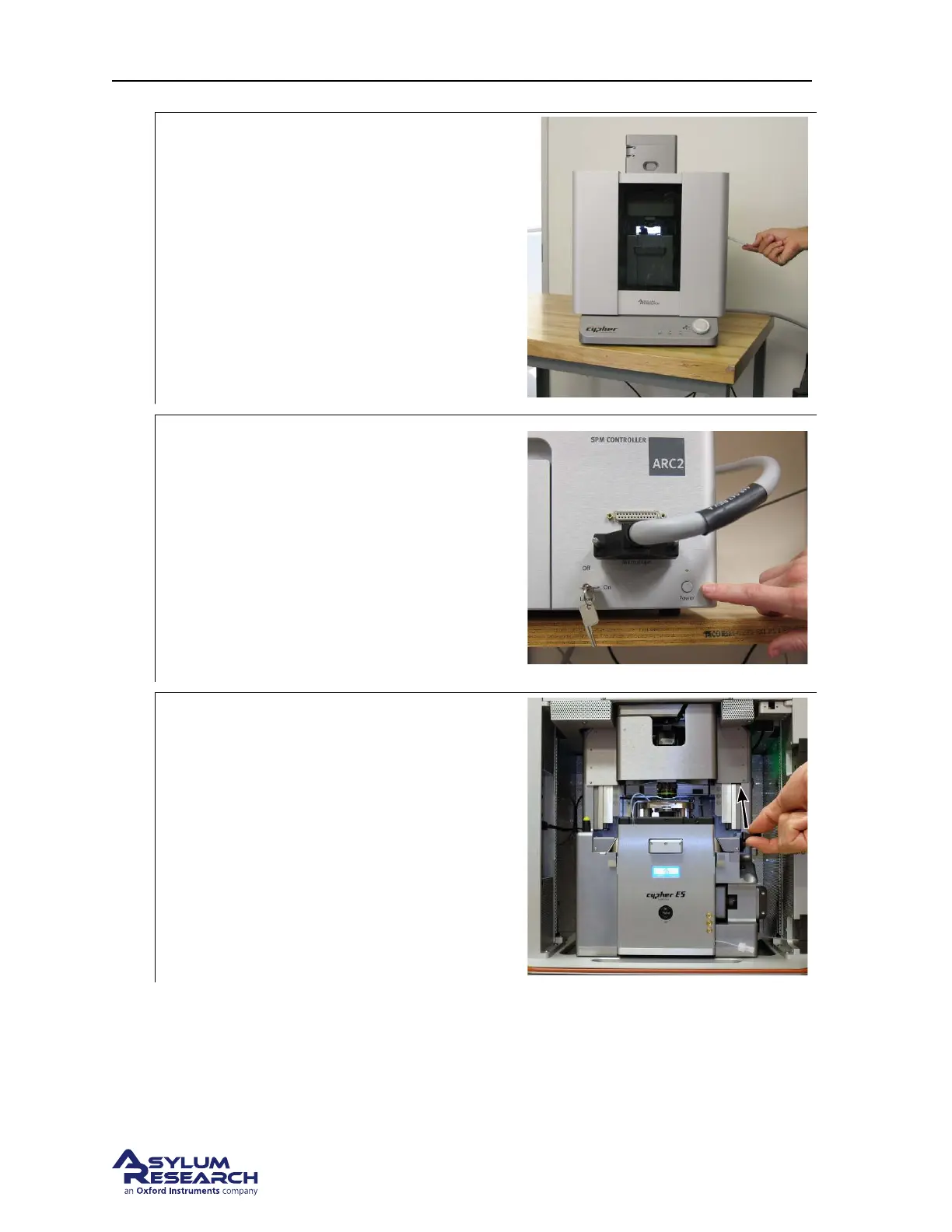
Open the enclosure:
• Lift the door latch and open the
enclosure door.
3.
Power OFF the ARC2:
• Turn the ARC2 off before proceeding.
• Press the button as shown and verify the
green light is OFF.
NOTE: The light behind the display on the
scanner front will not turn off because it’s
powered by a different power supply. It is OK
to unplug the scanner with this power supply
active.
4.
Unlock scanner:
• Lift the lever to the right of the scanner.
BETA
Page 184



 To Next Page