Ch. 4. Tutorial: AC Mode in Air, Std. Scanner Sec. 4.3. Engaging the Surface
4.
Open video window (If necessary):
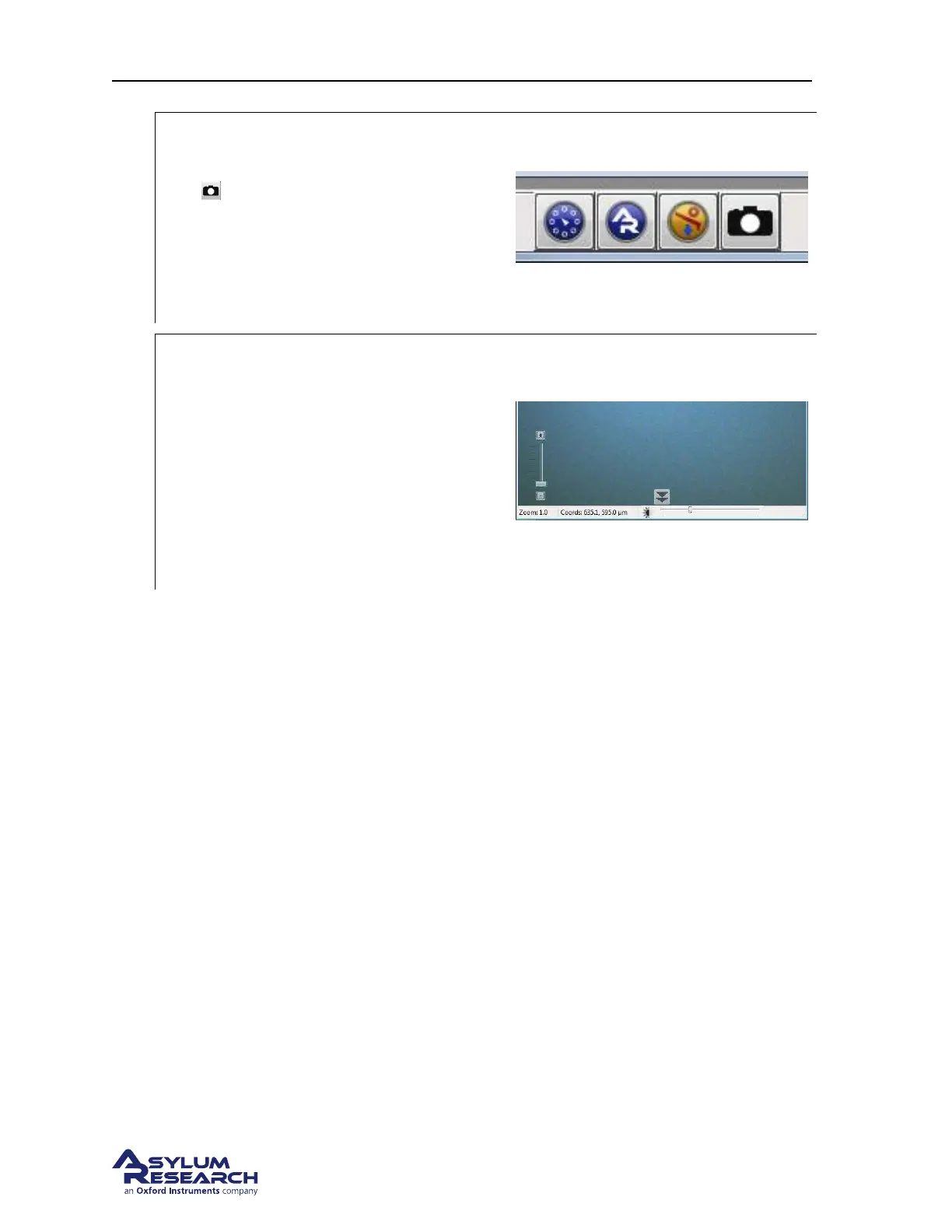
• In the software, click on the camera icon
on the bottom status bar.
• This will open the video window (or
highlight it in case it was already open),
which displays an optical view of the
cantilever and sample.
5.
Setting video zoom and illumination:
• IMPORTANT: Slide the vertical slider
at the lower left corner of the video
window all the way to the bottom.
“Zoom 1.0” will be indicated just below.
• Turn up the illumination by moving the
slider (on the bottom of the video
window) to the right a quarter or third of
its full range.
6. Familiarize yourself with the Approach tab on the Engage Panel as described next in Step 7 on
page 27
. Failure to understand the Approach controls may lead to serious damage to the Cypher.
support.asylumresearch.com Page 27



 To Next Page