Ch. 6. Fluid Imaging in a Droplet Sec. 6.6. Cleaning and Repair
1. Install the Droplet holder into the scanner.
2. Lock the clamp on the scanner to secure the droplet holder.
3.
Activate the tune sweep
• In the AR SPM Software, select the tune
tab of the master panel.
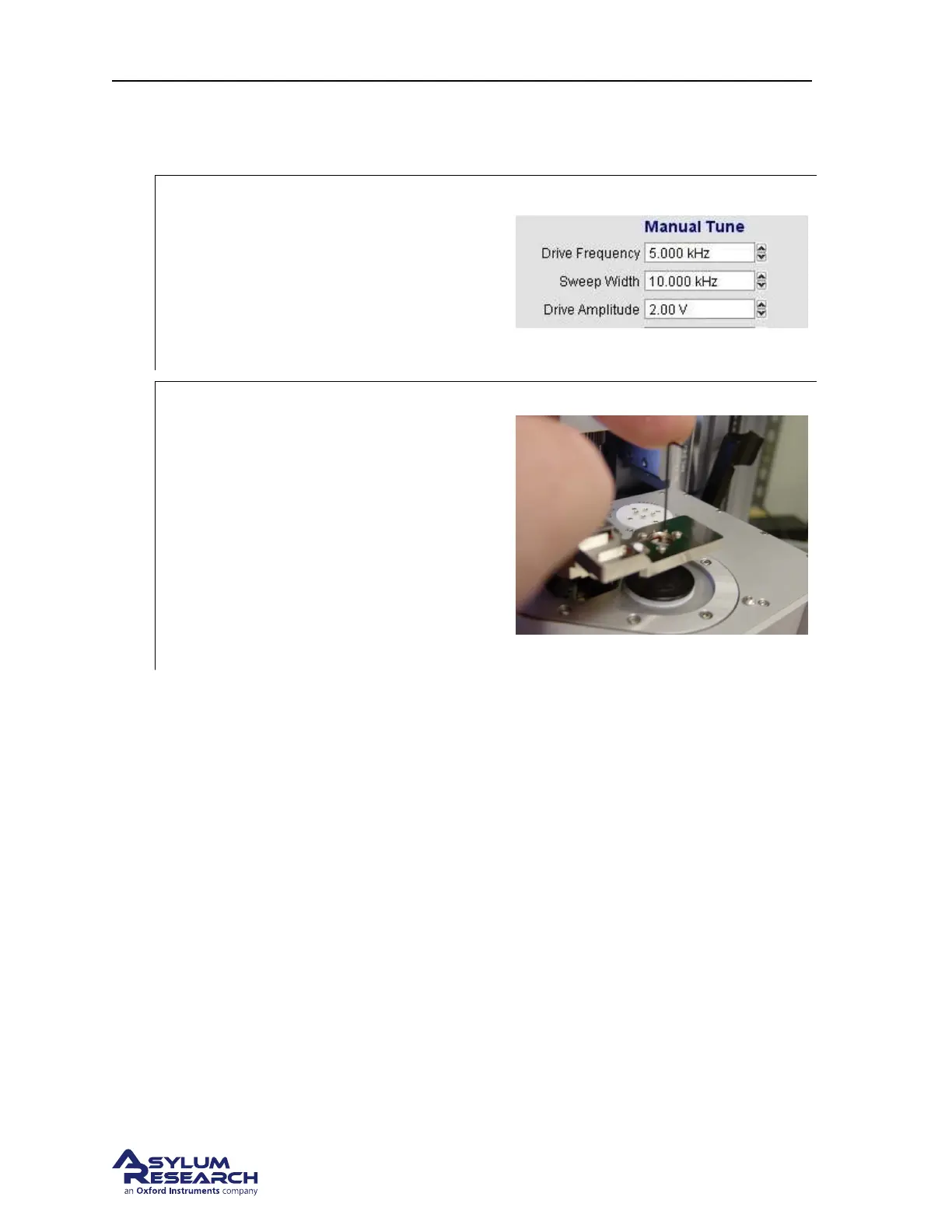
• Under Manual Tune, set the parameters
as shown to the right.
• Hit the ‘Continuous’ (tune) button.
4.
Adjust the piezo compression
Tools 0.028” hex driver or Allen wrench
• Listen for a small chirping sound
coming from the droplet holder.
• Gently tighten the preload setscrew until
the chirping sound becomes abruptly
louder. This is the point where the set
screw has compressed the piezo into the
back of the window assembly. Once this
happens the preload is set.
6.6.4.1. Finishing up
1. Back to the software, under Manual Tune hit the Stop Tune button.
2. Done. Remove the cantilever holder and store it or put in a cantilever and start imaging.
BETA
Page 74



 To Next Page