7. Cues - Page 137
TitanUniversal_Man_v8-0_TT.doc 05 August 2014
Channels will always release with a fade time, this defaults to 2
seconds but you can change it using [Master Release Time] in the
Release menu.
• You can instantly kill a playback by pressing Avo+the swop
button of the playback.
• You can set a mask so that only certain attributes release from
the playback when the playback is killed. This uses the [Release
Mask] option in the Playback Options menu (see section
7.6.1
on page
147). Normally all attributes will remain in the state
last used in the playback – for cues which trigger strobing or
other effects this might not be what you want.
7.2.7 Release mask - releasing individual attributes
You can release individual fixtures or attributes, and remove fixtures
from shapes in playbacks using the release mask. There is a Global
release mask which affects all release operations, or you can set a
Local release mask which affects only the current playback.
Global release mask
If no local release mask is set for the playback, attributes release
according to this mask. The default is for no attributes to release.
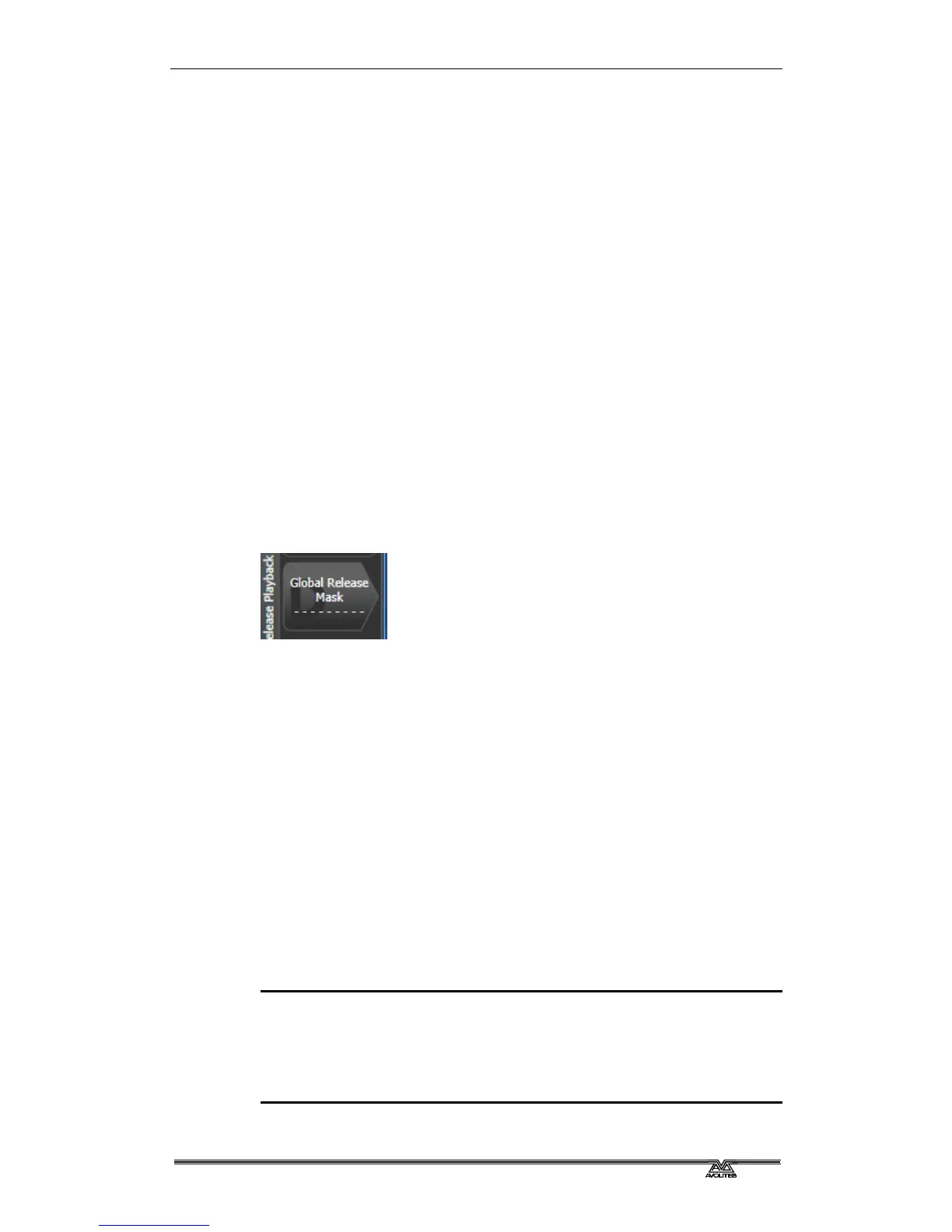
To set the mask, press Release then [Global Release Mask]. The
softkey shows which attributes are enabled.
Local release mask
To set the local release mask for a playback, select [Playback
Options] and press the select button of the playback. Then press
[Release Mask]. If the option is set to [Mask Source Global] then
press the option again to change to [Mask Source Local].
•
7.2.8 Programming the Release / Power On state
You can program the state which fixtures will go to at power on, or
when all playbacks are released. It can be useful to program this as a
general lighting state so that there is some light on the stage when
the console powers up, or when all playbacks are released.
The release state can be programmed in Shared mode or Individual
mode. In Shared mode you just have to set the desired state for one
of each type of fixture, and that state will be used for all fixtures of
that type. In Individual mode, the state of each fixture will be
recorded individually as you have set it.
1> Set up the look you want.
2> Press Record , then Release.
3> Select [Shared values] or [Individual values].
4> Press the [Record] softkey.
5> The Release state is saved.



 To Next Page