6. Shapes and Pixel Mapper effects - Page 115
TitanUniversal_Man_v8-0_TT.doc 05 August 2014
8> Click on [Effect] at the top left to access the global controls.
Drag 'Pre Spool' to the left until it reads 0s. (This is to ensure
the wipe begins off screen where we placed it when it is fired.)
9> Record the cue.
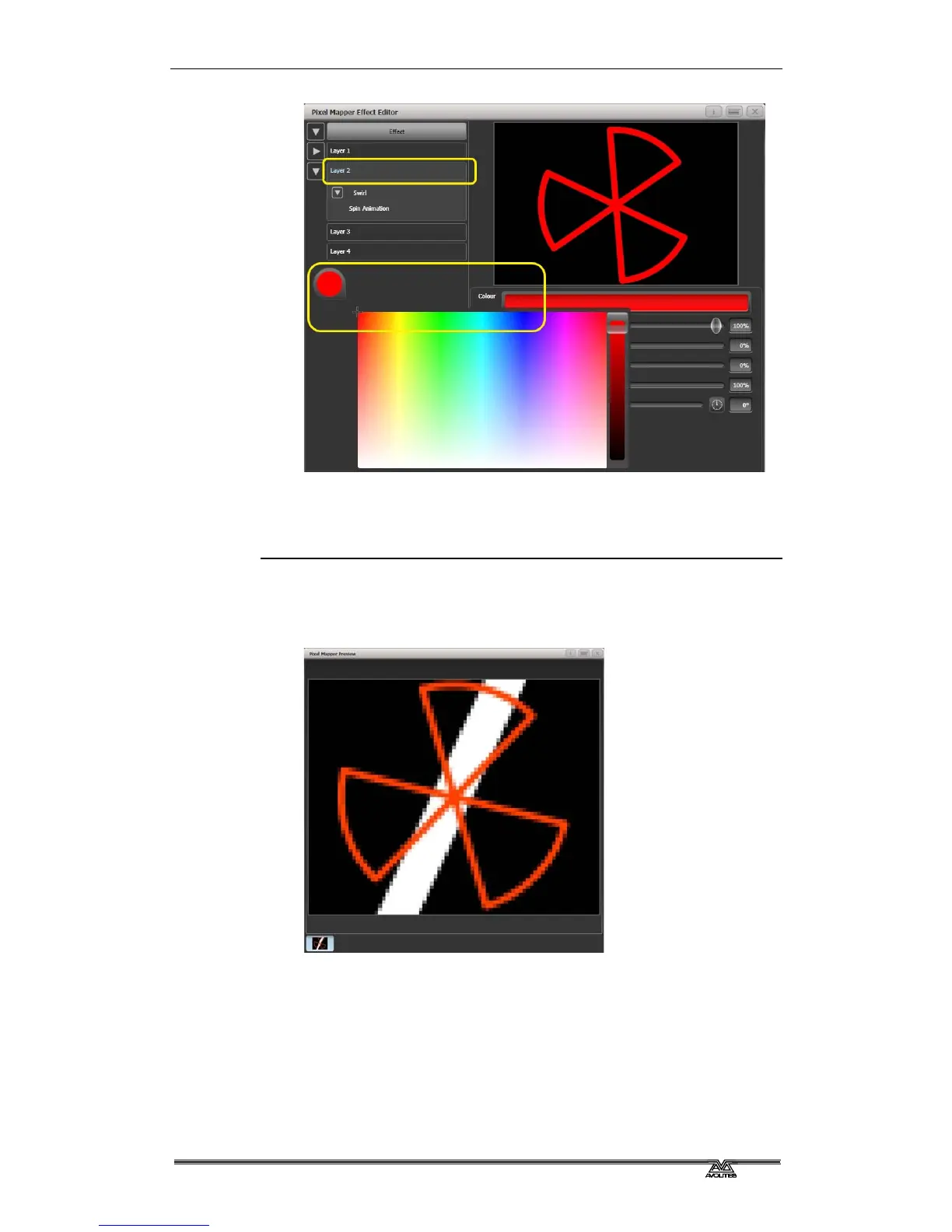
• Note how the red fan sits on top of the white bar when they
interact. This is because the white is on a lower layer. A higher
layer number has priority over a lower number.
6.4.3 Creative use of fixture layouts
Because each fixture group can contain a different layout it is possible
to create more than one arrangement of the same fixtures for pixel
mapping.
By arranging fixtures in certain layouts you can easily achieve
complex effects.



 To Next Page