Page 24 – 2. Setting up and using the console
TitanUniversal_Man_v8-0_TT.doc 05 August 2014
A 3-pin XLR socket for a desk lamp is provided on the rear edge of
the console. Suitable lamps are available from Avolites. The lamps
are 12 volt, wired from pins 1 (negative) and 2 (positive) of the XLR.
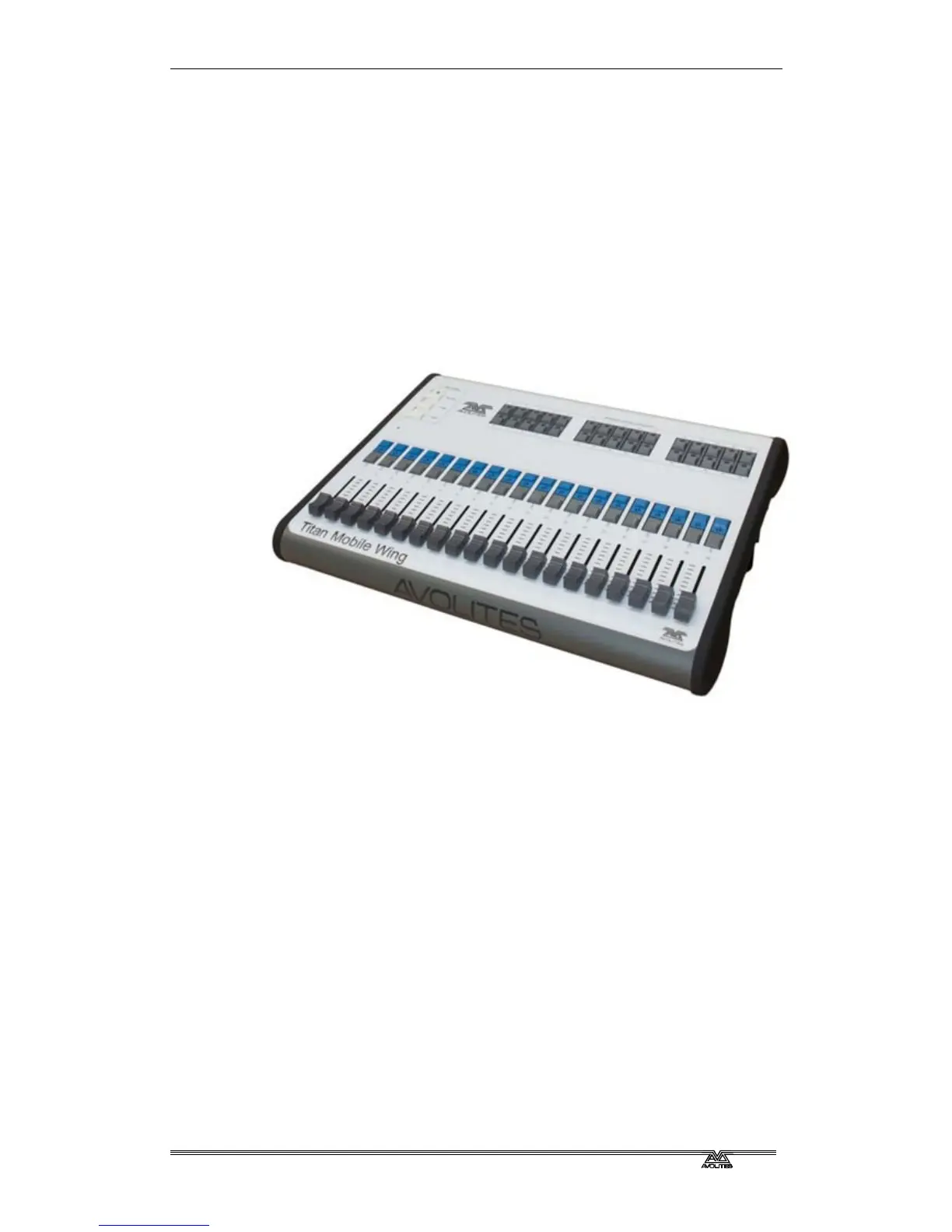
2.2.8 Connecting the Fader Wing
The Fader Wing adds 20 additional playback faders and 30
macro/executor buttons to the main console. It connects by a single
USB cable to the console.
If you want to see the legends and function information for the wing
controls, you can open a Wing View workspace window.
2.3 Using the touch screen and monitor
The heart of the Tiger Touch is its large touch screen.
2.3.1 Workspace windows
The main area of the screen contains the workspace windows. These
contain buttons for selecting fixtures, groups, palettes, playbacks and
so on. Information windows such as Playback View and the integrated
Visualiser application can also appear as a workspace window.



 To Next Page