2. Setting up and using the console - Page 25
TitanUniversal_Man_v8-0_TT.doc 05 August 2014
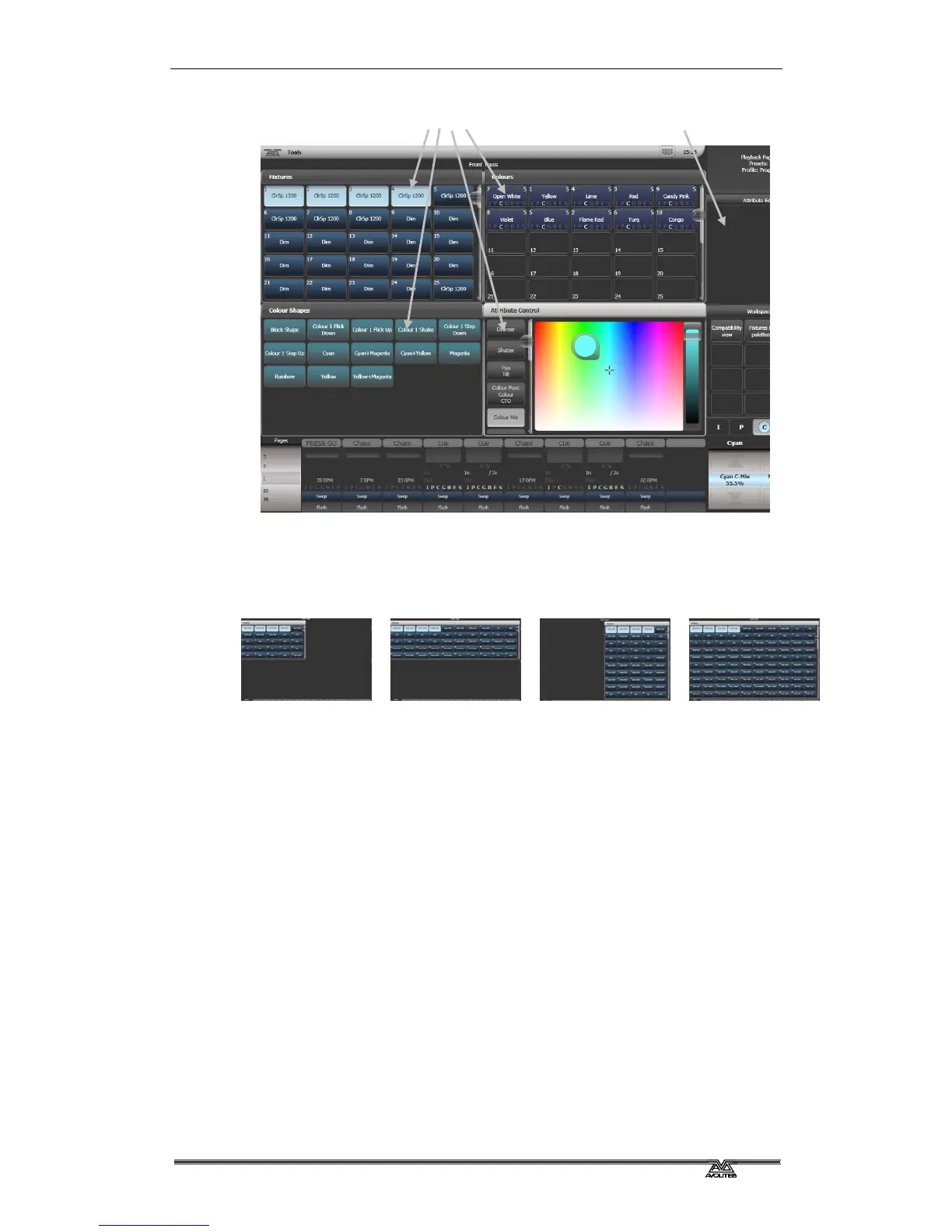
Up to 4 windows can be shown on the screen in a 2x2 grid, but if you
need a larger view, you can make a window twice as big, or maximise
it to take up the whole screen. You can also move windows to an
external screen which can show a further 4 windows. Some possible
window sizes/positions are shown below.
Quarter size
Double wide
Double height
Maximised
Some windows have associated control buttons, these are positioned in
the 'context buttons' area on the top right of the screen.
Selecting and positioning workspace windows
You select which workspace windows you want to see using the
[Open Workspace Window] menu command on the root menu, or by
pressing the Window Selection buttons just to the right of the touch
screen.
4 window positions
Context buttons



 To Next Page