12. User Settings and other options - Page 207
TitanUniversal_Man_v8-0_TT.doc 05 August 2014
If a show is loaded that had fixtures and lines assigned to processing
nodes which are no longer found on the TitanNet network, a screen
will appear listing nodes in use and available nodes, giving you the
option to reassign the lines.
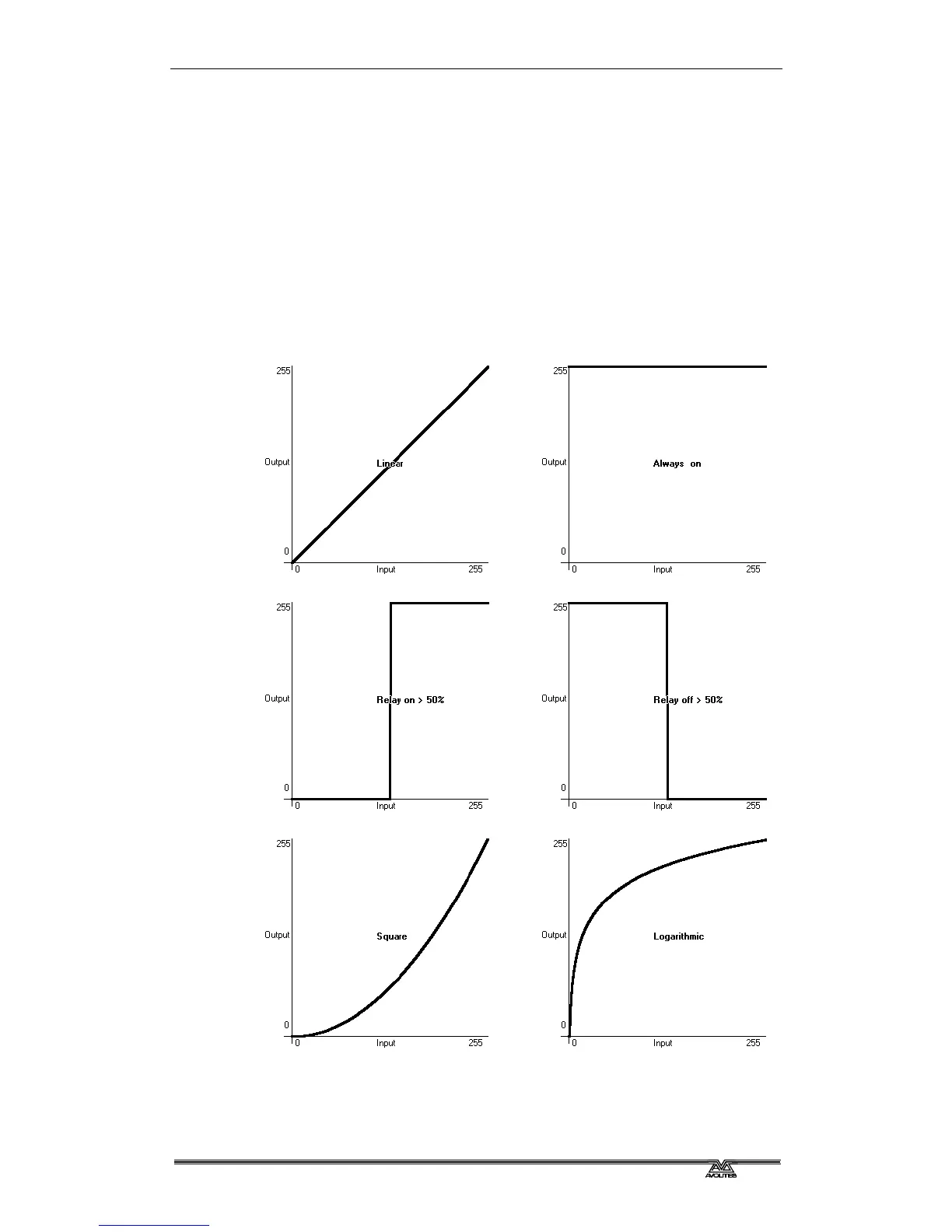
12.5 Curves
The console provides a variety of curves which set how the console
tracks fades in playbacks; either the same speed all the way (linear),
or starting and ending gently but faster in the middle, and various
other options. Curves are set using the [Playback Options] menu (see
section
7.6.3 on page 148).
(also called Relay)



 To Next Page