Page 188 – 10. Running the show
TitanUniversal_Man_v8-0_TT.doc 05 August 2014
4> Selecting a console will place that console into backup mode
and sync the show to it.
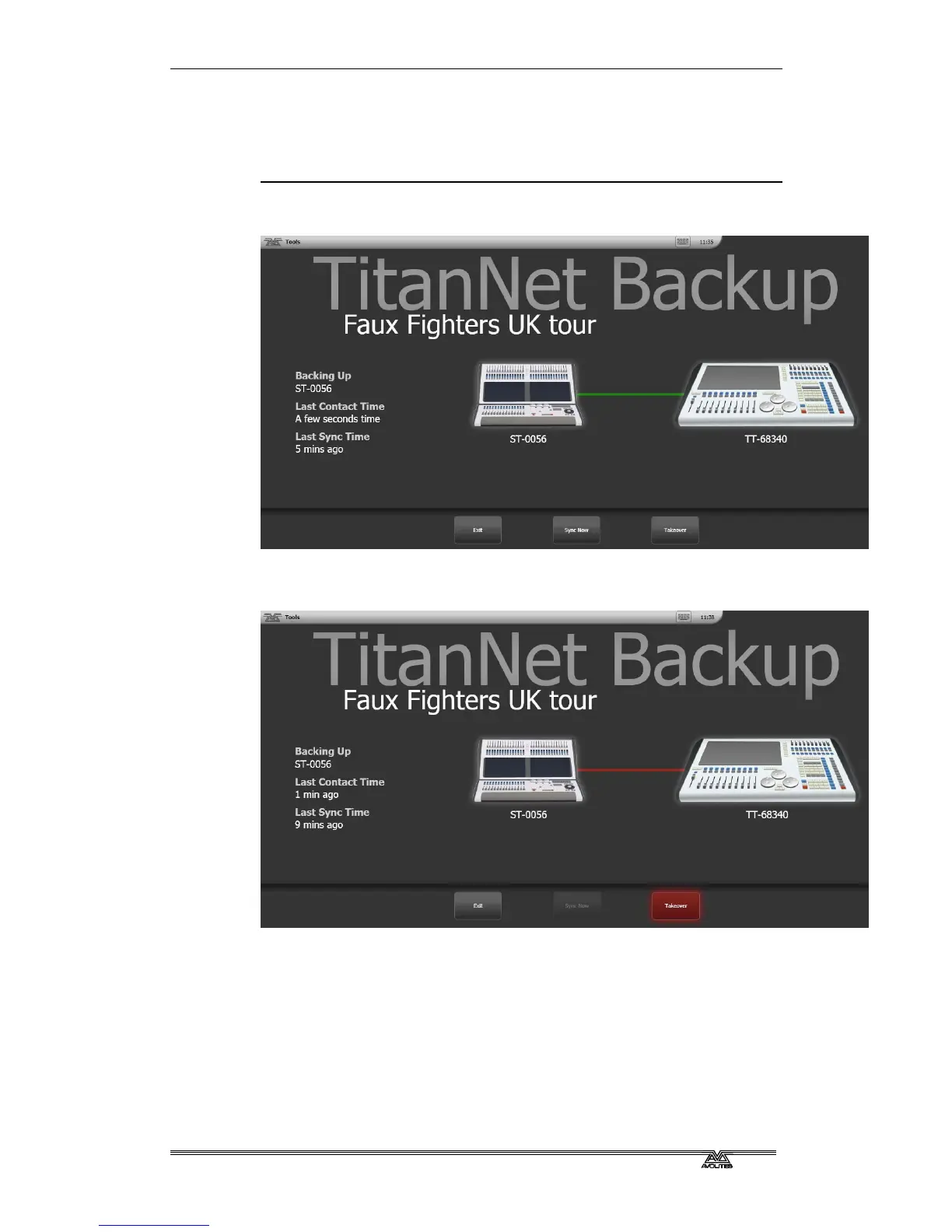
5> The backup console will show a display indicating the backup
status and show name.
In backup mode the backup console screen displays the current
connection and sync status including current show name.
A green line between consoles represents a good connection. If a red
line is shown there is a problem with the network connection. A blue
line will appear during sync operations.
• Shows will automatically sync whenever a show is saved on the
main console (including autosave). You can also choose to sync
at any time by selecting [Sync Now].
• Pressing [Exit] will abort backup.
• [Takeover] will enable control on the backup console and
disable DMX output on the main console. A prompt will appear
on the main console to warn that DMX has been disabled. On
touch consoles touching on this prompt will open the 'Exit Safe
Mode' menu with a softkey option to re-enable output. On the



 To Next Page