Page 50 – 3. Patching
TitanUniversal_Man_v8-0_TT.doc 05 August 2014
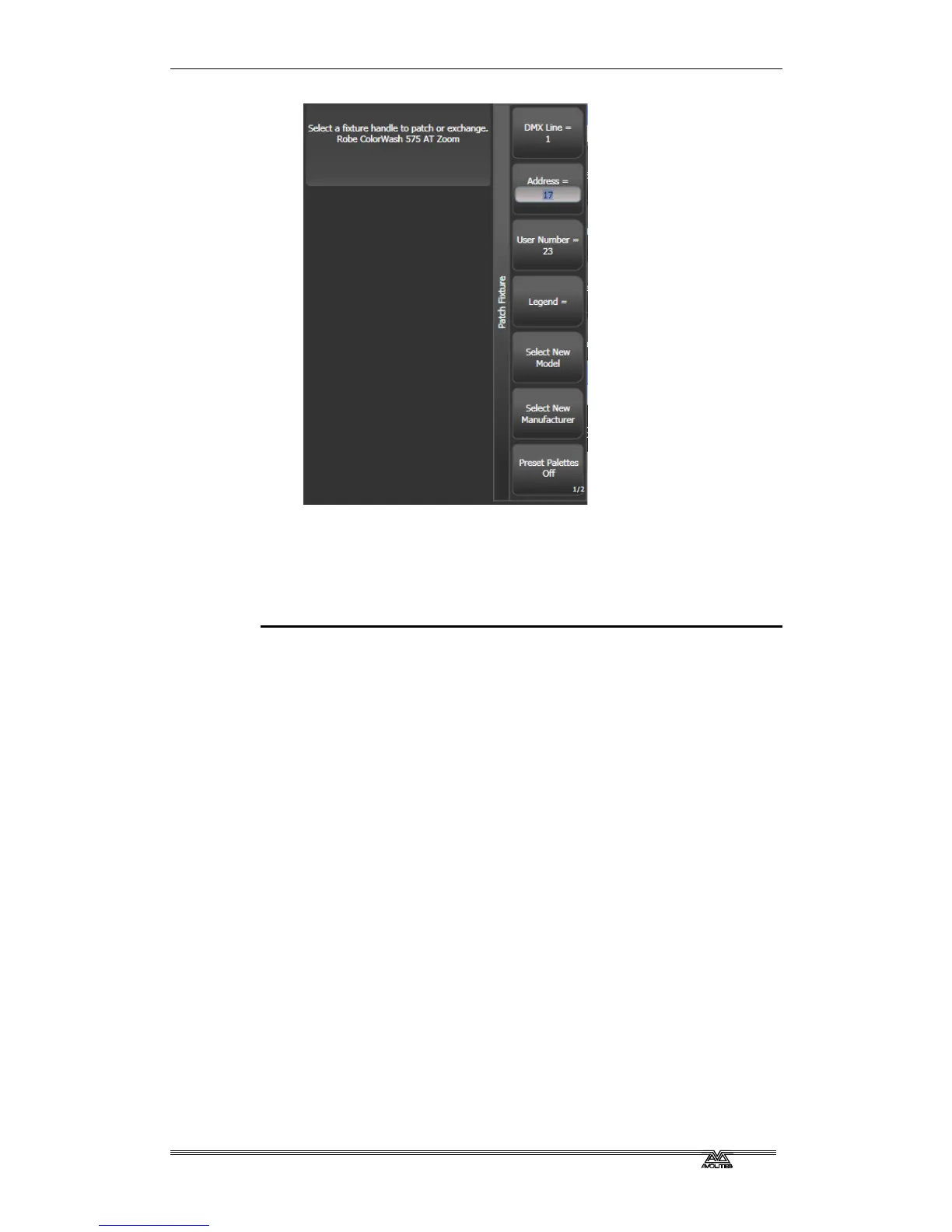
7> Press a Fixture Select button to patch the selected fixture.
8> The onscreen Select button turns dark blue and shows fixture
details when it is patched.
9> Repeat from 7 to patch more of the same fixture type. The DMX
address automatically updates so you can just keep patching by
pressing Select buttons.
• You can patch a number of fixtures in one go using the
[Quantity] button, or by running your finger across the buttons
on the screen, in the same way as for dimmers.
• [Options], [Offset] allows you to leave gaps in the DMX
channels between fixtures when patching multiple fixtures,
which is useful if you are planning a show which may involve
exchanging fixtures. The Offset number is the size of the block
which will be allocated to the fixture, for example if you want to
allow 32 channels for each fixture you would set Offset to 32.
• You cannot patch more than one fixture onto a handle. If the
handle is already used, the patch will fail.
• If you are patching a fixture which uses a separate dimmer
channel, such as a VL5, you can patch the dimmer channel onto
the same handle as the moving light part of the fixture so you
can control it all together. This is called a Pending Dimmer (in
the Patch View window this is indicated with a flash symbol
behind the user number).
• [Options], [Preset Palettes] sets whether the console will create
default colour, gobo and position palettes for the new fixture.
These are created in the Position, Colour and Beam workspace
windows.
• [Options], [AutoGroups] sets whether the console will
automatically create groups from the fixtures you patch. If
Enabled, a group is created for all fixtures of the same type,
and another if you patch a quantity of fixtures.



 To Next Page