4. Controlling dimmers and fixtures - Page 83
TitanUniversal_Man_v8-0_TT.doc 05 August 2014
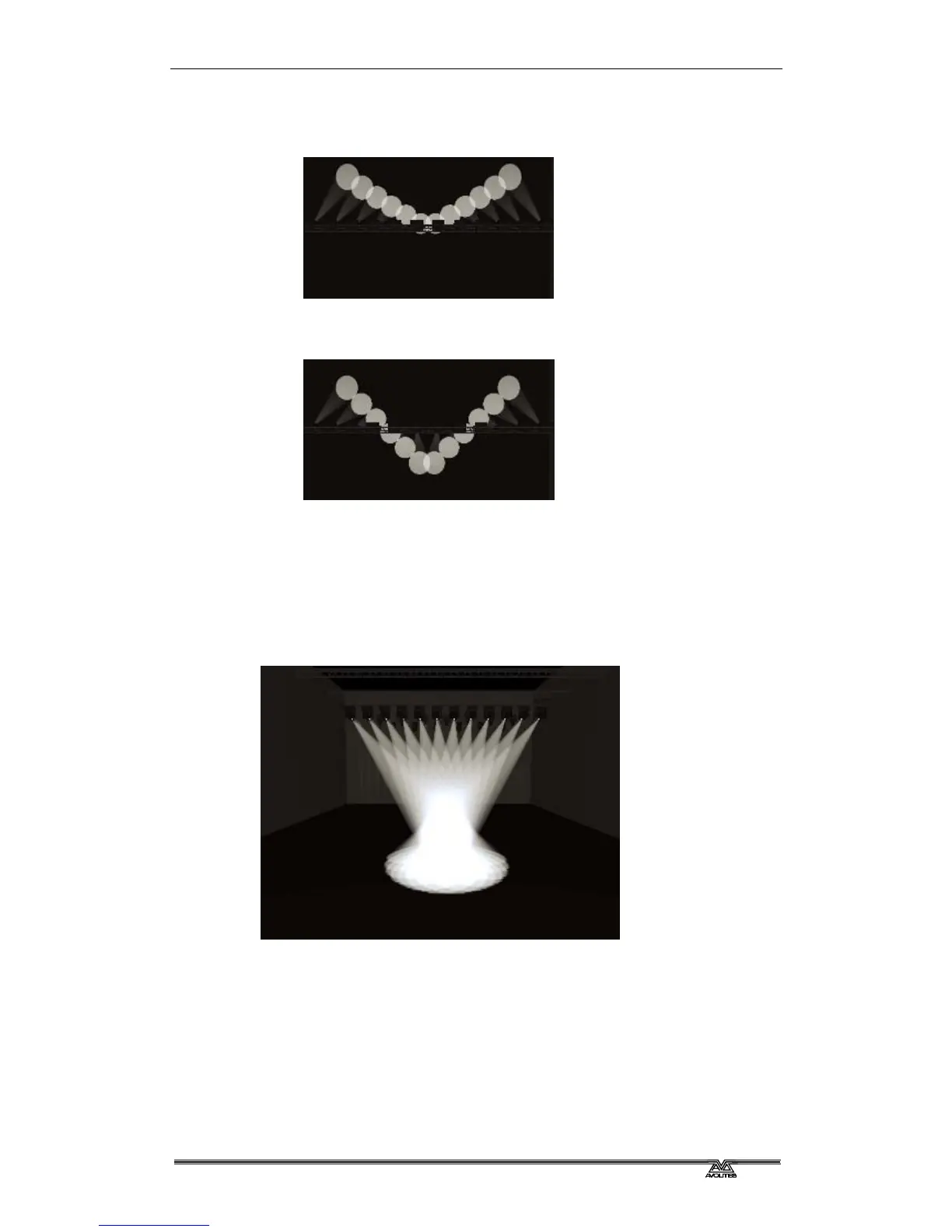
• Pull Ends - The first and last selected fixture are affected most,
the midpoint is unchanged. This is useful for colour mixing, tilt
and dimmer.
• Arrow - The first and last selected fixture are affected equally to
the midpoint fixture but in the opposite direction. This is useful
for colour mixing, tilt and dimmer
.
Fan Parts
When using the Fan function you can split the fan into a number of
groups. Select all the fixtures, hold down Fan and type a number on
the numeric keypad. The Fan will divide into that number of parts, for
example:
Normal (1):



 To Next Page