Description
16 EN 03|2022
3.2 Control
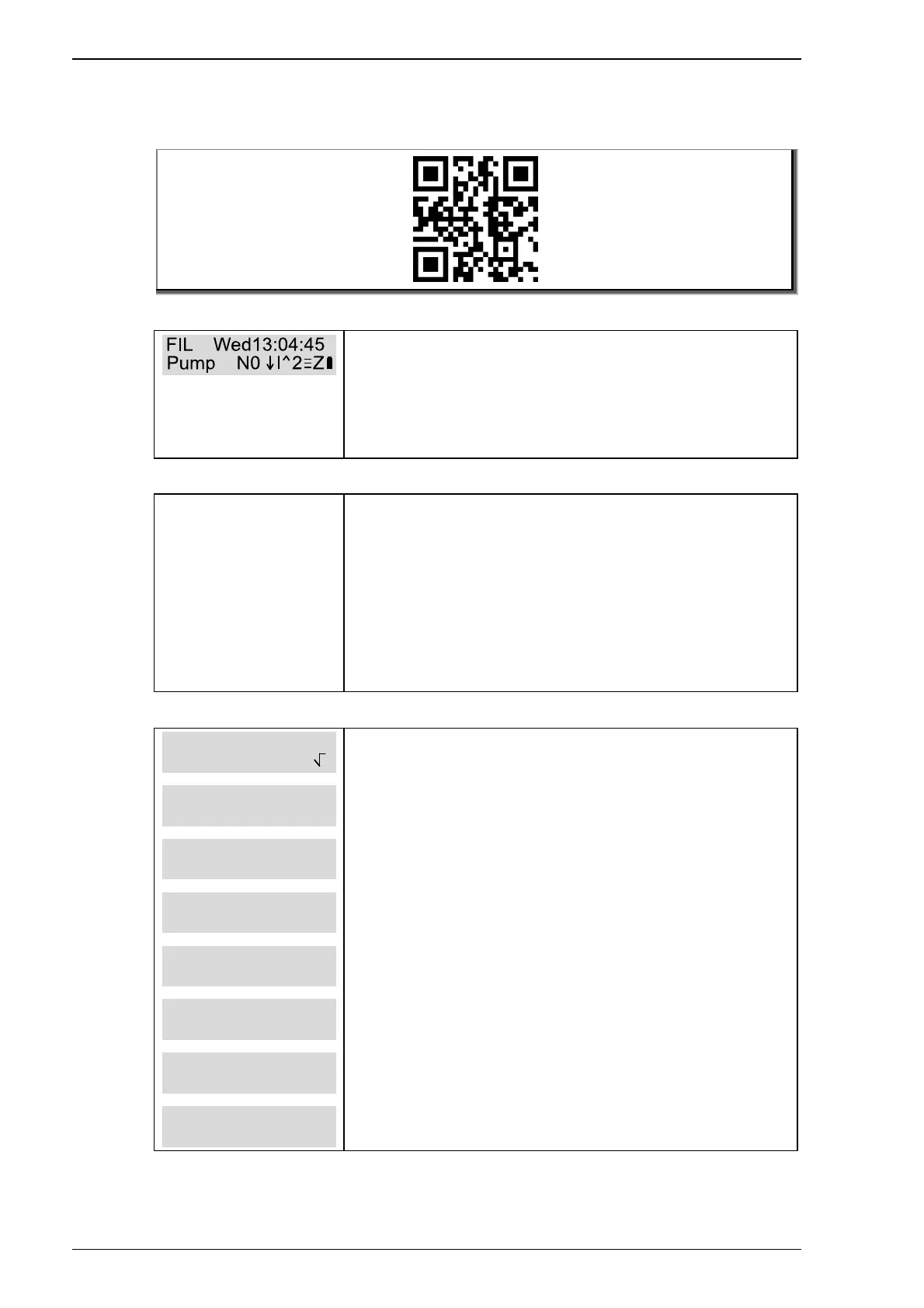
The main operating modes are explained clearly in a video.
Various parameter can be retrieved in the
status menu (the display’s home). The
displays alternate.
The explanations of the individual symbols
can be found in the “Status-Display” chapter.
Overview quick status display
The Overview quick status display shows the
following:
• current speed
• current status of the set functions
• currently available inputs
• currently available outputs
• current functions for the level sensors
Operating mode
Under operating mode, the various operating
modes can be selected manually.
• Interval automatic
• Time controlled automatic
• Manual drain
• Manual circulate
• Manual closed
• Manual filter
• Off
• Winter setting
Interval automatic is the default setting. This
is shown with a tick in the selection menu.


 To Next Page