EasyManua.ls Logo

BADU OmniTronic - User Manual

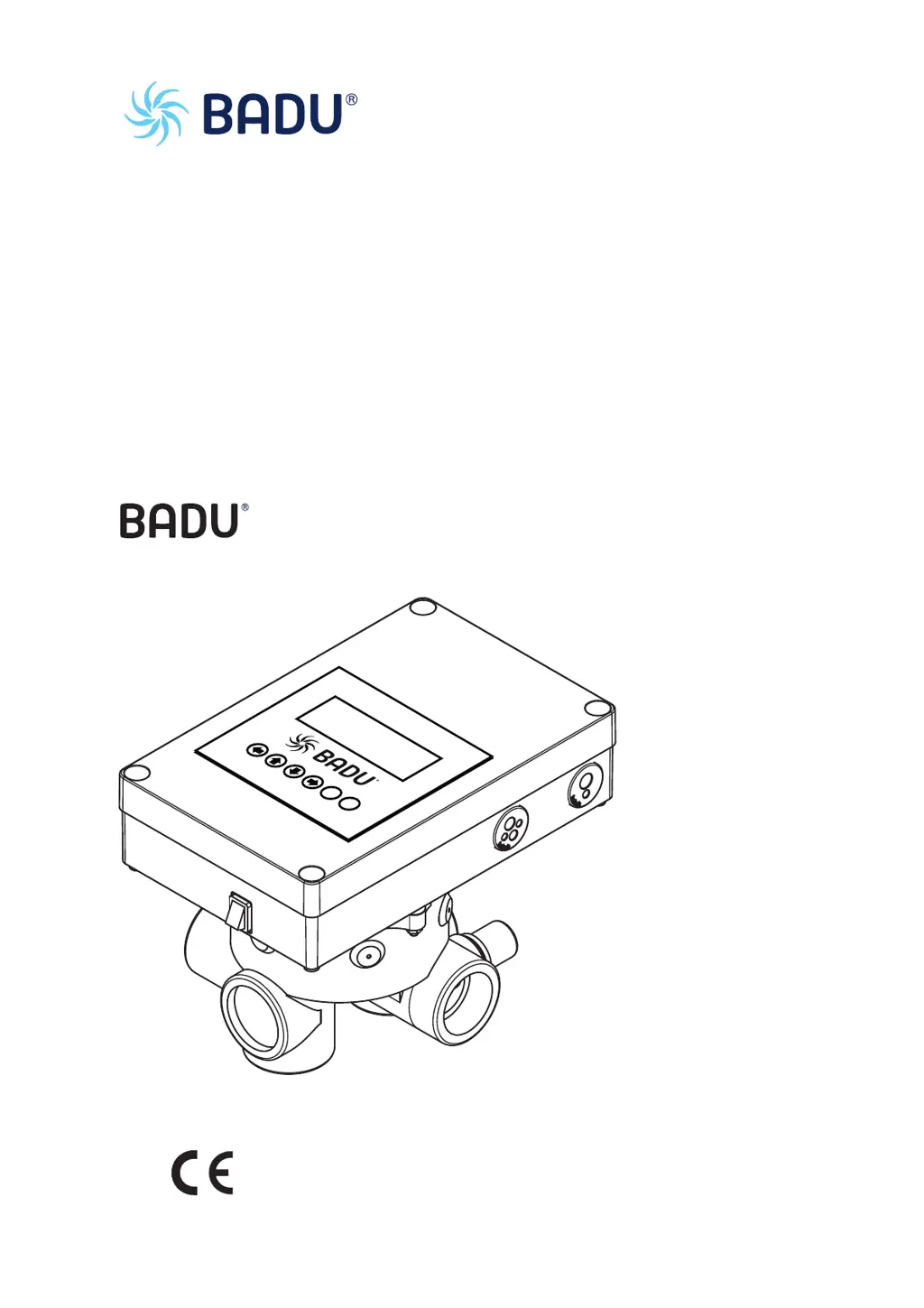
BADU OmniTronic
386 pages
Go to English
Print Icon
To Next Page IconTo Next Page
Loading...
WG26.150.010-P
OmniTronic
DE Originalbetriebsanleitung
EN Translation of original operation manual
FR Traduction du instruction d'utilisation originale
NL Vertaling van de oorspronkelijke gebruikershandleiding
IT Traduzione del manuale d'istruzioni originali
ES Traducción de las instrucciones para el manejo originales
M
e
n
ü
Es
c
Sta
tu
s
RS
O
K

Table of Contents

Questions and Answers

  • T
    Taylor BaileyAug 20, 2025
    What to do if water flows to sewage when BADU Control Unit valve is in filter position?
    • D
      dreyesAug 20, 2025
      If water flows to the sewage when the BADU Control Unit valve is in the FILTER position, it could be due to contamination from small parts or sand, or a loose/worn valve seal. Remove the valve lid to identify and clean the valve, addressing any overload issues. Another cause may be that the cam disc is not set correctly, in this case you should send the complete upper part to the manufacturer. Also, ensure the valve cover with actuating drive wasn't mounted twisted by 180°. If so, undo the screws, turn the whole unit 180°, and tighten the screws, making sure the angular cams of the valve and valve cover match.
  • N
    Nancy BurnettAug 22, 2025
    Why is backwash triggered unintentionally in my BADU OmniTronic?
    • K
      kevintaylorAug 22, 2025
      Unintentional backwash triggering in your BADU Control Unit can be caused by interference on the circuit board. Check the surroundings of the BADU OmniTronic and eliminate any interference on the board or cable. If the backwash is triggered externally, it may be due to devices causing interference near the external contact cables. In this case, avoid laying cables with live wires or use shielded cables.
  • G
    gabriel92Aug 25, 2025
    What to do if pump runs when BADU OmniTronic Control Unit valve insert is transitioning?
    • S
      Sierra LoganAug 25, 2025
      If the pump runs when the valve insert is turning in your BADU Control Unit, it indicates that the pump is not connected correctly. To resolve this, ensure that you connect the pump correctly.
  • M
    Megan ClarkAug 26, 2025
    What to do if BADU Control Unit pump runs after backwash and pool is drained?
    • P
      Patrick EdwardsAug 27, 2025
      If the pump continues to run after the backwash/rinse cycle and the actuator remains in position, causing the pool to drain, with your BADU Control Unit, the relay may be overloaded or stuck. Try tapping the relay lightly with your finger. Another solution is to send the actuator with valve lid to the manufacturer. For VS pumps, ensure they are wired only via the control cable.
  • M
    Mark BurnettAug 28, 2025
    How to fix a leak in pipe to sewer of BADU OmniTronic Control Unit?
    • J
      Justin LawrenceAug 28, 2025
      A leak in the pipe to the sewer (inspection glass on valve) of your BADU Control Unit, may be due to impurities such as sand in the valve or on the seal. Backwash to remove any dirt from the seal. A function run can be achieved by switching on/off at the rocker switch. If problems persist, send the actuator and valve lid to the manufacturer.
  • N
    Nicholas FordAug 30, 2025
    Why is water leaking between valve lid and housing on my BADU OmniTronic?
    • D
      Derek Greene MDAug 30, 2025
      If water leaks between the valve lid and the black lower housing of your BADU Control Unit, it could be due to a leak on the shaft or lid. In this case, replace the complete upper part and send it to the manufacturer. Another cause could be a hairline tear. Check the unit pressure and installation conditions.
  • S
    Shane WrightAug 31, 2025
    What causes a faulty small, blue sprocket on my BADU Control Unit?
    • M
      Megan MoralesAug 31, 2025
      If the small, blue sprocket is faulty, and not picked up on your BADU Control Unit, the valve insert may be overloaded. Send the actuator with valve lid to the manufacturer for inspection. There could also be an electrical connection fault at the pump, check electrical connections using the operation manual. Unfavourable installation conditions may also be the cause, check the installation situation and if necessary integrate a special SPECK non-return valve (240.9102.063).
  • P
    Paul DawsonSep 2, 2025
    Why can't I start backwash/rinse cycle on BADU OmniTronic?
    • S
      Samantha WhiteSep 2, 2025
      If you cannot start the backwash/rinse cycle on your BADU Control Unit via the right-hand key on the display, ensure that you press the right-hand key on the display for more than 3 seconds.
  • K
    kcamposSep 4, 2025
    Why does the BADU Control Unit valve turn when turned on?
    • D
      David CraigSep 4, 2025
      If the valve turns when turned on in your BADU Control Unit, this is not an error. A test cycle is started, and the exact starting position is reached.
  • N
    Nancy ChungSep 6, 2025
    How to fix manual start of backwash/rinse cycle on BADU OmniTronic?
    • C
      Crystal CampbellSep 6, 2025
      If the backwash/rinse cycle cannot be started manually on your BADU Control Unit, the incorrect contact may be connected to the pressure switch. Reconnect the pressure switch, using contacts 2 and 3. (Looking at the pressure switch with the contacts underneath, these are the middle and left contacts.)

Summary

About this Document

Using this manual

Instructions on how to use the manual effectively and safely, including reading before use and keeping it accessible.

Symbols and Means of Representation

Explains safety warnings (DANGER, WARNING, CAUTION) and symbols used in the manual to convey critical information.

Safety

Intended Use

The BADU OmniTronic is an automatic backwash unit for swimming pool filter units. It sets backwash and rinse times.

Safety Regulations and Protective Equipment

Operator responsibilities for regulations and essential protective measures to prevent injury, including avoiding moving parts.

Residual Risks and Hazardous Materials

Identifies risks from rotating parts, electrical energy, and hazardous materials, along with safety protocols for handling them.

Description

Control Positions and Menu Structure

Details the device's operational positions (e.g., Filter, Backwash) and how to navigate its menu system via keypad.

Keypad, Signals, and Displays

Explains keypad functions, audio signals for feedback, and LED display meanings for device status.

Operating Modes Overview

Lists and describes automatic (Interval, Time-controlled) and manual modes (Drain, Circulate, Filter, Off, Winter).

Settings and Functions

Backwash, Rinse, and Filter Settings

Configuration details for backwash, rinse, and filter cycles, including status, interval, duration, and pump speed.

Relay and Sensor Functions

Configuration of relay outputs for various functions (heating, cooling, solar) and sensor level control settings.

General Functions and Options

Settings for frost protection, system options like clock and language, and service information.

Installation

Installation Site Requirements

Site must be dry, clean, and horizontally oriented. Ventilation and drainage are crucial to prevent condensation.

Electrical Connection and Wiring

Critical safety and procedural guidelines for electrical connections by qualified specialists, observing regulations.

Terminal Connections and Diagrams

Detailed terminal connection table and various wiring diagrams for pumps, sensors, and accessories.

Commissioning and Decommissioning

Commissioning Procedures

Steps for switching on the device, ensuring proper connections, and performing functional tests before operation.

Shut-off Valves

Instructions on opening integrated shut-off valves in connection lines before commencing operation.

Faults and Troubleshooting

General Overview and Error Messages

Lists common error messages and provides initial troubleshooting steps for various issues like leaks or cycle failures.

Troubleshooting Specific Issues

Addresses operational faults, water leaks, start-up problems, incorrect motor direction, and component failures.

Maintenance

Maintenance Schedule and Warranty

Guidelines for regular maintenance checks, warranty terms, and service information.

Technical Data

Specifications and Dimensional Drawing

Provides technical specifications, operating voltage, connection values, and dimensional drawings of the unit.

Version Overview

Details firmware and hardware versions and their associated features and improvements.

EC Declaration of Conformity

Conformity and Standards

Declaration of conformity with relevant EU directives (Machinery, EMC, WEEE, RoHS) and harmonized standards.

BADU OmniTronic Specifications

General IconGeneral
BrandBADU
ModelOmniTronic
CategoryControl Unit
LanguageEnglish